Cirklon Sequencer User Manual
Any of the scales can be edited, though edits will only be saved permanently to user scales.
To edit a scale, access the selection list as if to assign the scale, then hold SHIFT as you press
ENTER.
In FTS edit, the step keys are used to toggle each note of the chromatic scale in the FTS scale.
Note that the root note cannot be disabled.
FTS has a number of uses:
Making sure all notes played are in key while making live pattern edits
Changing the FTS root or scale while playing for instant key changes
Editing the notes in the FTS scale in real-time as a performance tool
What FTS Does
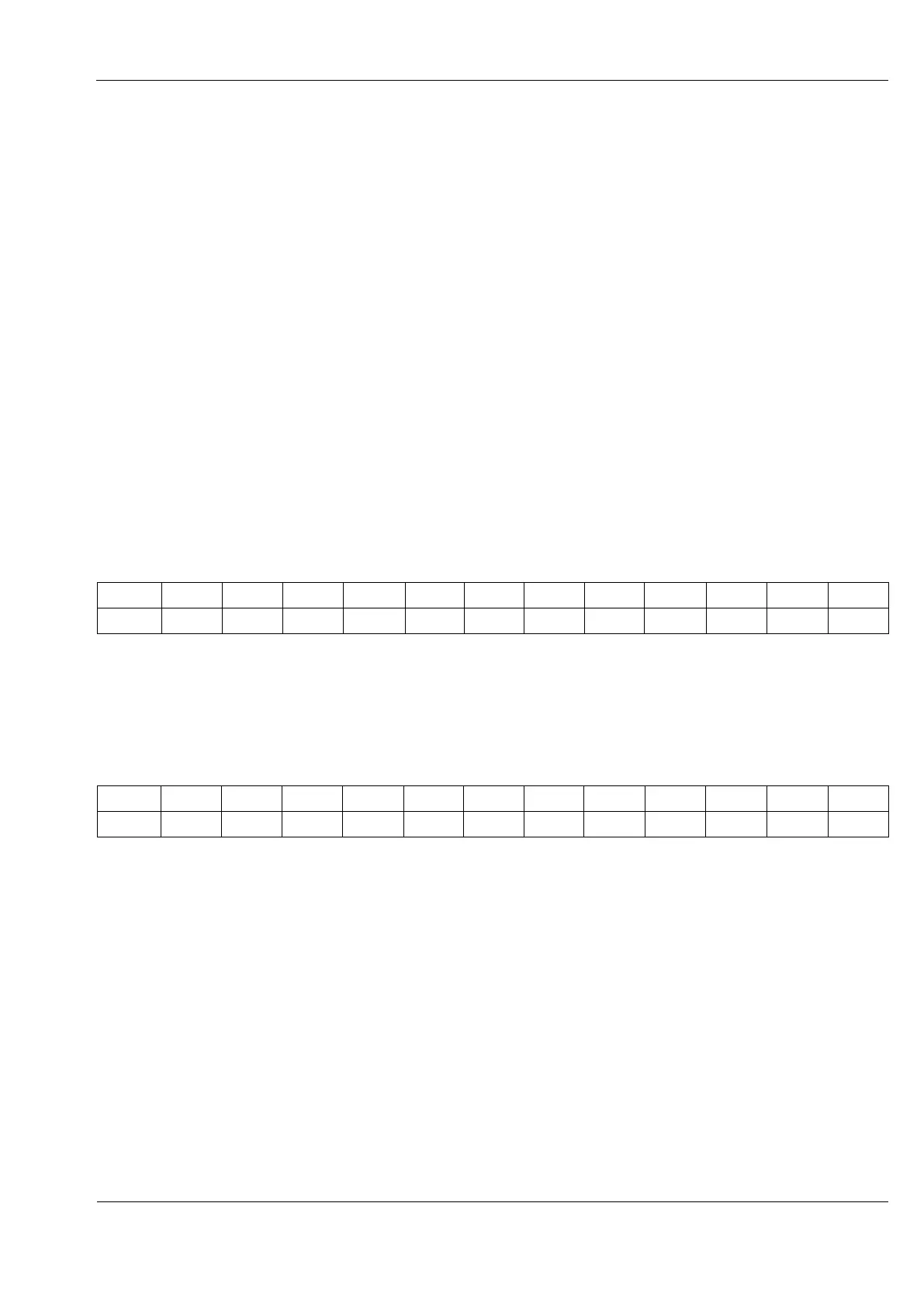
To explain the effect of FTS, let’s say you have a pattern with 12 notes in a rising chromatic
scale:
With FTS set to a root note of C and the Major scale, the notes in the pattern above which are
not in the key of C Major will be moved to the nearest notes which are.
The actual notes played would therefore be:
Note that the pattern itself is not changed – the notes are corrected dynamically as the
pattern plays.
This may be a problem for certain instruments, such as drums, where the you don’t want the
wrong sounds to be played. The option “No FTS” in the instrument definition allows you to
disable force-to-scale for any such instrument.
You can also disable FTS on any step of a P3 pattern, by using the transpose defeat, or X, flag.



 To Next Page