Cirklon Sequencer User Manual
The relative position of the copied notes to the first step of the area that was copied
determines where the notes will be positioned when they are INSERTed.
Copying by Bar or Ganged Selection
You may also use the COPY function to copy all the notes in the current visible bar, or all the
ganged notes in a pattern.
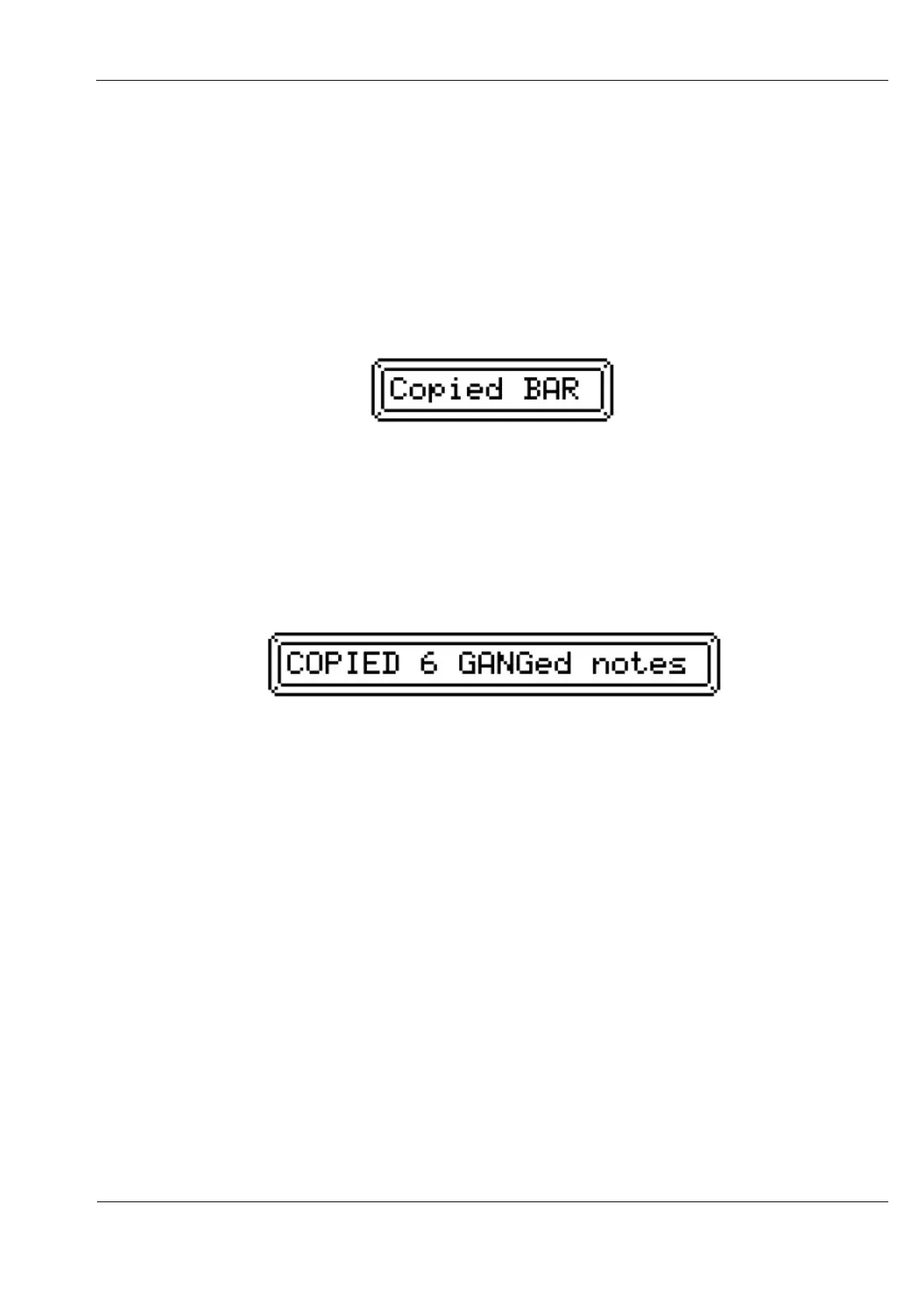
To copy all the notes in a bar, press the COPY key followed by the BAR encoder.
This popup message should appear:
In this case, the note positions are copied relative to the start of the bar.
When notes have been selected using the gang function, you may copy only the ganged
notes.
To do this, while gang is active, press the COPY key, then the GANG key.
A popup message should appear similar to this:
The gang function will remain active.
The position for ganged notes copied to the clipboard will be relative to the step position of
the earliest note in the ganged selection.
When you INSERT a clip copied from ganged notes, any current ganged selection will be
cleared, and the newly inserted notes will appear in the ganged state.
Delete (Cut) Notes
It is possible to copy notes to the clipboard and remove them from the pattern in one
operation, using the DELETE function.
Select the range of notes to delete as for the COPY function – press the DELETE key to start,
then select the start and end step, or press BAR to delete all notes in the current view bar, or
GANG to delete all currently ganged notes.
When selection is complete, the notes will be copied to the clipboard and removed from the
pattern.



 To Next Page