Cirklon Sequencer User Manual
14. Loading and Saving Data
Cirklon has a number of options to load and save song data, instrument definitions and
configuration information on internal flash memory or a standard FAT format SD-card in the
rear panel slot.
It is also possible to backup and restore a complete image of the internal RAM to a .SYX file,
or send/receive it via MIDI sysex transfer.
The single-file backup process is faster, but much less flexible than individual save/load.
The file formats for individual objects (songs, instruments) are based on the JSON data
interchange format - a plain-text, human readable format. Details of the schema for these files
will be released in a separate document.
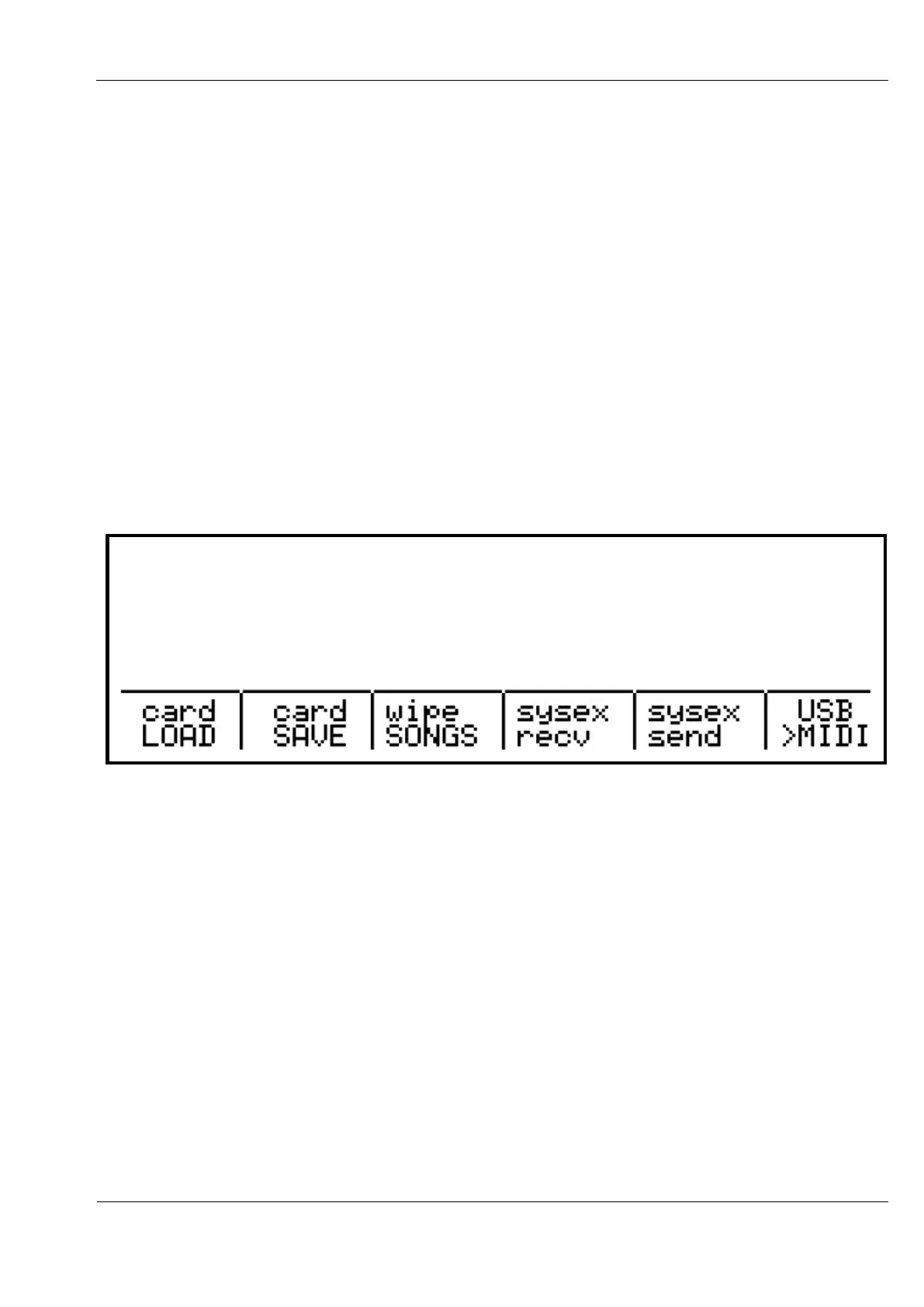
The various data management options can be found on the play mode menu, under the
“Card/Sysex” sub-menu. From the SONG, SCENE or TRACK pages, press MENU, then
encoder 10. This display should appear:
Wipe Songs
The “wipe songs” option is not a load/save function as such. It allows you to quickly remove
all SONG data from memory, while leaving all instrument definitions and configuration
settings in place.
Obviously you should be careful to ensure that you have saved any important song data
before using this option. A confirmation screen will appear, and you must simultaneously
press encoders 6 and 8 together to proceed with the removal of all song data.



 To Next Page