Cirklon Sequencer User Manual
The “accidentals” option allows you to choose whether note names are shown as sharps or
flats. This is a song-level setting.
The “set date & time” option allows you to adjust the internal real-time clock, used by Cirklon
for time-stamping files saved to SD-card.
User Configuration
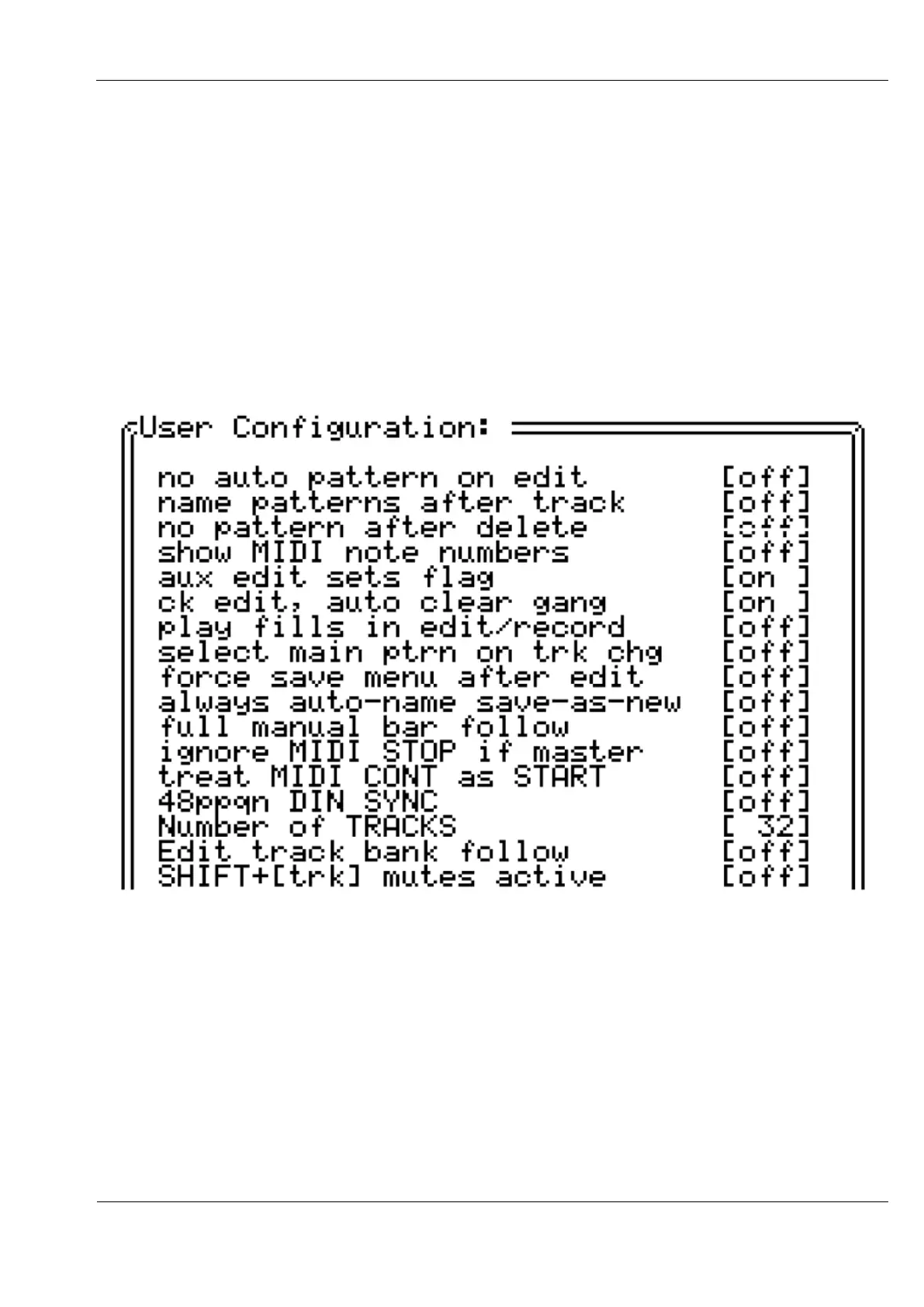
The “user config” option gives access to a number of preference options:
Scroll down the list using the VALUE encoder, and press it to toggle each setting.
The list extends off the bottom of the display, but is shown here in full.
The effect of each setting is as follows:
no auto pattern on edit - P3 patterns are not created automatically when you attempt to
edit the pattern on a track with no pattern assigned.
name patterns after track - by default, patterns are named “pattern nn”, or “cirklon nn”,
where nn is an auto-generated number. With this option enabled, the name of the track is



 To Next Page