Cirklon Sequencer User Manual
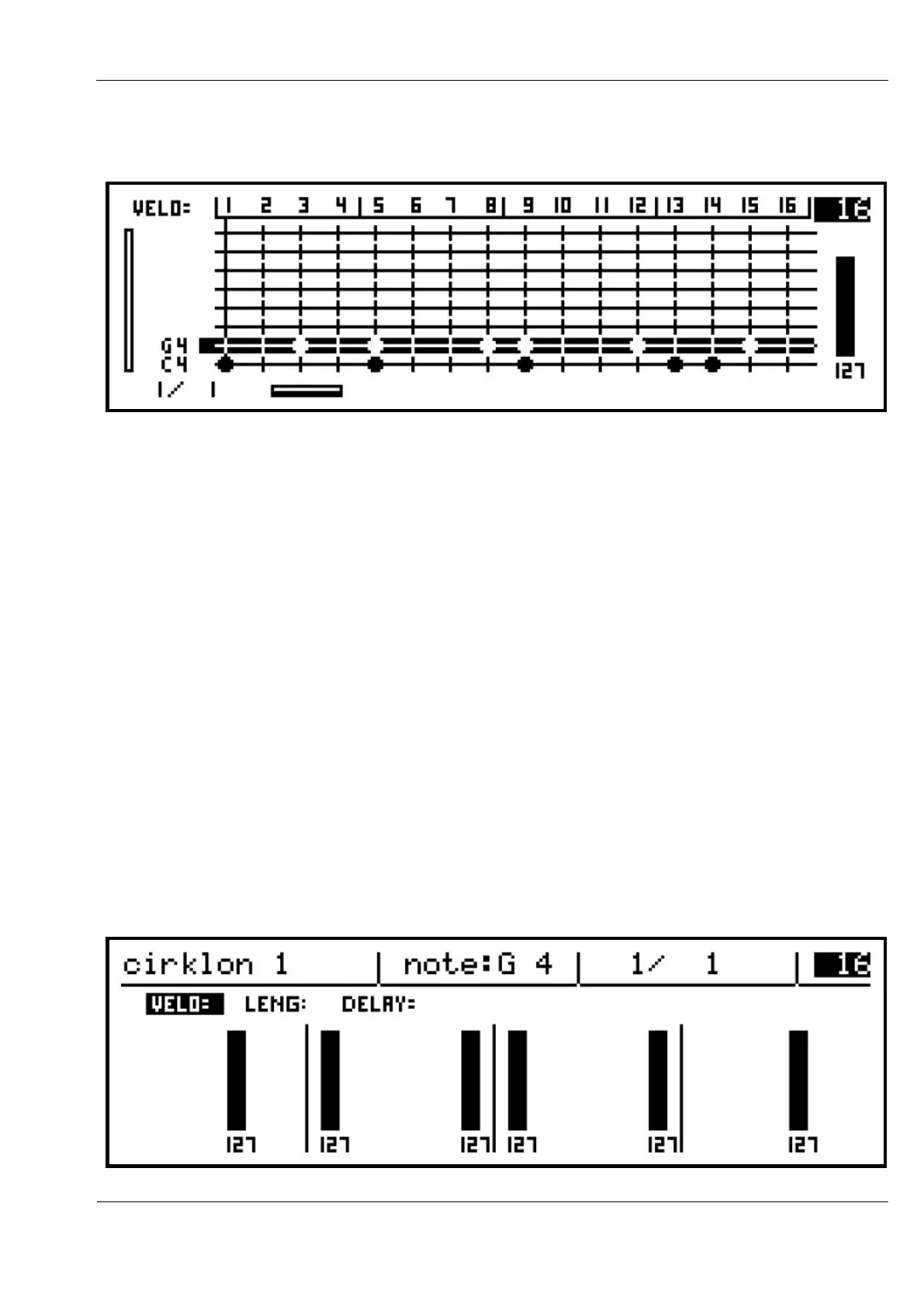
You can now use the step keys to enter note G 4 into the pattern:
Turn the ROW encoder to move the selection between the two rows. The step key LEDs will
show the status of notes for the current row, while the keys toggle those notes on and off
(active or muted).
An important point to note is that, once a note event has been added on a step, turning that
step off does not remove the note from the pattern, it simply “mutes” the note so that it does
not play. This is so that the velocity value set for the step is not lost if you experiment with
turning the steps of a pattern off and on.
Row View
To view the velocity values for the current note row, you must switch to the row view.
You can switch manually by pressing the ROW encoder, but the view will switch
automatically if you adjust any of the velocity values using the step encoders, since the
velocity value is not directly visible in the grid view.
Turn one of the step encoders while on the G 4 row, and you should see a display something
like this:



 To Next Page