Cirklon Sequencer User Manual
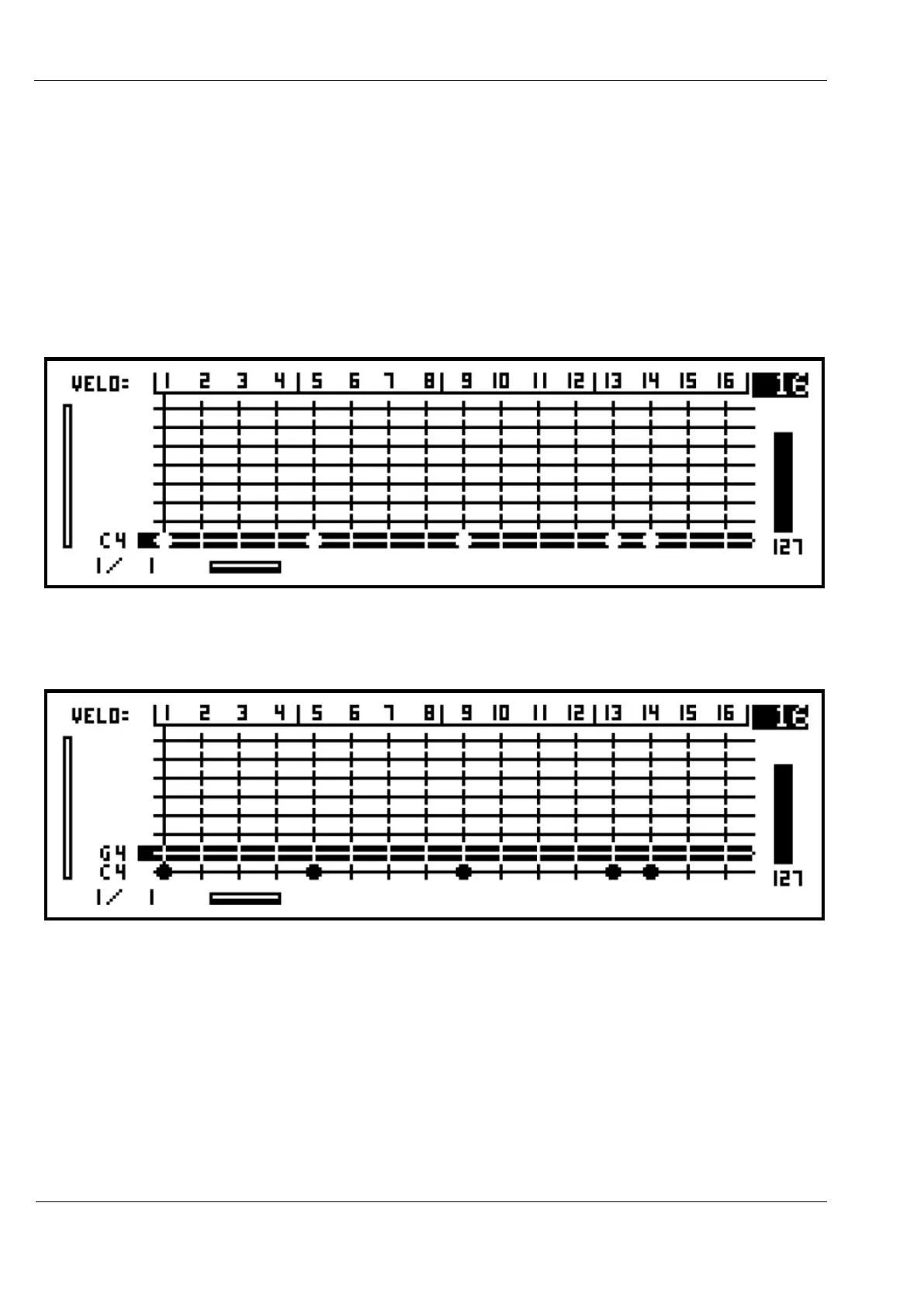
Now you can enter note C 4 at any of the 16 step positions in the bar by pressing the step
keys. Since note events need a velocity value, for newly added notes the velocity is taken
from the current position of front panel knob A.
You can see in advance what this value will be from the indicator on the far right of the screen
– as shown here knob A is set to give a velocity of 63.
Press some of the step keys now, and you will see the step LEDs light for each step where a
note is added, and a blob appears in the corresponding position in the display:
Now let’s add the row for another note, using the MENU, “add/edit rows” option as before.
This time, select note “G 4”.
After adding the new row, you will see the label for “G 4” appear above the first note, and the
selection highlight moves to the new row.



 To Next Page