Cirklon Sequencer User Manual
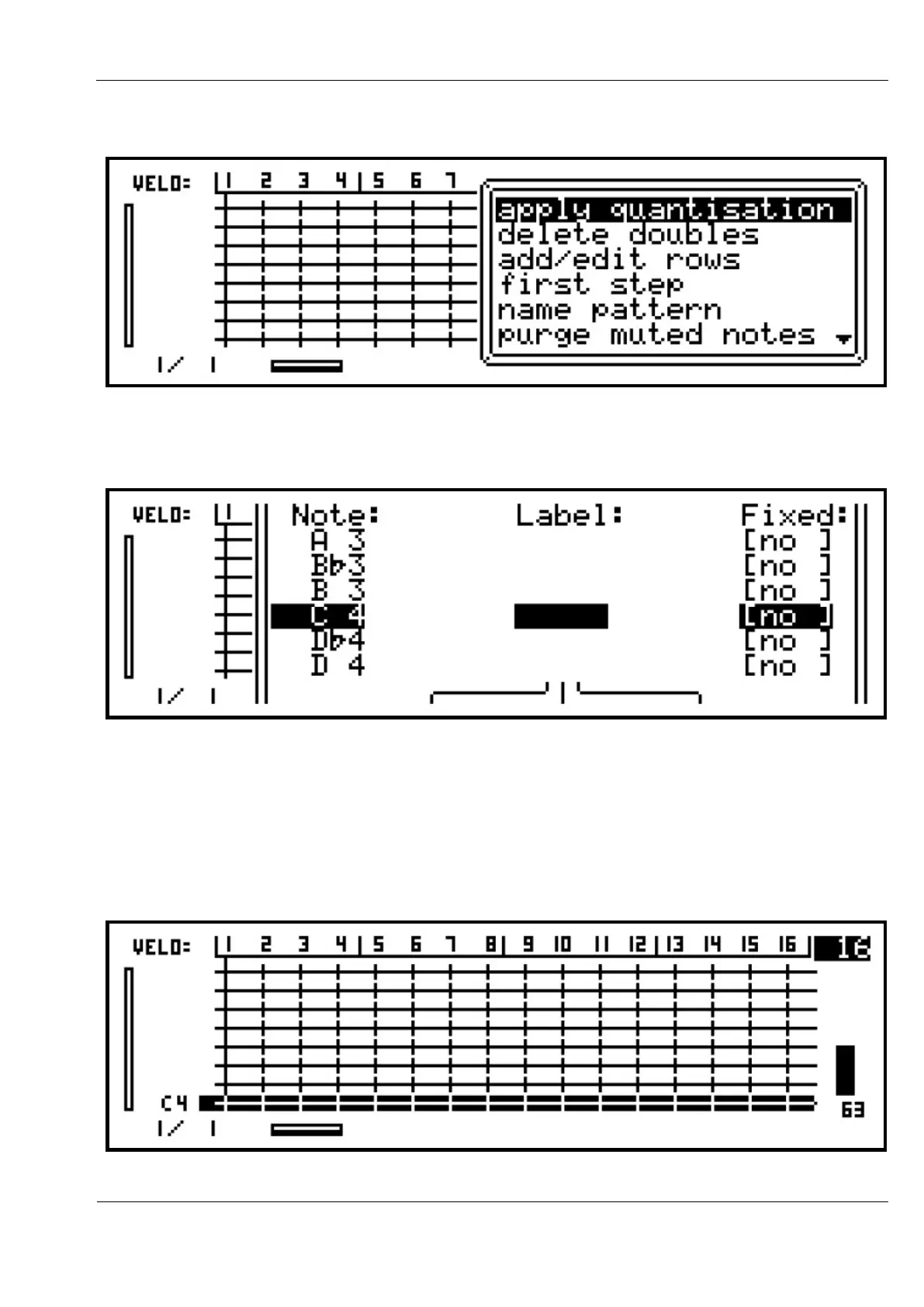
Press the MENU key, and this list of options will appear:
Use the VALUE encoder to scroll down to “add/edit rows”, and press to select this option.
A list will appear with three columns for Note, Label and Fixed:
The VALUE encoder is used to scroll the selection up and down this list. Encoders below the
display can be used to edit the settings for each note row. The purpose of the Label and Fixed
values will be explained later. For now, just press ENTER to add the default note C 4.
You will return to the grid view, with the bottom row of the grid now labelled, “C 4”.
This row of the grid is also highlighted, to show it is the current row for editing:



 To Next Page