Cirklon Sequencer User Manual
This could be done by setting later steps to skip, but a simpler method is to the use the bar’s
last step value.
To set the last step, hold down the LAST key. While LAST is held, all the step LEDs will go
off, except for the LED in the step which is currently set as last step.
Press any step key to set that as last step.
A useful tip here is that the LAST key is double-click-sticky.
For one-handed operation, you can press the LAST key twice in rapid succession.
The LED will lock on, allowing you to select a new last step in the pattern without having to
hold both keys at once.
Bar Length
A P3 pattern can be up to sixteen bars in length – a maximum of 256 steps.
To adjust the bar length of a pattern, hold the LAST key as you turn the BAR encoder.
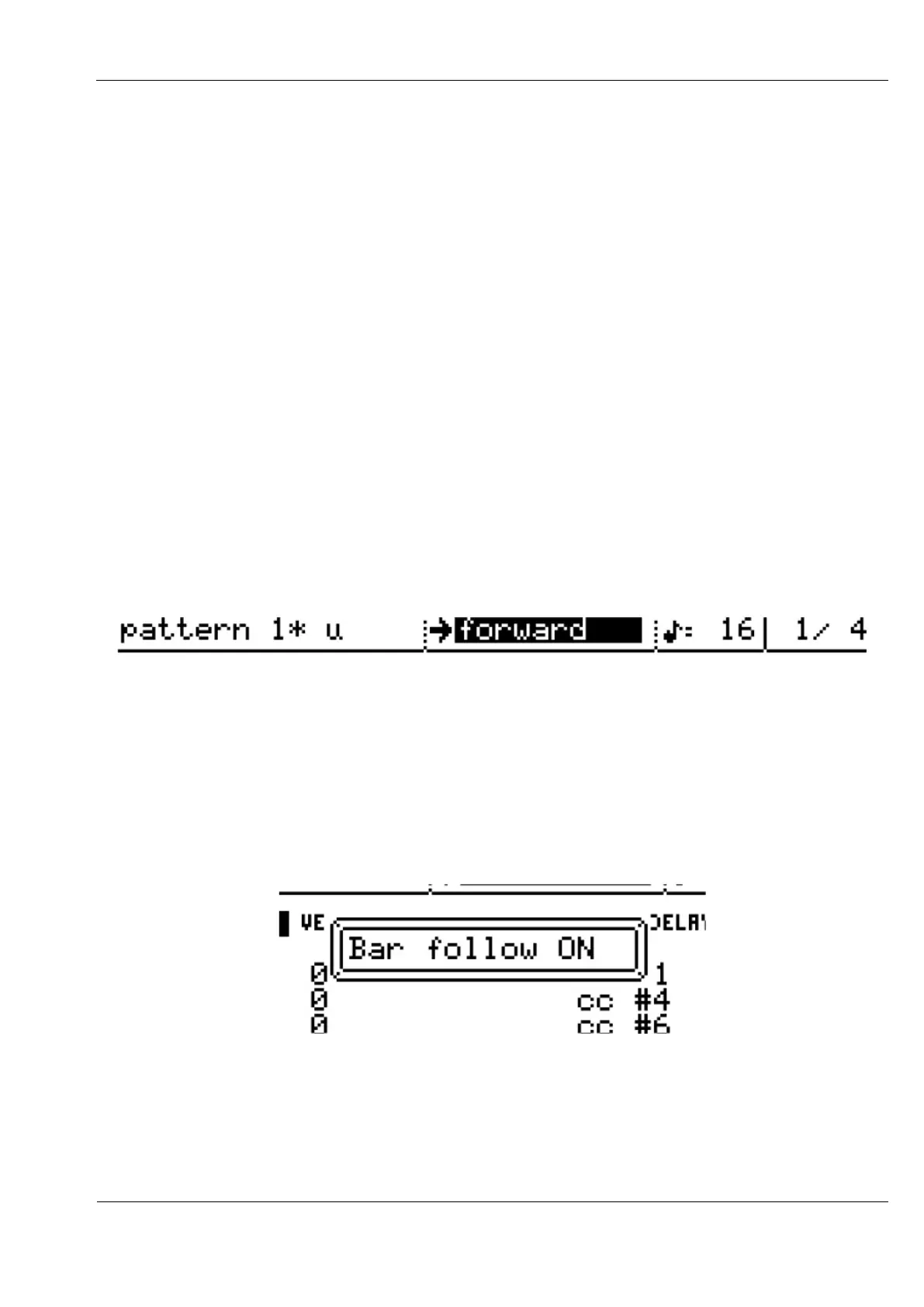
New bars will be added to the end of the pattern, and the new length of the pattern in bars
will be updated in the top left of the display:
To select one of the new bars for editing turn the BAR encoder.
You can set pattern edit to automatically follow the current bar in the pattern as it plays using
the bar follow option.
To activate bar follow, press and hold the BAR encoder, turn it one step in either direction,
then release it.
A message box should briefly appear in the display to confirm that bar follow is active:
The BAR encoder LED will also turn red.
You can use the same gesture (press, hold & turn BAR) to deactivate it again.
Bar follow will be deactivated automatically if you turn any of the step encoders.



 To Next Page