Cirklon Sequencer User Manual
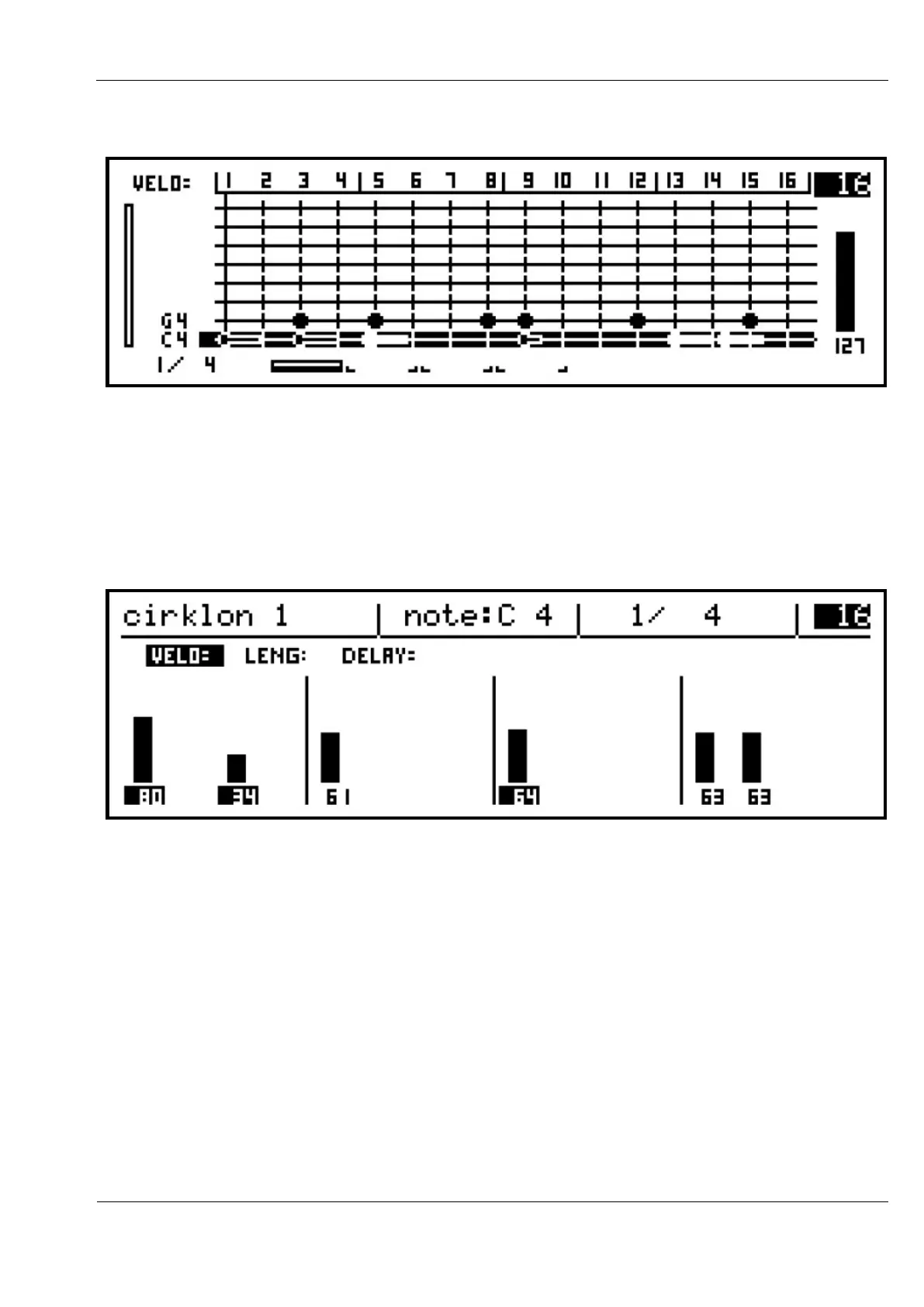
The blobs on the display showing the newly ganged notes will become hollow:
If you now turn one of the encoders for any of the ganged notes to alter its velocity value, the
display will switch to row view as normal, but you will see the velocity value for all the
ganged notes change together, by the same relative amount.
The number values shown below the bars will also be highlighted to indicate which steps are
ganged:
It’s possible to gang notes on different rows at the same time.
While holding the GANG key, turn the ROW encoder to select a different note row then gang
some of the notes on that row using the step keys as before.
While holding the GANG key, pressing the step key for a note which is already ganged will
remove that note from the selection.
GANGing by Step or Row
To quickly gang all the notes on a single step, hold GANG and press the encoder for that step.
To gang every note on the current row, hold GANG then press the ROW encoder.



 To Next Page