Cirklon Sequencer User Manual
Inter Track Events
The next group of events we’ll look at are a little more complicated to understand than the
Randomize group, but they are also capable of much more interesting effects.
The group name “Inter Track” refers to the fact these events cause interaction between
different tracks.
The first three events in the group are for moving values between two different tracks.
The two tracks involved are referred to as:
current track – the track with the pattern that is actually triggering the event
target track – the track specified by the event as the track to exchange values with
The first three events are:
grab - replaces a value on the current track with a value from the target track
swap - swaps a value between the current track and the target track
push - replaces a value on the target track with a value from the current track
Let’s work through an example to explain what these events can do.
Before you can move data between tracks, you will need P3 patterns to work with on two
tracks, so let’s set them up now.
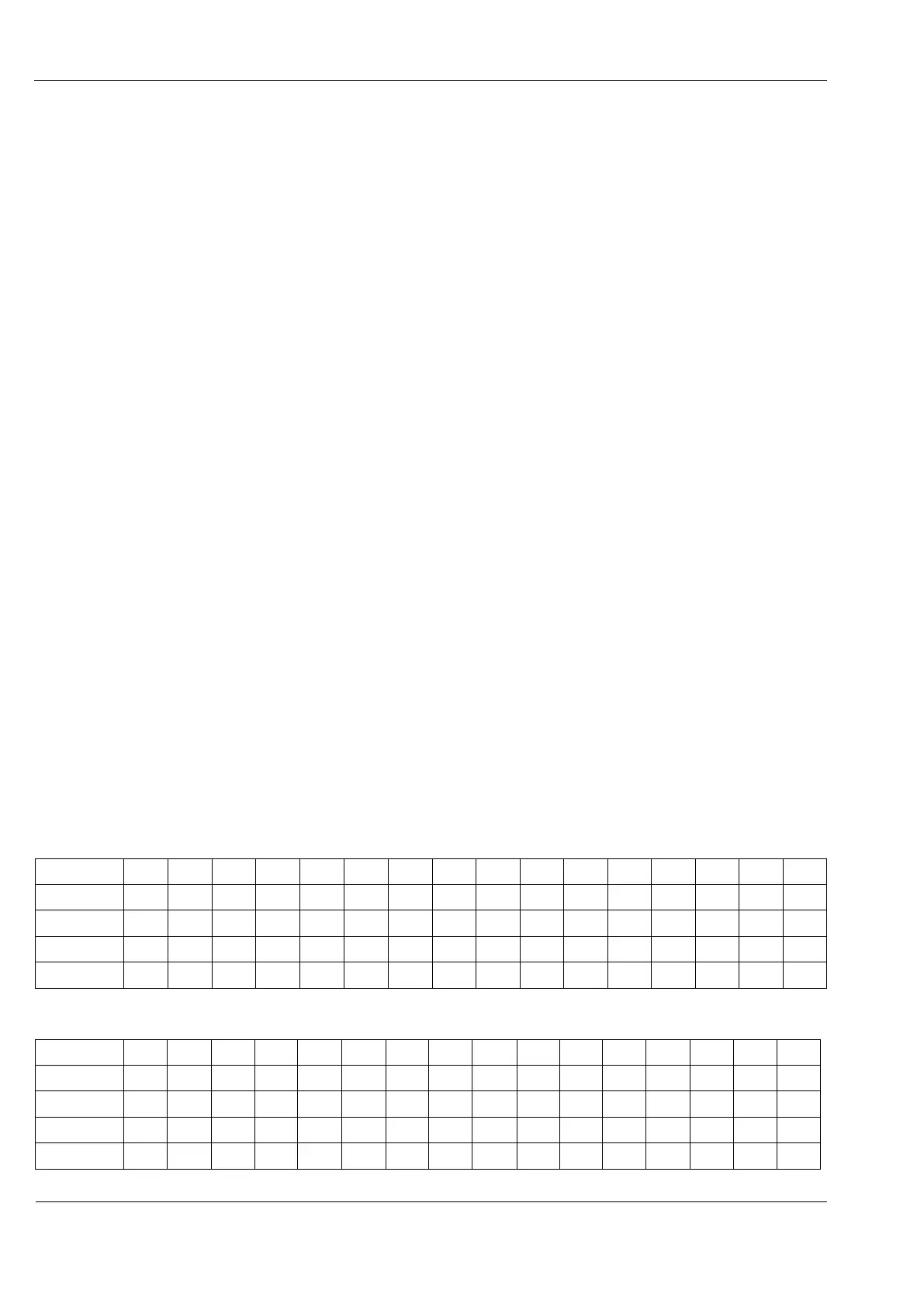
Set up example pattern A on track 1, and example pattern B on track 2, as shown below.
Example pattern A:
Example pattern B:



 To Next Page