Cirklon Sequencer User Manual
MIDI Options
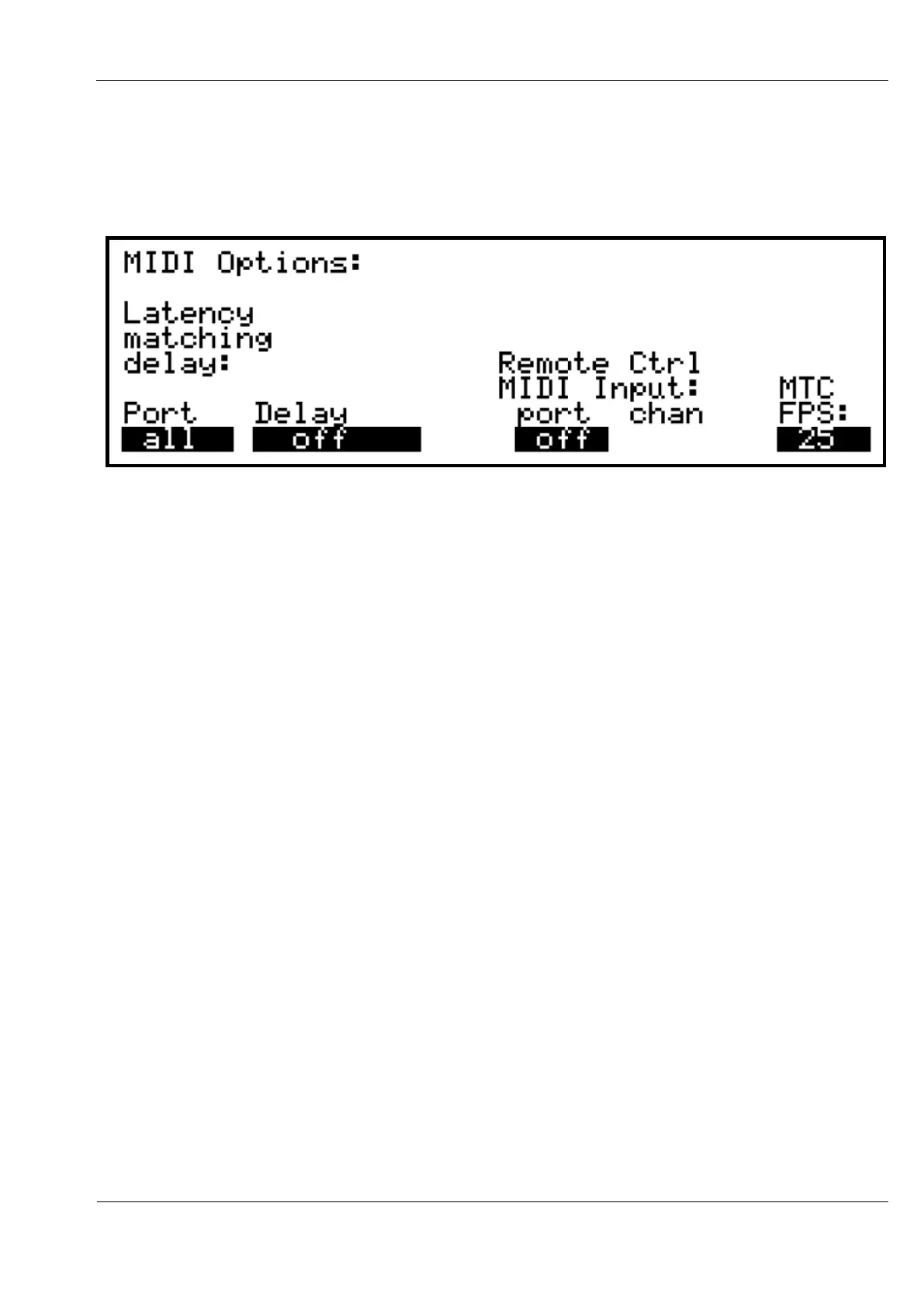
Some further global MIDI settings can be found on the MIDI options page, accessed via the
play mode “more” menu.
Latency matching delay
In a situation where Cirklon is sequencing both hardware instruments connected via the
hardware MIDI, CVIO or drum trigger ports, and virtual instruments running on a PC or Mac
connected via the USB MIDI port, the inevitable audio latency of the virtual instruments will
cause their audio output to be delayed relative to the proper instruments.
To compensate for this, the Latency matching delay setting allows you to delay output to the
hardware MIDI ports, CVIO and drum trigger outputs, in increments of 0.25ms, up to a limit
of 64ms.
Encoder 7 is used to adjust the delay time.
When the port setting is set to all, a global delay value will be applied to all hardware output.
Encoder 6 may be used to select a specific port, which can then have its delay value adjusted
independently of the others. If one or more ports has a different value from the others, the
delay value will be shown as “not =” when port is “all”.
Remote Control MIDI Input
With remote control MIDI input enabled, notes played on a MIDI keyboard will control the
current scene transpose value, and program change messages will select one of the first 128
scenes in the current song.
Turn encoder 8 anti-clockwise from the off position to selection the input port, then use
encoder 9 to set the desired MIDI channel for the remote control source.



 To Next Page