Cirklon Sequencer User Manual
Copying, Deleting and Inserting Notes
The COPY function, as in P3 edit, allows you to copy part or all of a pattern to a clipboard.
The copied notes can then be inserted (pasted) elsewhere in the pattern, or into another CK
pattern. Note that the clipboards are separate for P3 or CK pattern types and copy/insert
operations will not convert between them.
The basic copy function copies all the notes in a chosen range of steps.
To start a copy operation, press the COPY key.
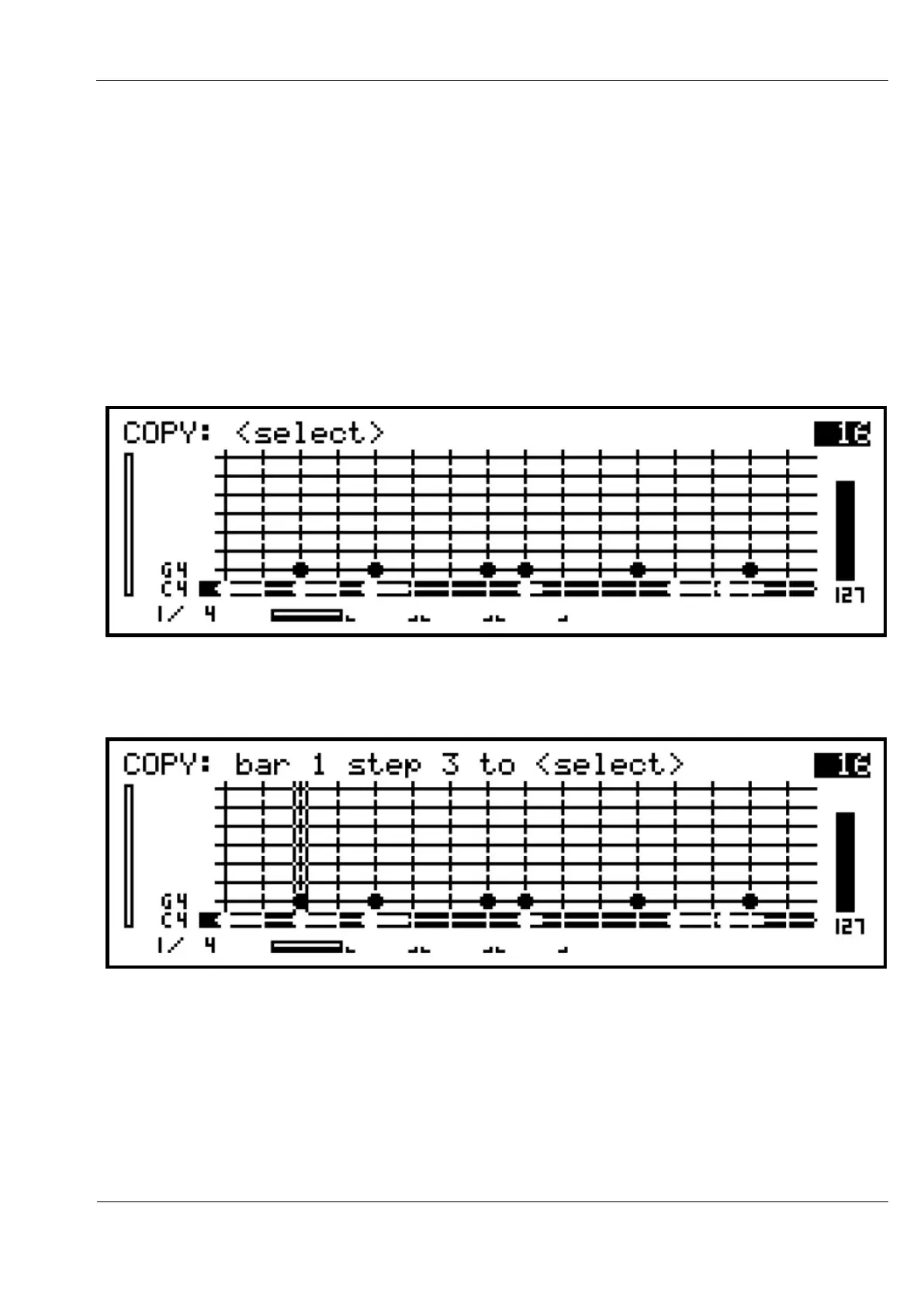
The key LED should flash, and the top line of the display will show this text:
As an example, let’s copy the notes from step 3 to step 5.
Press step key 3 to select the start of the copy range. The display will change to show:
The vertical marker on the grid shows the start position for the copy.



 To Next Page