Cirklon Sequencer User Manual
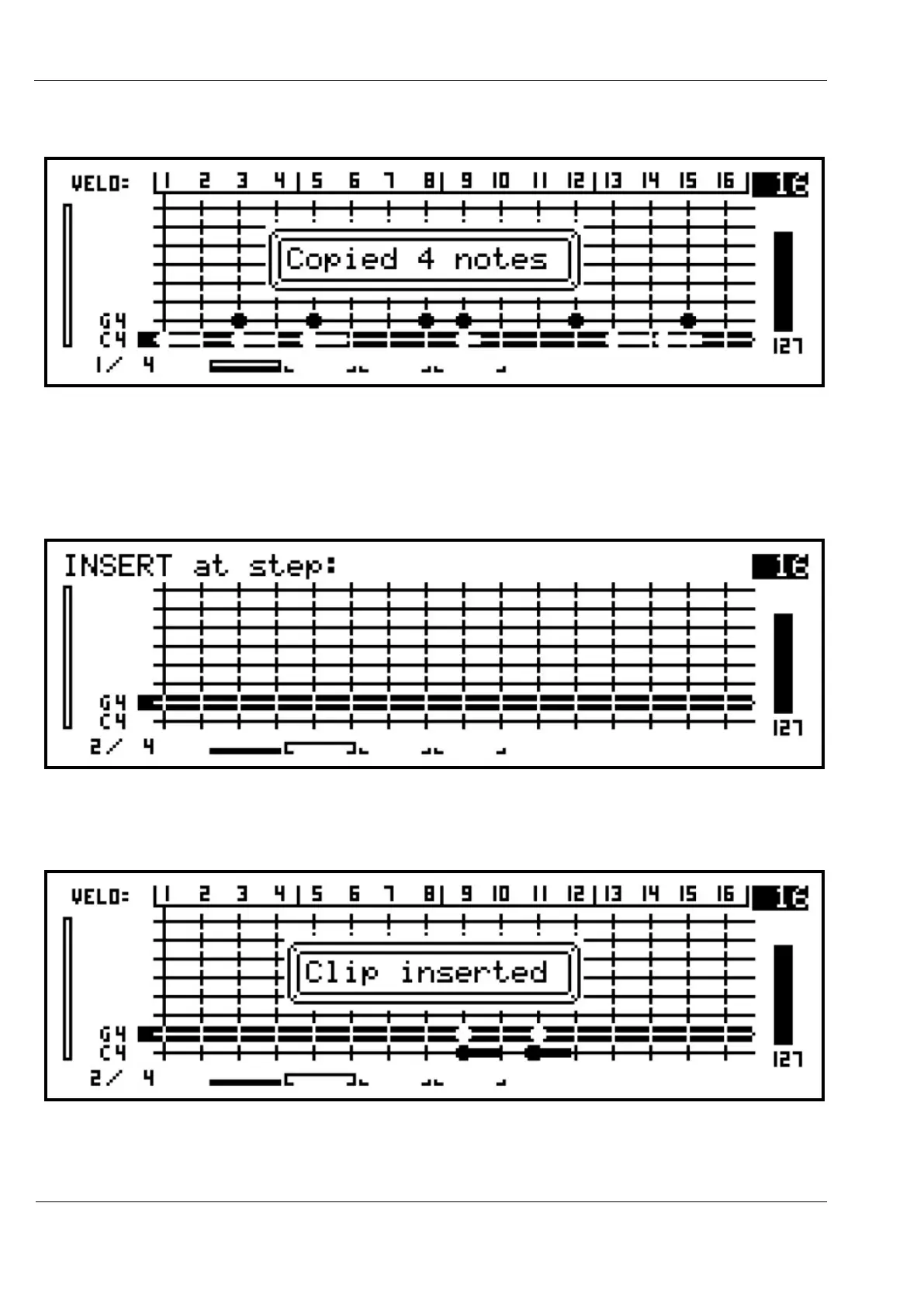
Now press step key 5. The display will show:
The four notes from steps 3 and 5 are now copied to the clipboard.
Now turn the BAR encoder to select bar 2, to insert the copied notes elsewhere in the pattern,
Press the INSERT key. The LED will flash, and the top of the display will show:
Now press step key 9. The display will confirm the notes have been inserted, and the new
notes will appear on the grid:



 To Next Page