Cirklon Sequencer User Manual
5. Creating Another Song
Having covered the basics of creating the first song from scenes and patterns, let’s look at
how to start a new song, so we can do the whole thing again.
Existing songs are selected, and new songs created, from the SONG list.
The SONG list is accessed by holding SHIFT while pressing the SONG key.
Note that you can access the SONG list without first going to the SONG page – that is, you
won’t automatically activate song play mode if you don’t want to.
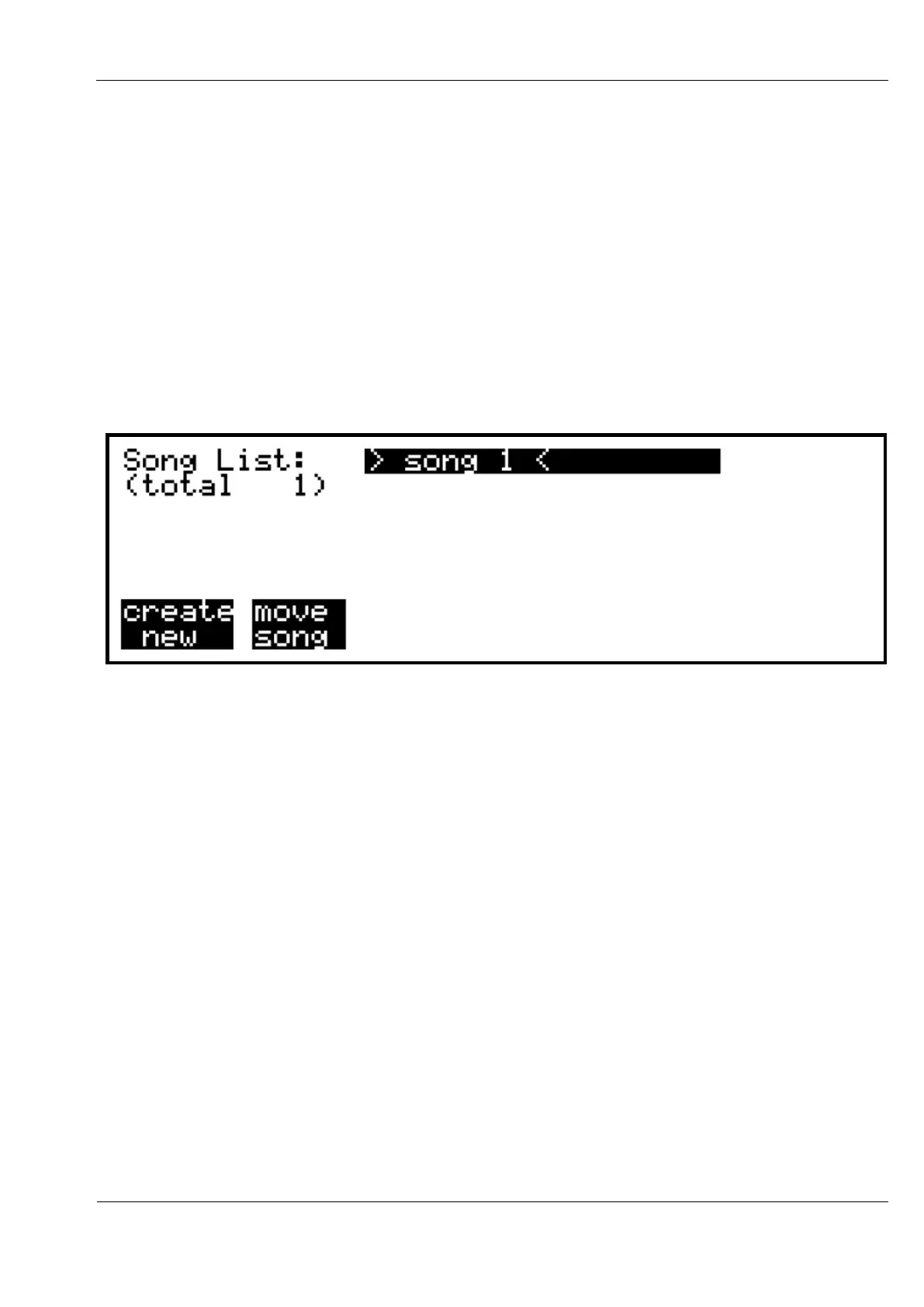
The song list will look like this:
Pressing encoder 6, under “create new”, will create “Song 2”, and return you to the play
mode page you were on (SONG, SCENE or TRACK)
Once there is more than one song in memory, you can recall any other song from the list.
You may also change the position of any song in the list by pressing encoder 7, under “move
song”. As a short-cut for song selection, you can advance to the next SONG in the list by
holding the NEXT key and pressing SONG, in the same way as for scene advance.
Using the move song option allows you to re-order the songs in memory as a set for live
performance.
To delete a song from memory, select the song in the list, then press the DELETE key.
A confirmation page follows, where you must press encoders 6 and 7 together to remove the
song.
The first task needed for any new song is to assign instruments to one or more tracks.
To ease this task, there is an option to copy the instrument assignments from any other song
into the current song.
You may find it useful to create an empty song or songs, with instruments assigned to the
tracks as you prefer, but no scenes or patterns, to be used as a template for new songs.



 To Next Page