Cirklon Sequencer User Manual
Creating and Assigning a Pattern
With the instruments created and assigned to tracks, we can create some patterns.
On the TRACK page, use the VALUE encoder to highlight the PATTERN: field.
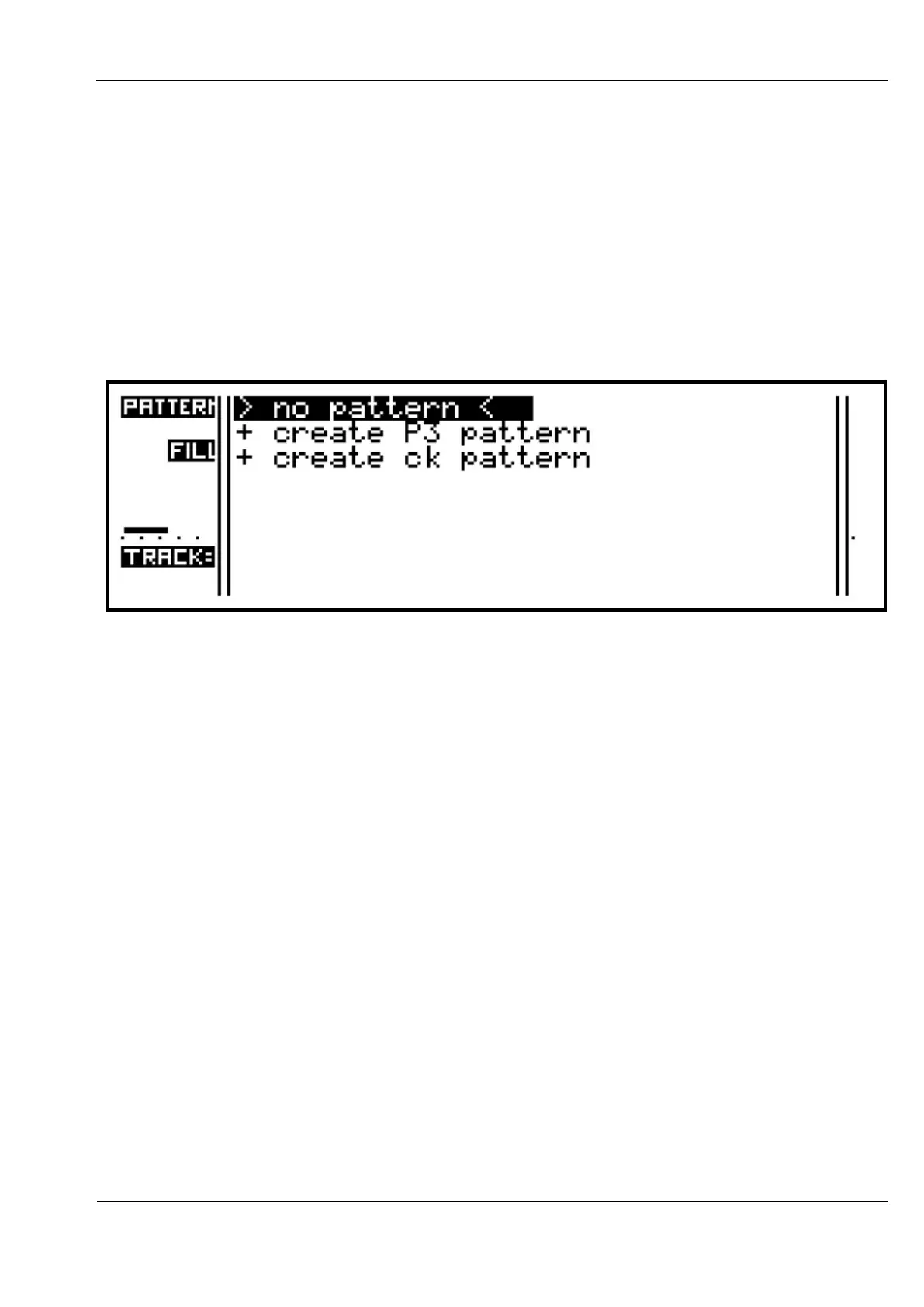
As with the instrument assignment, pressing ENTER on the pattern selection will bring up
the pattern list.
In a newly created song, or on a track which has not yet had a pattern created for it, this list
will be empty, except for the options shown:
There are two different types of pattern which can be created.
The first is the P3 pattern, which is an enhanced version of the patterns found on the
Sequentix P3 Sequencer.
The P3 was intended to allow pattern creation in a similar fashion to analogue step
sequencers, with added means for patterns to modulate and interact in ways only possible
with a processor-based machine.
The second type is the CK pattern, which is an event-list pattern better suited to polyphonic
keyboard and percussion parts, and un-quantised real-time recording.
These will be described in depth later.
Normally the pattern list will show only the patterns that were created on the current track.
You can expand the list to include all patterns in the song by holding SHIFT as you press
ENTER to bring up the selection list.



 To Next Page