Cirklon Sequencer User Manual
Configuring the Aux Rows
In a new P3 pattern, the aux rows are assigned to some commonly used MIDI CC numbers.
Each aux row can be configured to use any other CC number if required.
They can also be used to send MIDI after-touch, pitch-bend, program change and NRPN
messages, or they can be assigned to a range of “aux events”, which will be described in a
later chapter.
To change the assignment of an aux row, first make sure it is selected as the current row using
the ROW encoder.
Then press and hold the ROW encoder.
While holding it in, turn it one step in either direction.
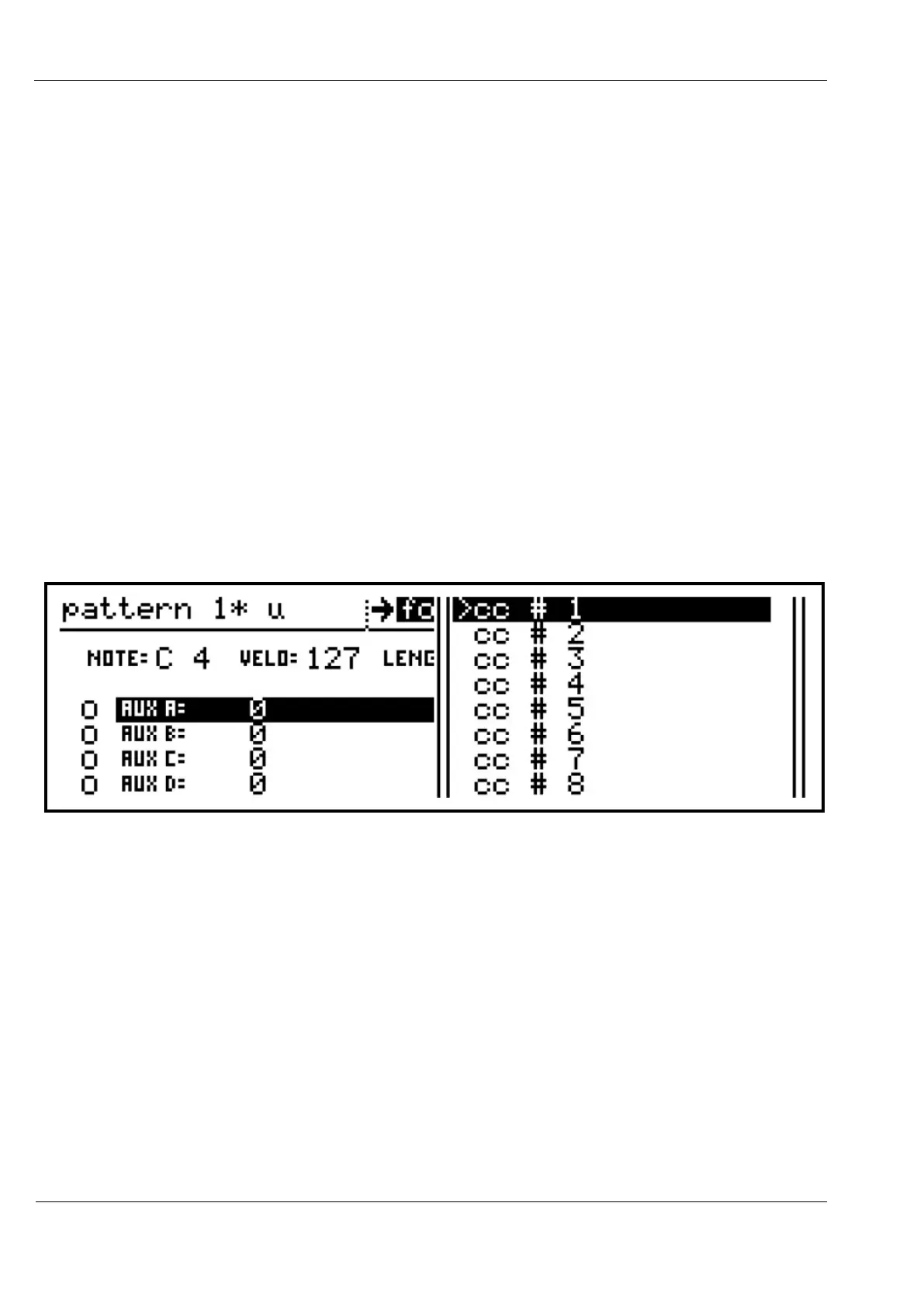
This gesture will bring up a selection list on the right of the display.
For a row currently assigned to a MIDI CC, the list will look like this:
The arrow next to “cc # 1” shows that this is the current assignment for the row.
Use the ROW encoder to scroll to a new CC number to assign, and press ROW to confirm the
selection.
If you want to cancel the operation, press the MENU key.
Scrolling through this list, you will see only MIDI CC values.
For the other MIDI message types and the aux events, there is a second level selection to
access groups of all possible aux assignments.
Press, hold and turn the ROW encoder to access the first level selection list.
Once in the list, press, hold and turn ROW a second time.



 To Next Page