Cirklon Sequencer User Manual
gaps - new notes will only be recorded only into spaces in the existing pattern.
If there is already a note on a step, it will be left intact.
If aux note events have been configured for a P3 pattern, keyboard input can be recorded
polyphonically into them.
P3 Step-time record (Arp capture)
Step-time record for P3 patterns is accessible only in P3 pattern edit.
It is accessed by holding SHIFT while pressing the record key.
The record LED will light and flash in this mode.
Step-time record allows you to enter notes from a MIDI keyboard into consecutive steps of a
pattern, with the input position advancing after each note is entered.
Notes can be entered with the sequencer stopped or running, and the timing of input notes
has no effect on their recorded position.
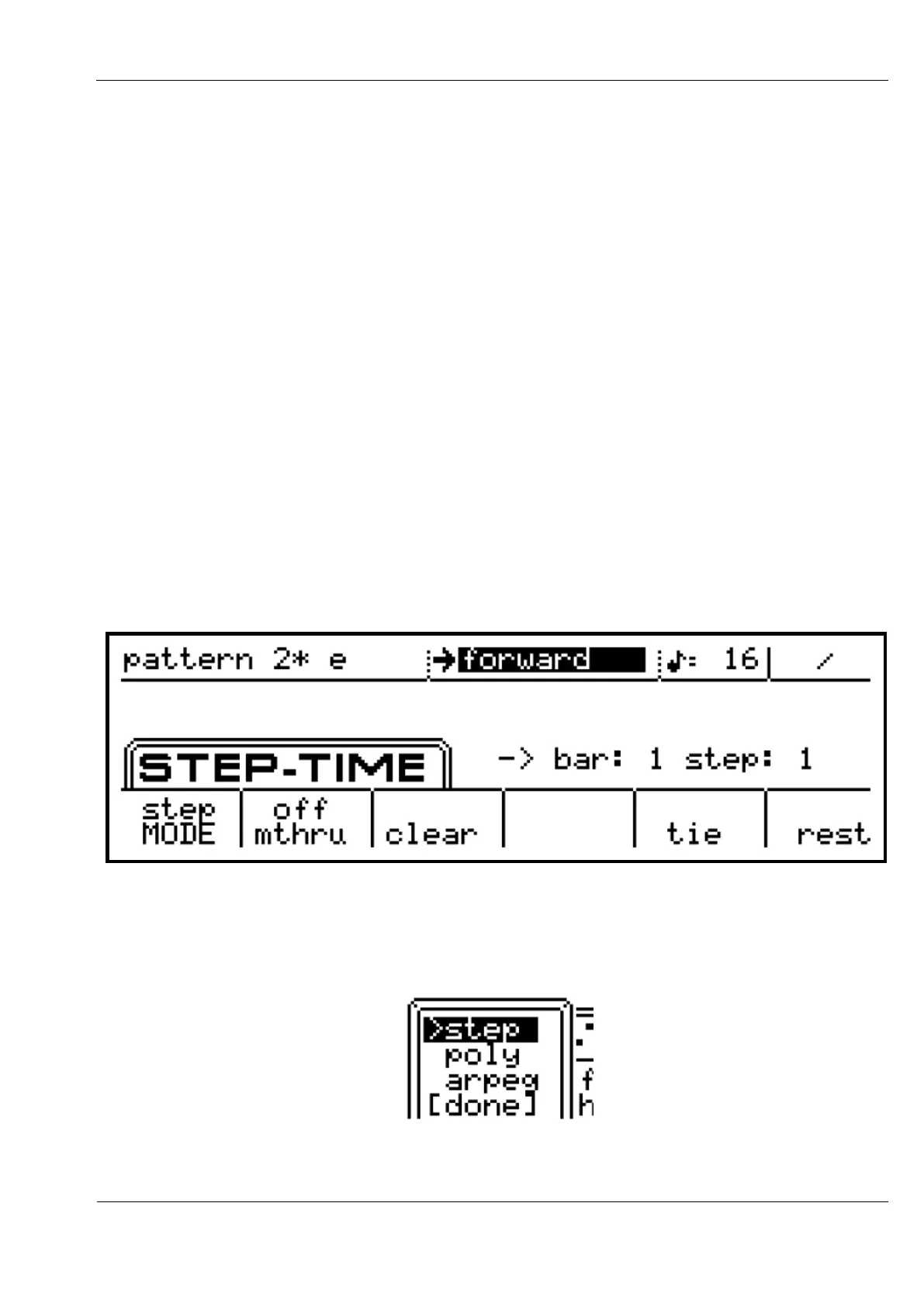
Ties and rests can be entered manually from menu soft-keys.
The step-time record menu looks like this:
There are three different modes for step-time input, selected by pressing encoder 6 – the
MODE option on the menu. Turn the encoder then press to select one of the other options.
A selection menu will appear:



 To Next Page