Cirklon Sequencer User Manual
12. Real- and Step-time record
It is possible to record in real-time into both P3 and CK patterns from an attached MIDI
keyboard or other controller. The differences between the two pattern types mean there are
some differences in the record options depending on which type is being recorded into.
In both cases, real-time record is enabled by pressing the record key. The record mode
settings are found on a special menu, which will appear while record is active after pressing
the MENU key.
The current edit track selection determines which pattern will be recorded.
Also, if the FILL pattern field is selected on the TRACK page, recording will apply to the fill
pattern.
CK Pattern Record
CK patterns can record un-quantised note, controller, channel pressure (aftertouch), pitch-
bend, poly pressure and program change messages.
A record filter option allows you to limit which event types will be recorded.
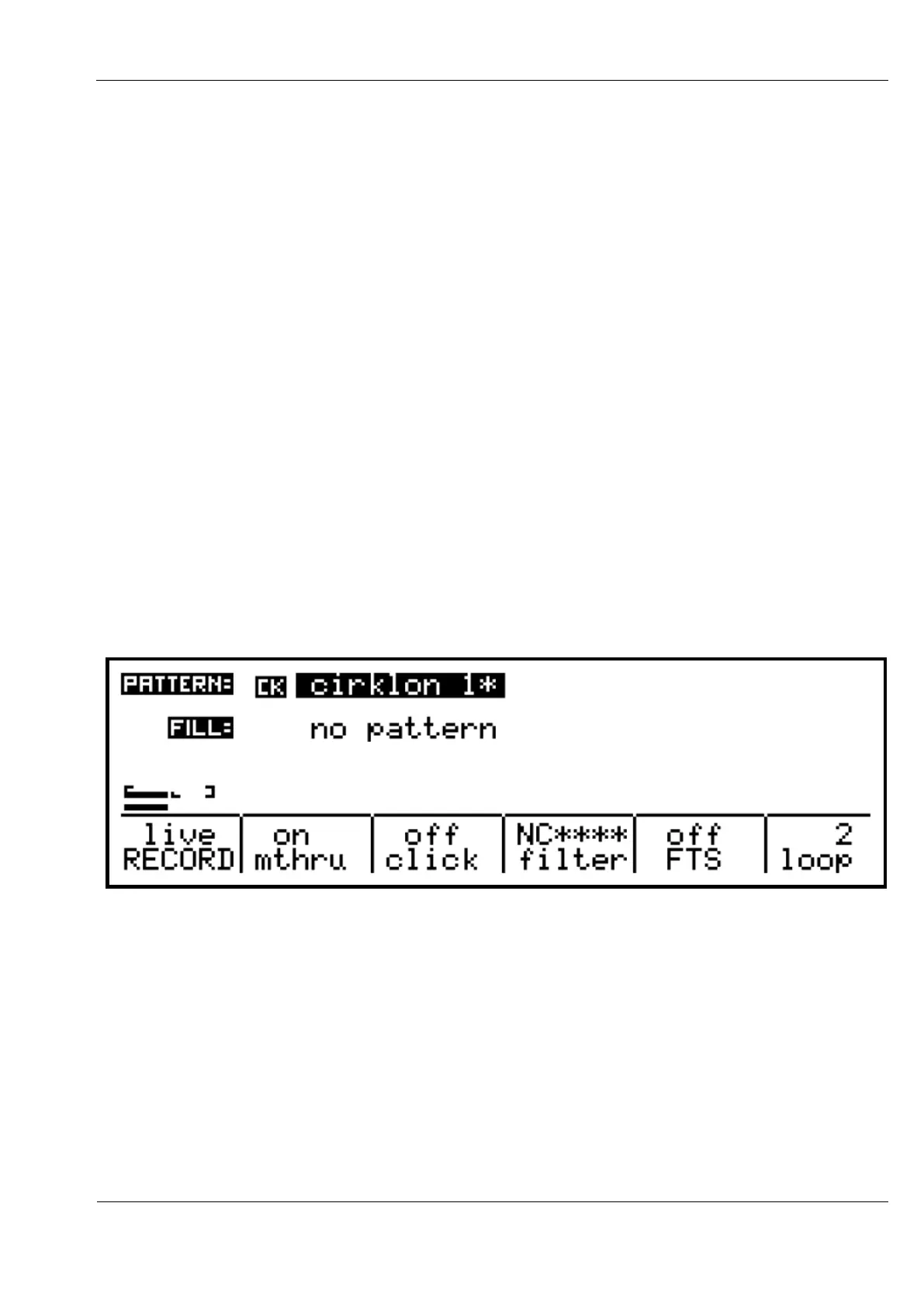
Recording is possible from the play pages, and pattern edit modes. The same record menu
will appear in both, as shown here:
The “RECORD” option can be switched between “live” and “ready”.
The “ready” mode does not record any events into the pattern – it is there so you can audition
what you plan to record before you go for a take.
The “mthru” option allows you to switch off soft-thru of notes as they are being recorded.
The soft-thru behaviour in record is also affected by the “record enable” options in the MIDI
Config page – the thru option must be enabled at the port level for soft-thru to work. See the
MIDI Configuration section for details.



 To Next Page