Cirklon Sequencer User Manual
For a note event, encoder 8 edits the note value, encoder 9 the velocity value, and encoder 11
the note length.
Other event types have fewer values, but are edited in the same way.
You can scroll through the event list using the ROW encoder. Scrolling beyond the list for the
current step position will advance the view to the adjacent step.
The step keys can be used to select the step view position directly within the current bar, but
they can not be used to modify events.
As in drum grid edit, the grid timebase setting is adjusted using the VALUE encoder, and the
bar length with a combination of the LAST key and the BAR encoder.
The selected event can be deleted by pressing the DELETE key.
A new event can be inserted using the INSERT key.
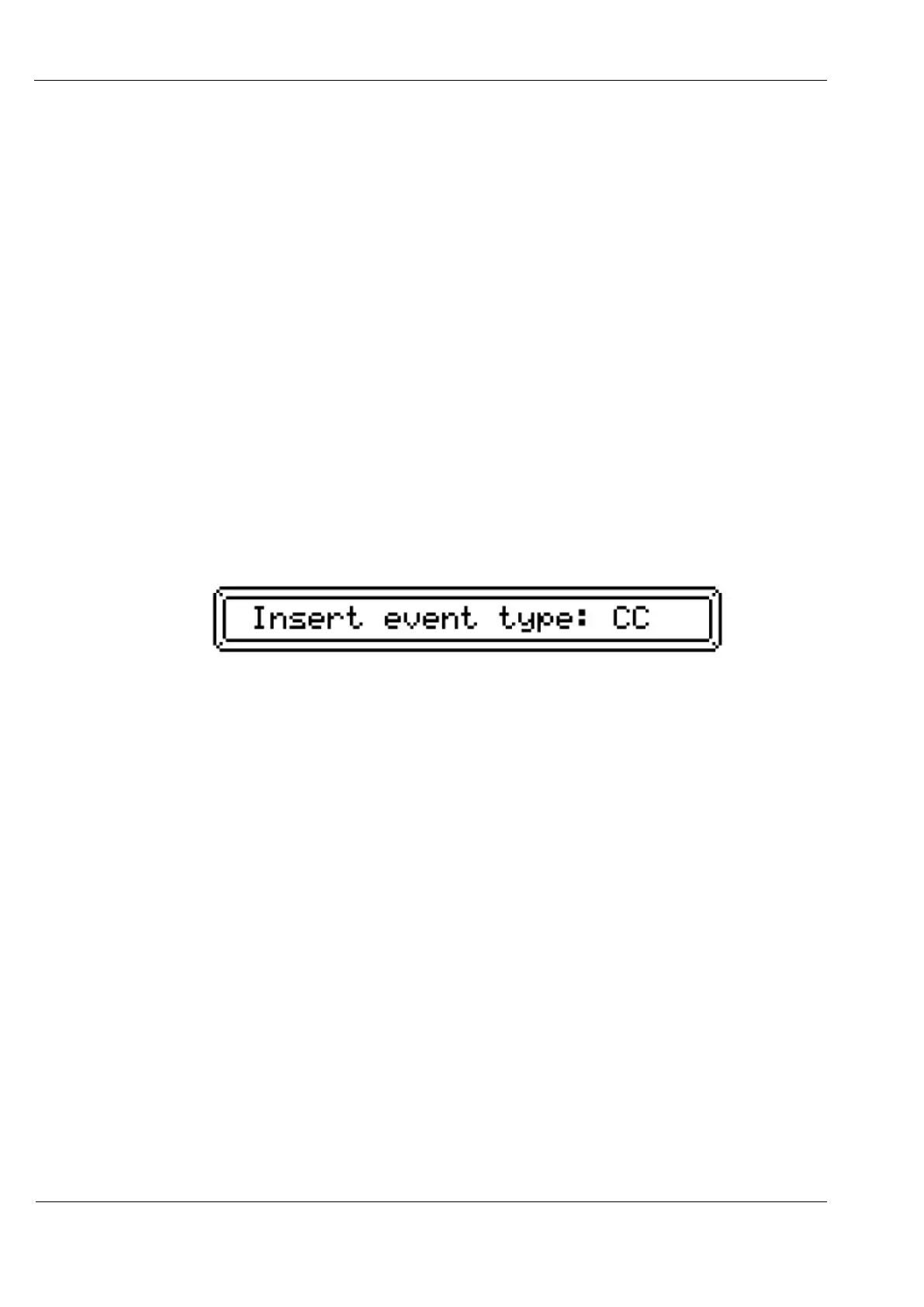
By default, note events are inserted. To select a different event type for insertion, hold the
SHIFT key and press INSERT. A popup message will show the newly selected event type,
like this:
Use the INSERT key as before to insert the new event type in the current step period.
Event list edit would be a laborious way to create a pattern from scratch, but can be very
useful for making minor changes to patterns recorded by real-time input.



 To Next Page