Cirklon Sequencer User Manual
2. The Main Pages
There are four main pages which can be viewed on the display.
These are:
- SONG
- SCENE
- TRACK
- PATTERN
These pages are selected using four dedicated keys on the left of the panel.
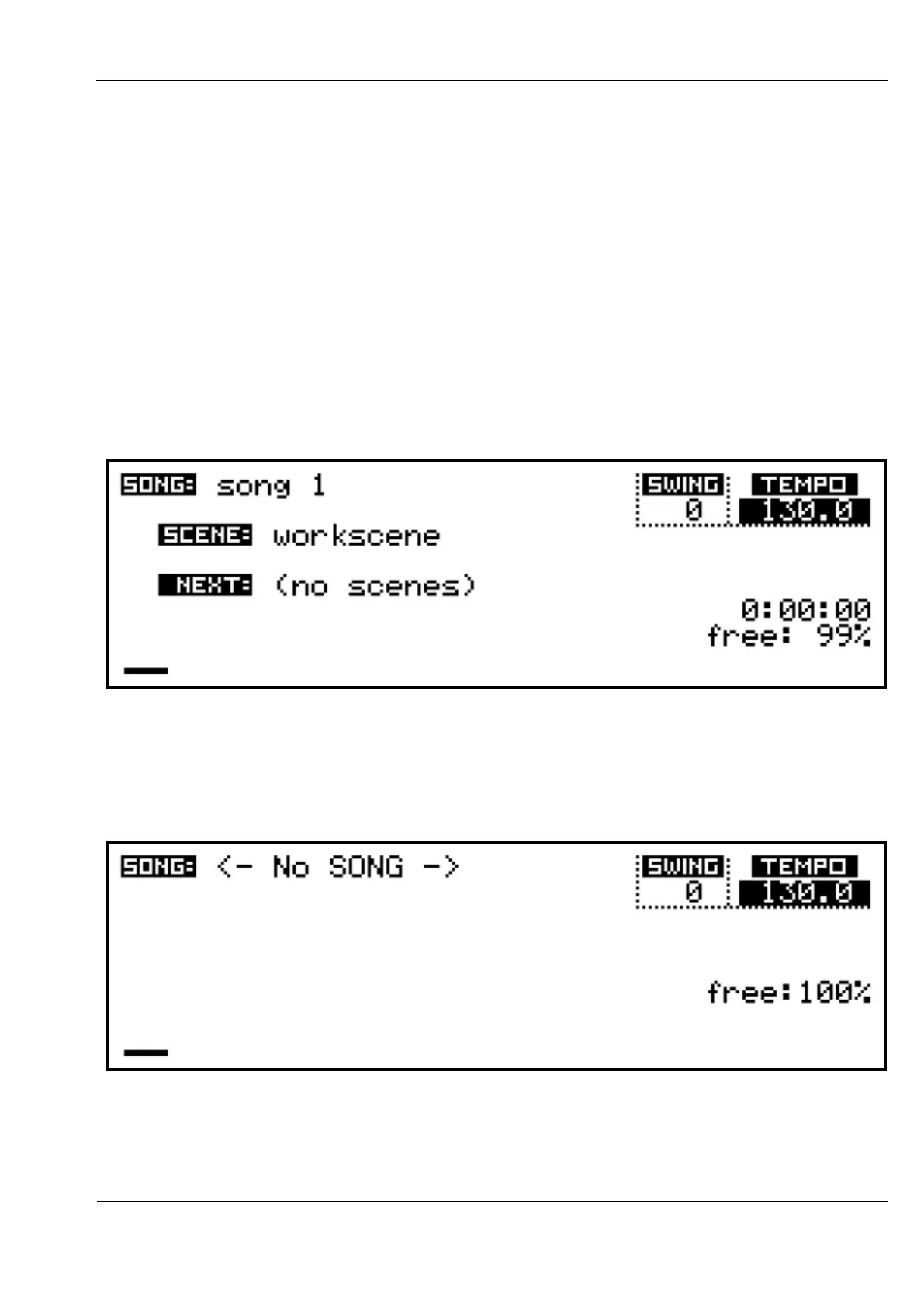
When you first power on a new Cirklon, you should see the SONG page, like this:
The LED in the SONG key will be lit to show you are on the SONG page.
Note: In the event that Cirklon’s memory has been wiped and there are no songs present, the
SONG page may look like this:
In this case, you’ll need to create a new song. Hold SHIFT and press SONG, then press
encoder 6, below the text “create new”, which should have appeared on the display.



 To Next Page