Cirklon Sequencer User Manual
In our newly lengthened pattern, all bars except bar 1 will be empty. The two rows added for
notes C 4 and G 4, will be visible in all bars.
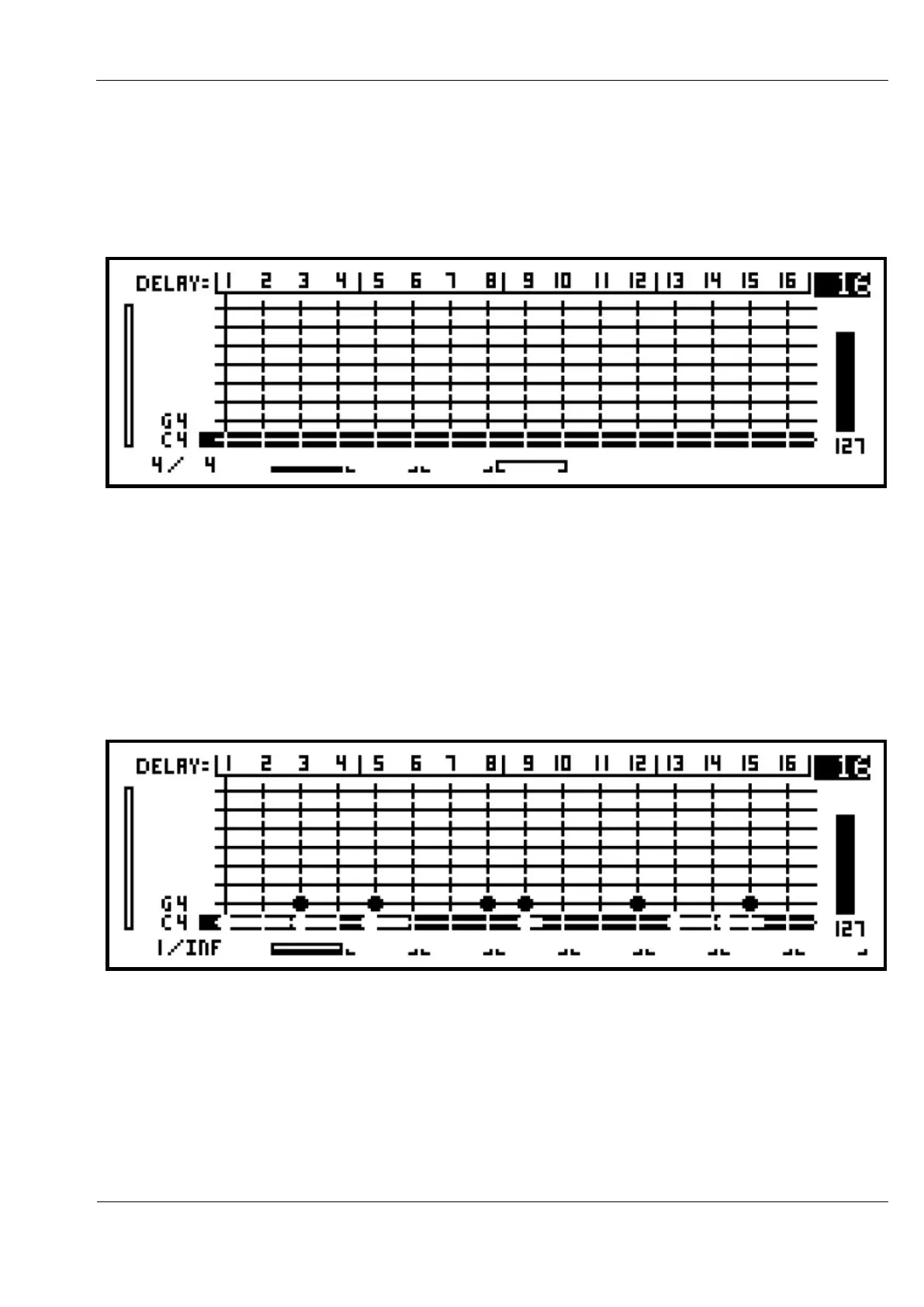
Turning the BAR encoder clockwise to advance to bar 4 of the pattern, the display should
look like this:
This shows you are viewing bar 4 of the 4 bar pattern. The solid white line shows the
playback position still at bar 1, while the horizontal bracket above bar 4 confirms the edit
position.
It is possible to set a CK pattern to have an “infinite” length so the pattern will play through
only once, and never loop.
This is done by adjusting the bar length as if to zero, by holding LAST and turning BAR anti-
clockwise until the bottom line of the display looks like this:
Last Step
It is possible to vary the number of steps in each bar of a CK pattern, from 1 to 16.
This is done by holding the LAST key then pressing the step key number for the desired
length.



 To Next Page