Cirklon Sequencer User Manual
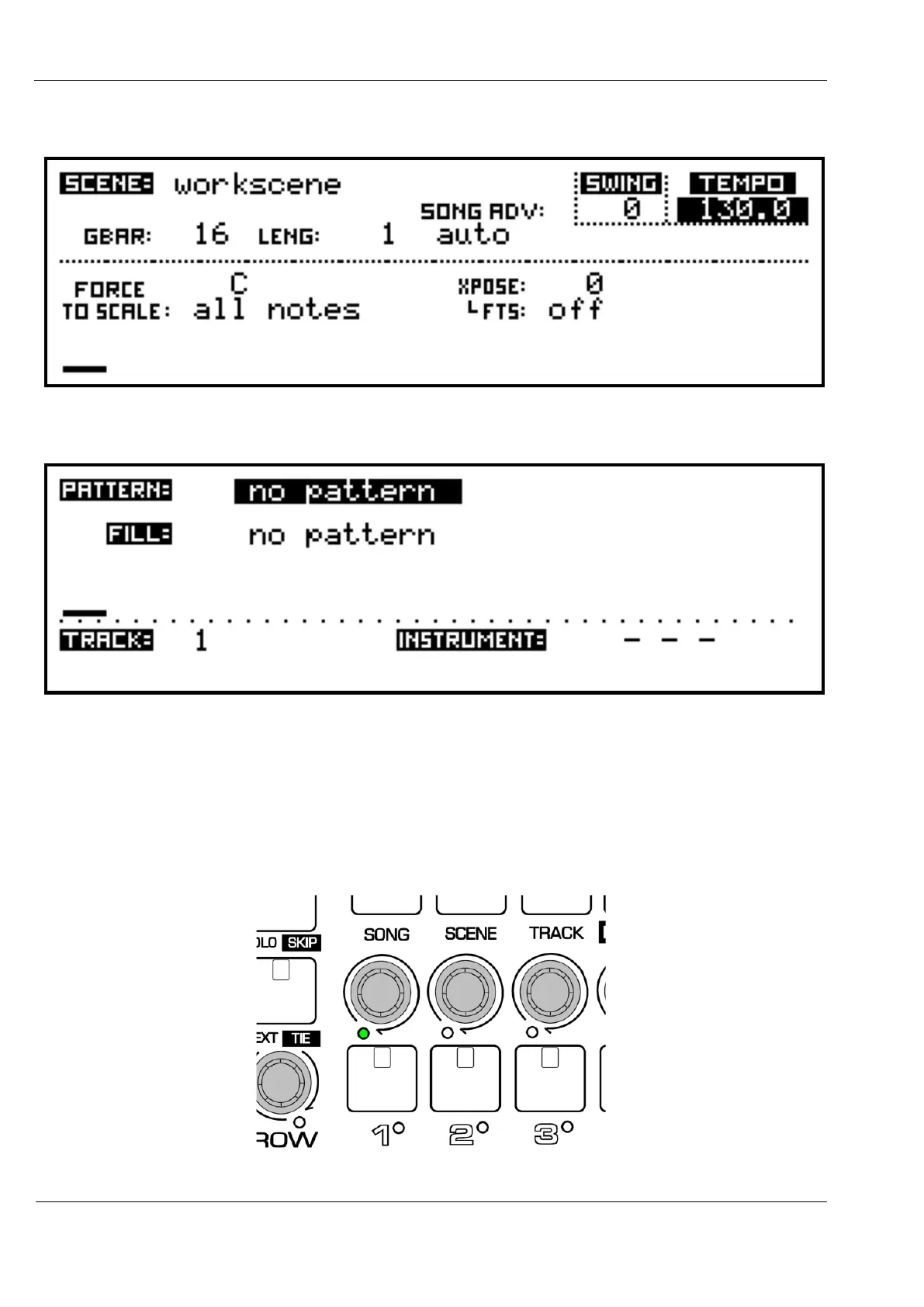
Press the SCENE key, and you will switch to the SCENE page, which should look like this:
Pressing the TRACK key will switch to the TRACK page, which should look like this:
The TRACK page shows information for the current edit track – the single track that is active
for pattern selection, editing and real-time recording.
The lower left of the display above shows the current edit track is number 1.
This will also be shown by a green LED, just below and left of track encoder 1:



 To Next Page