Cirklon Sequencer User Manual
Encoder editing of the velocity values is similar to P3 pattern editing.
Turn the encoders to adjust the value, or hold in and turn the encoders for steps of 10.
You can also hold the encoder for one step while adjusting another step to force any values
between the two steps to follow a straight line – the slope edit function.
Note that if you hold a step that has no value present, slope edit assumes a value of 0.
If you have turned any of the steps in the pattern on then off, leaving the note muted, the
saved velocity value will appear in the row view as an un-filled bar.
While working on a pattern, you may want to clear out any muted notes.
This can be done using the “purge muted notes” option, on the edit menu.
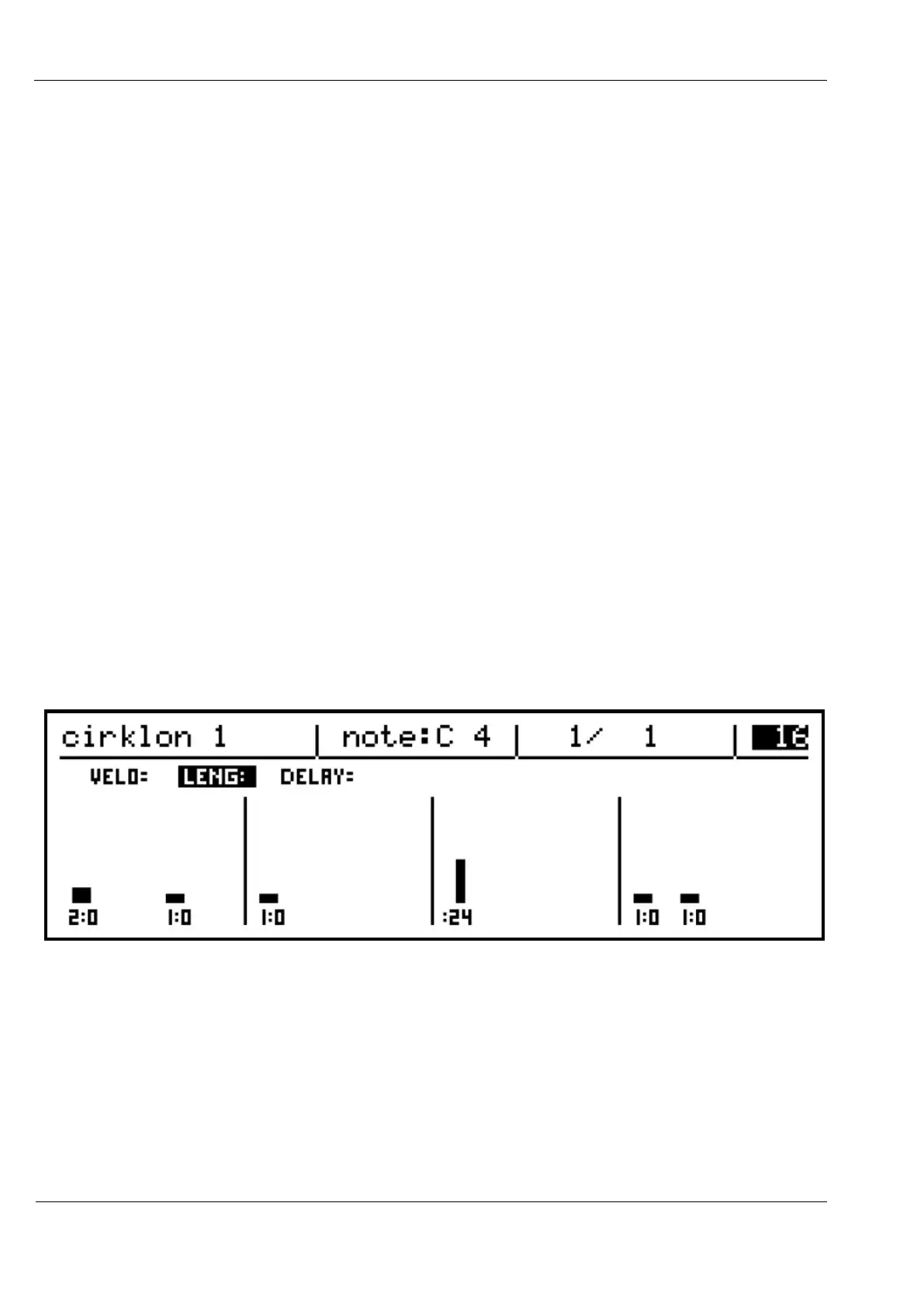
As well as showing the velocity values for each step of the current row, the row view also
shows the pattern name, note name for the current row, current bar position and bar length of
the pattern.
Notice also the three labels, VELO, LENG and DELAY in this view.
These three sub-rows give access to the velocity and length values for each note in the
pattern, and allow the precise timing of the event to be moved up to halfway before or after
the step position.
Turning the ROW encoder while in the row view will step through the velocity, length and
delay values for each note in turn, with the current value highlighted:



 To Next Page