Cirklon Sequencer User Manual
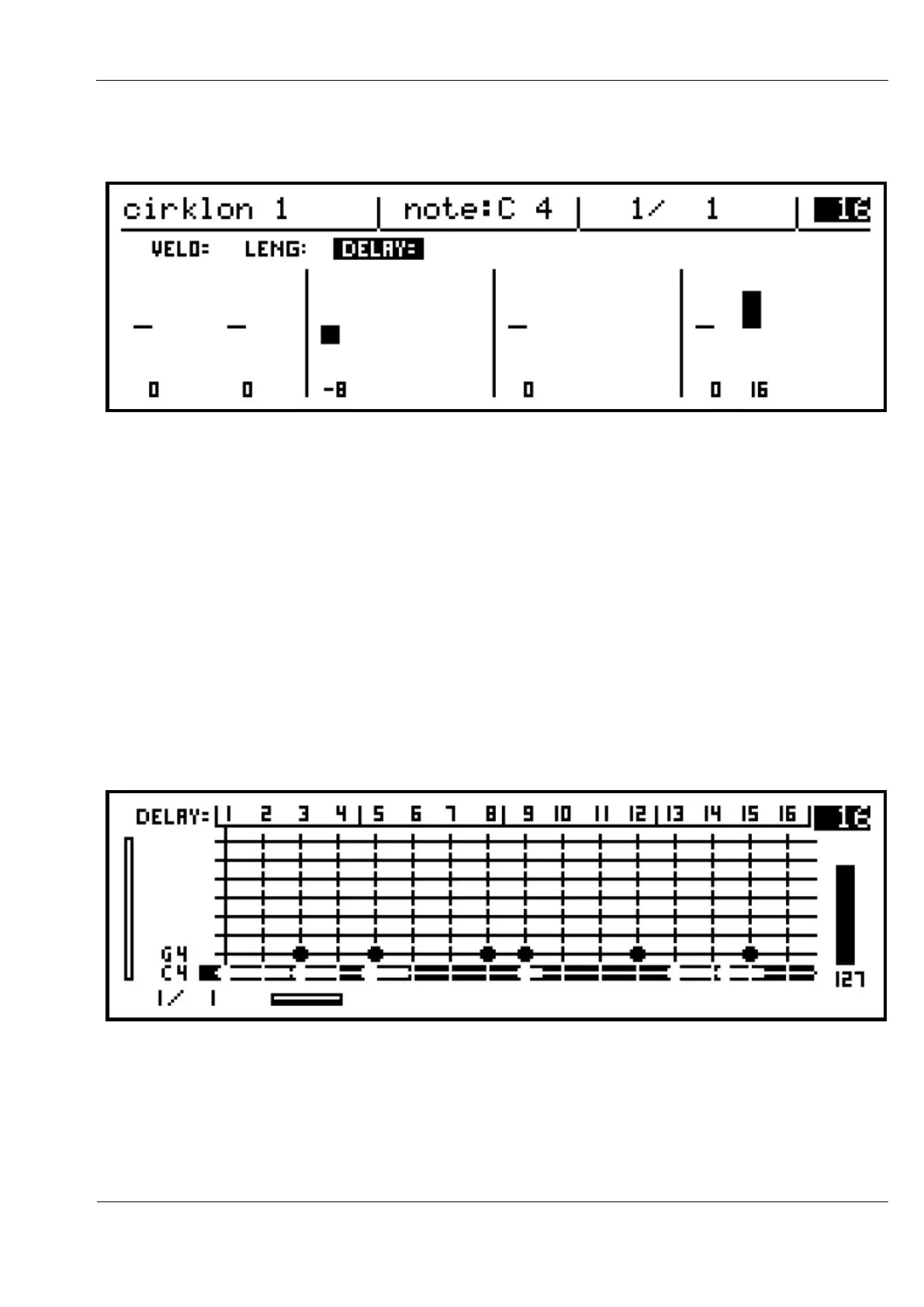
The DELAY value can be positive, to show a note that will trigger after the step time, or
negative, to show it will trigger before the step:
When you switch back to the grid view after selecting the length or delay sub-row, the
selected sub-row will remain active for editing.
Turning the ROW encoder will move up or down the note rows as before, with the encoders
adjusting the velocity, length or delay as shown by VELO, LENG or DELAY at the top right
of the display.
When you make edits to the length or delay values using the encoders in grid view, the
display will not switch to the row view as it did for velocity, as the changes to these values
can be seen in the grid display.
The blobs that show each active note on the grid have tails to show their length, and their
position may be slightly ahead or behind the vertical lines for each step position to show they
have a non-zero delay value:
Note that a tail for a long note will be truncated where it overlaps a following note on that
row.



 To Next Page