Cirklon Sequencer User Manual
The selection highlight shows the current slot position – this is where any new value will be
added. The highlight above is on slot 1.
The INSERT key is used to add a new value (or to change or remove an existing value).
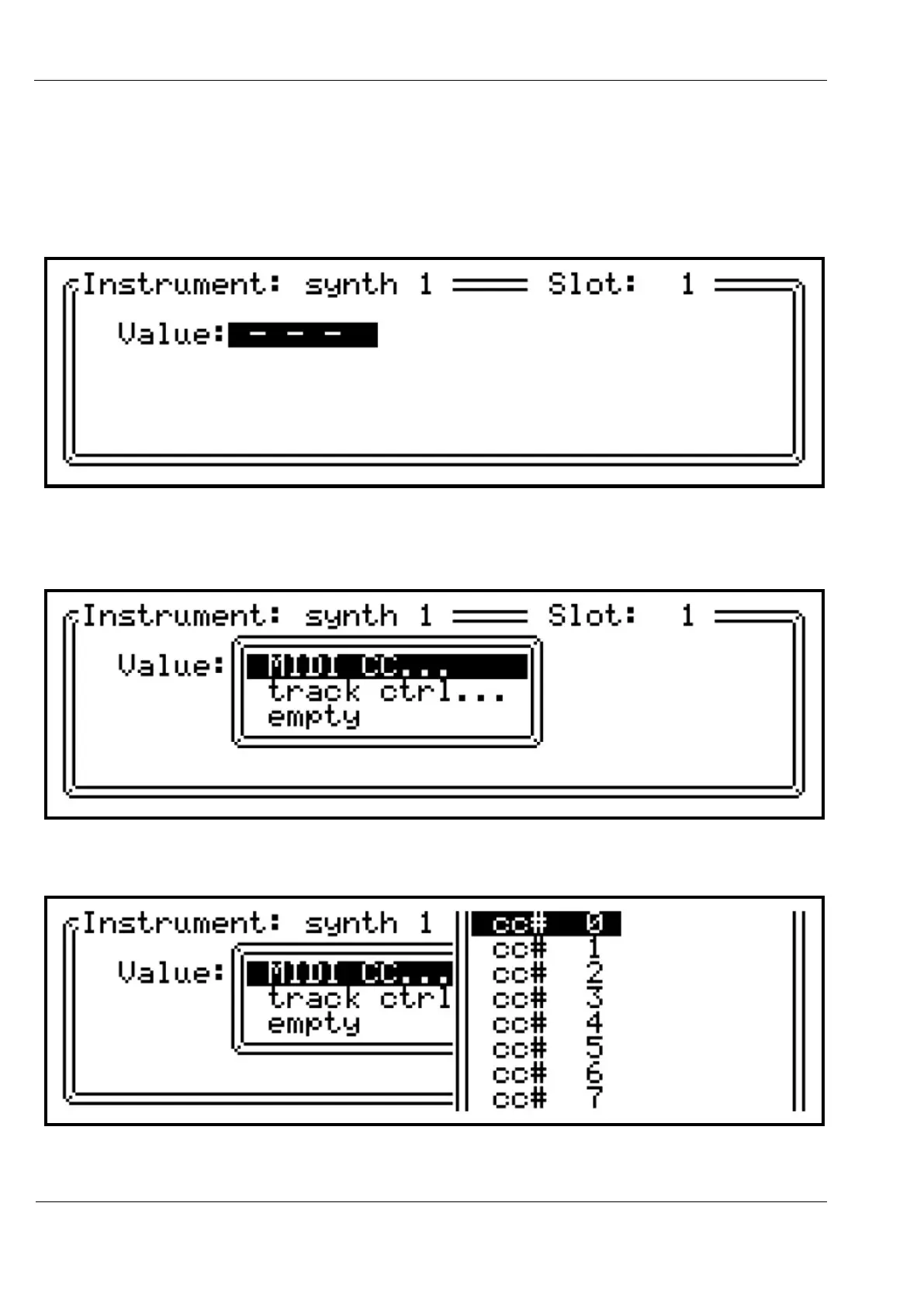
Let’s add a track MIDI value by pressing INSERT. This page should appear:
The top line shows the track value will be added to the instrument “synth1”, in slot 1.
Press ENTER to open the select list for the value type:
Then press ENTER again to pick a CC number:



 To Next Page