Cirklon Sequencer User Manual
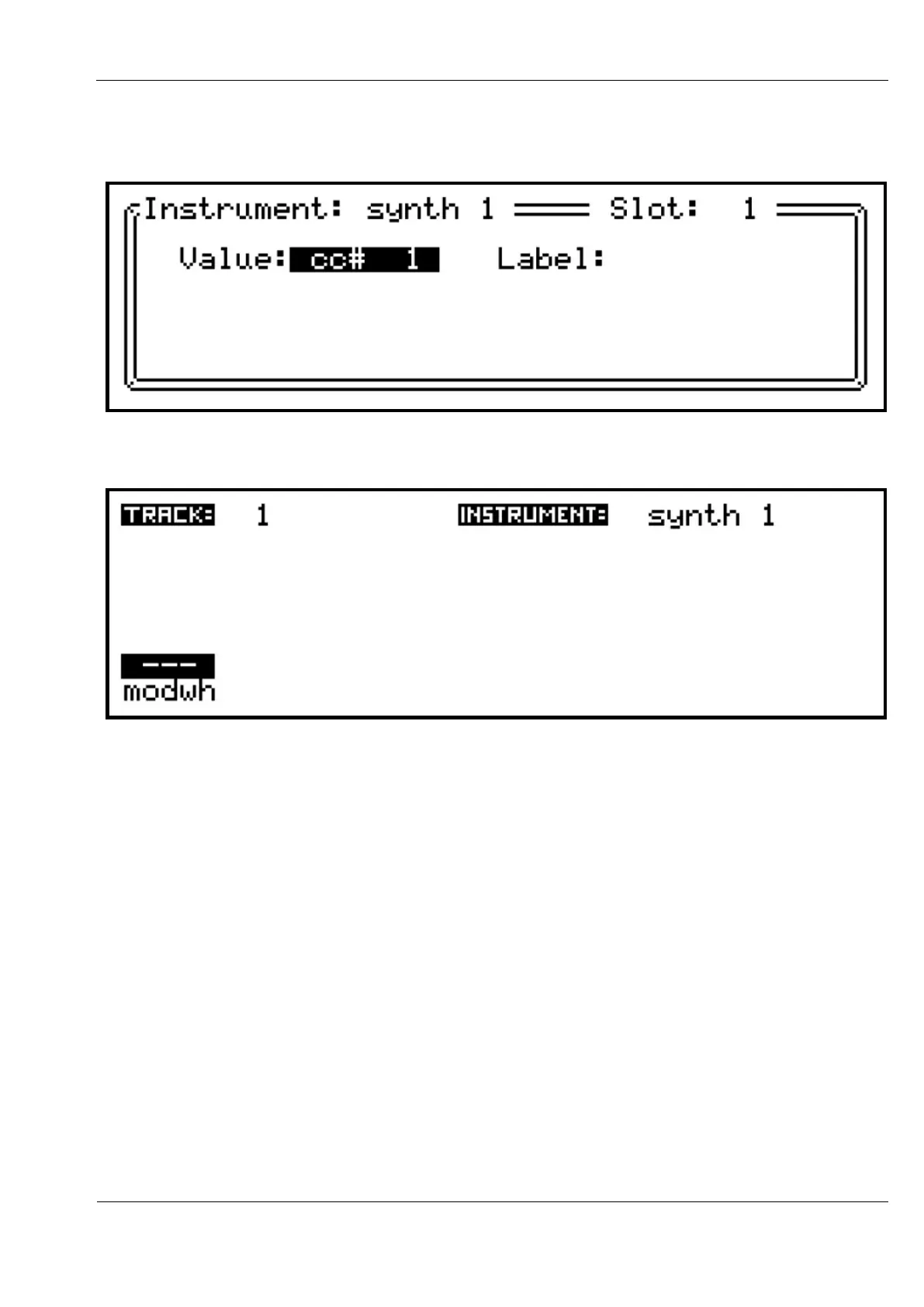
Use VALUE to scroll one step to “cc# 1” and press to confirm.
The CC select list will close, leaving a new “label” field visible.
Ignore this for now, and press SAVE to return to the TRACK values page:
The track value now appears in slot 1, with dashes showing that no value has yet been set.
The text “modwh” is a preset label for CC #1, as this CC is most commonly used for
modulation wheel control, as defined by the MIDI standard.
There are preset labels for some other CCs – “vol”, “pan”, “bankM” and “bankL” will appear
for CCs 7, 10, 0 and 32 respectively.



 To Next Page