Cirklon Sequencer User Manual
To send a CC #0 / modwheel message, turn encoder 6.
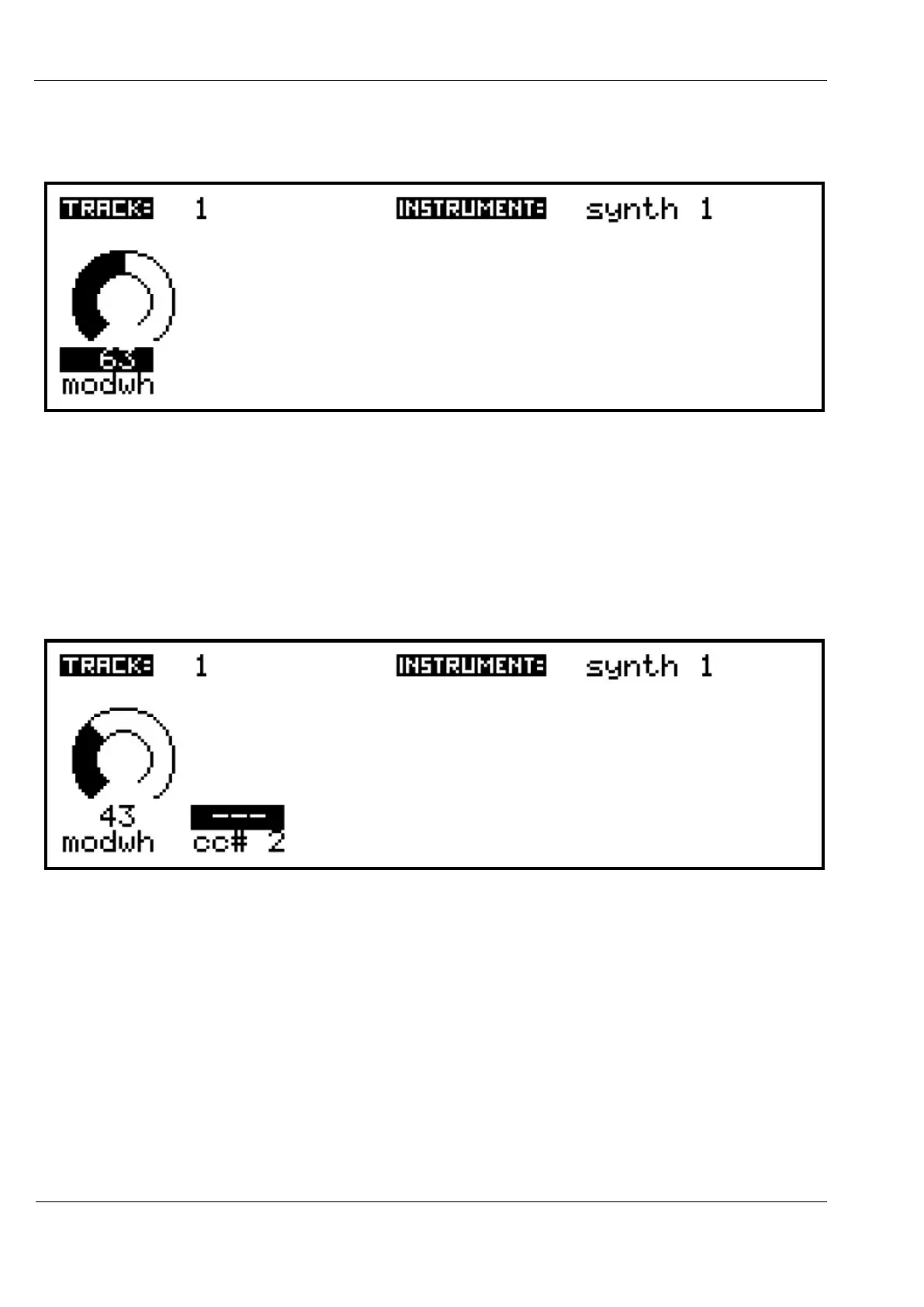
An initial value will appear on the display, as well as being sent to the instrument:
Keep turning the encoder, and each new value will be sent as a CC message to the
instrument. You now have real-time control of this parameter.
Let’s add a second track MIDI value.
Press encoder number 7, to select the second slot on the display.
Then press INSERT, choose the MIDI CC option again, and select “cc #2”.
Press SAVE to return to the track values, and you’ll see this CC has no preset label:
Since “cc# 2” is a bit boring, and “synth1” maps this CC to vcf cutoff, let’s give it a custom
label.



 To Next Page