Cirklon Sequencer User Manual
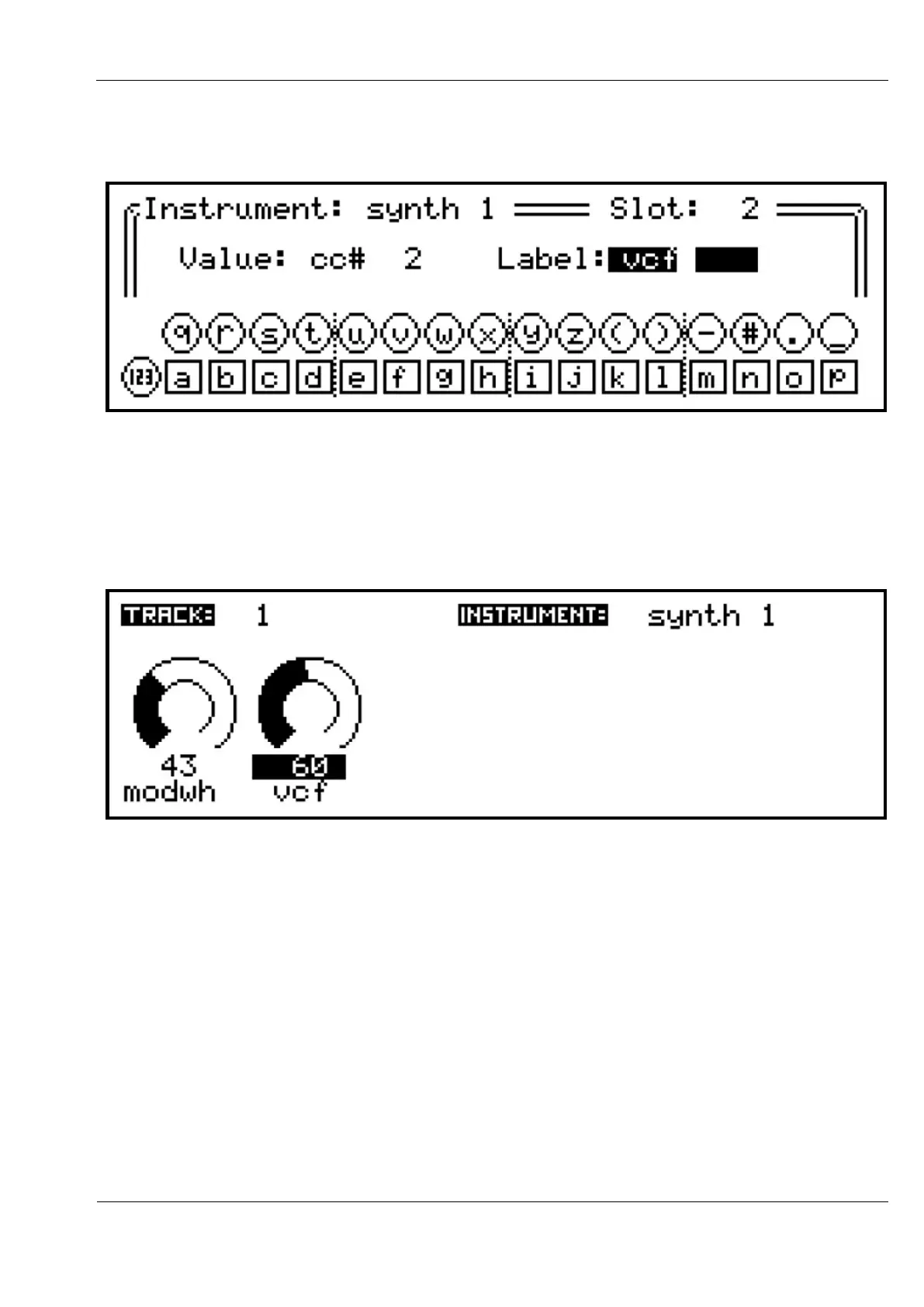
Press INSERT to edit the value. Then turn VALUE to move the selection to the label field,
and press:
The usual text input mode is used to enter label text with the step keys and encoders.
Enter the letters “vcf”.
Press ENTER to confirm the text, then SAVE to return to the track value page, where your
new label should appear:
You may continue to add further track values for any other parameters you want to control
on an instrument.
If you have filled the first 6 slots, or just want to put some values in a separate row, each
instrument has space for 16 rows of values, accessed by turning the ROW encoder.
However, only rows which have values present are normally accessible.
To move beyond the last populated row, hold SHIFT while turning the ROW encoder one
step clockwise. This will take you to an empty row, where you can INSERT new values.
Once the first value is inserted on a row, that row will be accessible without using SHIFT.



 To Next Page