Cirklon Sequencer User Manual
Updates downloaded from the web will be named according to the build or version number,
and MUST to be renamed when you copy it to your SD card.
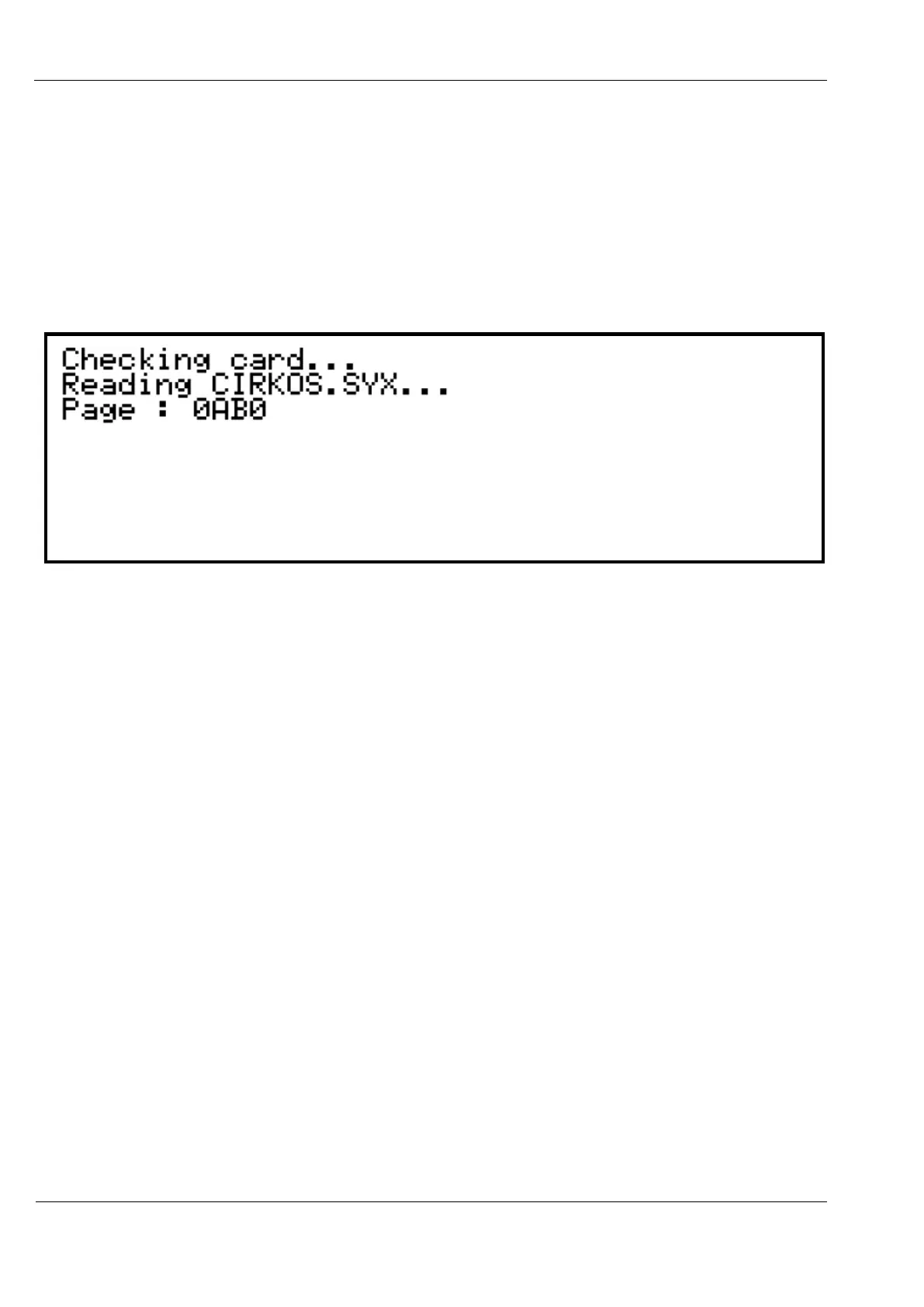
With the card containing CIRKOS.SYX in the root folder inserted in the rear panel, press
encoder 8.
The display should show the progress as the file is loaded into the program flash memory
inside your Cirklon CPU:
Once the update is complete, Cirklon will boot straight into the new version of the OS.
A check of all data in memory is performed on every boot. If there are no problems indicated,
it may be OK to start using your existing data, but the recommended approach is to re-load
the backed-up data.



 To Previous Page