Cirklon Sequencer User Manual
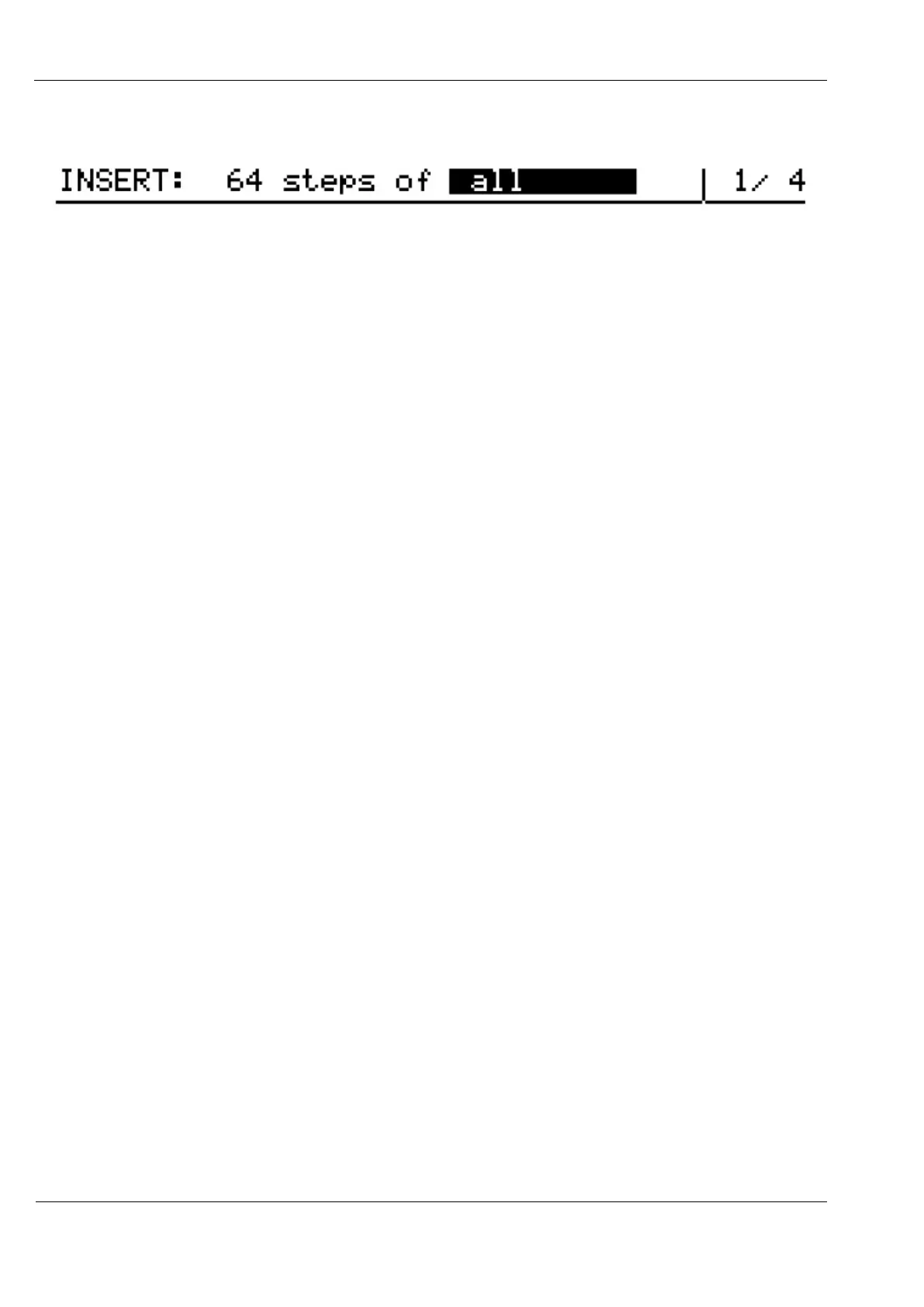
The top line of the display will change to something like this:
It shows the number of steps on the clipboard, and a filter for the values to be inserted.
When you copy steps, the values from every row are copied for each step, but when you
come to insert them, you can choose which values are to be changed.
The filter option is changed using the VALUE encoder.
The options are:
- all all row and flag values
- all –aux all row and flag values, except for the aux rows
- auxes only the aux rows
- note only the note values
- velo only the velocity values
- length only the length values
- delay only the delay values
- flags only the gate, tie, skip and X flags
- aux A only the aux A values and flags
- aux B only the aux B values and flags
- aux C only the aux C values and flags
- aux D only the aux D values and flags
To insert the selected values into the pattern, press the step key where the first step in the clip
should be written.
The full length of the clip will over-write each step from that point on.
If the end of the pattern is reached before the full clip has been inserted, insertion will wrap to
the start of the pattern and continue.
When copying steps to the clipboard, if you select a last step before the first step, the selected
steps are copied to the clipboard in reverse order.
Small sections, or the pattern can be reversed in this way.
Note that bar values are not copied using step copy and insert.



 To Next Page