Cirklon Sequencer User Manual
CV Calibration
The Vscale setting is a soft adjustment of the voltage scaling of the CV outputs.
This value is shown on the main CV config page when the V/oct law is selected.
If you switch the law to Hz/V, Vscale is replaced by the Offset value.
Although many synths may use 1 volt per octave in theory, variations in calibration of test
equipment mean that often there are slight differences in scaling between different synths.
The Vscale and Offset settings allow you to adjust each CV output individually to match the
calibration of the connected synth. This saves having to laboriously range and scale each new
synth you use against a common reference.
The CV output by each port is calculated as:
Vout = CV * (Vscale / 10000) + Offset
For a Volts-per-octave synth, the Vscale value alters the octave spacing, and the Offset value
gives an absolute change in pitch.
For a Hertz-per-volt synth, because the CV output follows an exponential curve, the effect of
the two values is swapped – Vscale gives an absolute tuning adjustment and Offset adjusts
the octave spacing.
But you don’t need to worry about the maths, there is an extra page where the correct
calibration values can be found by matching the tuning of two notes against a reference MIDI-
connected synth, or by using an external tuner.
In the CVIO config view, you can manually adjust the value by turning the encoder, but this
is slow, and not easily done by ear.
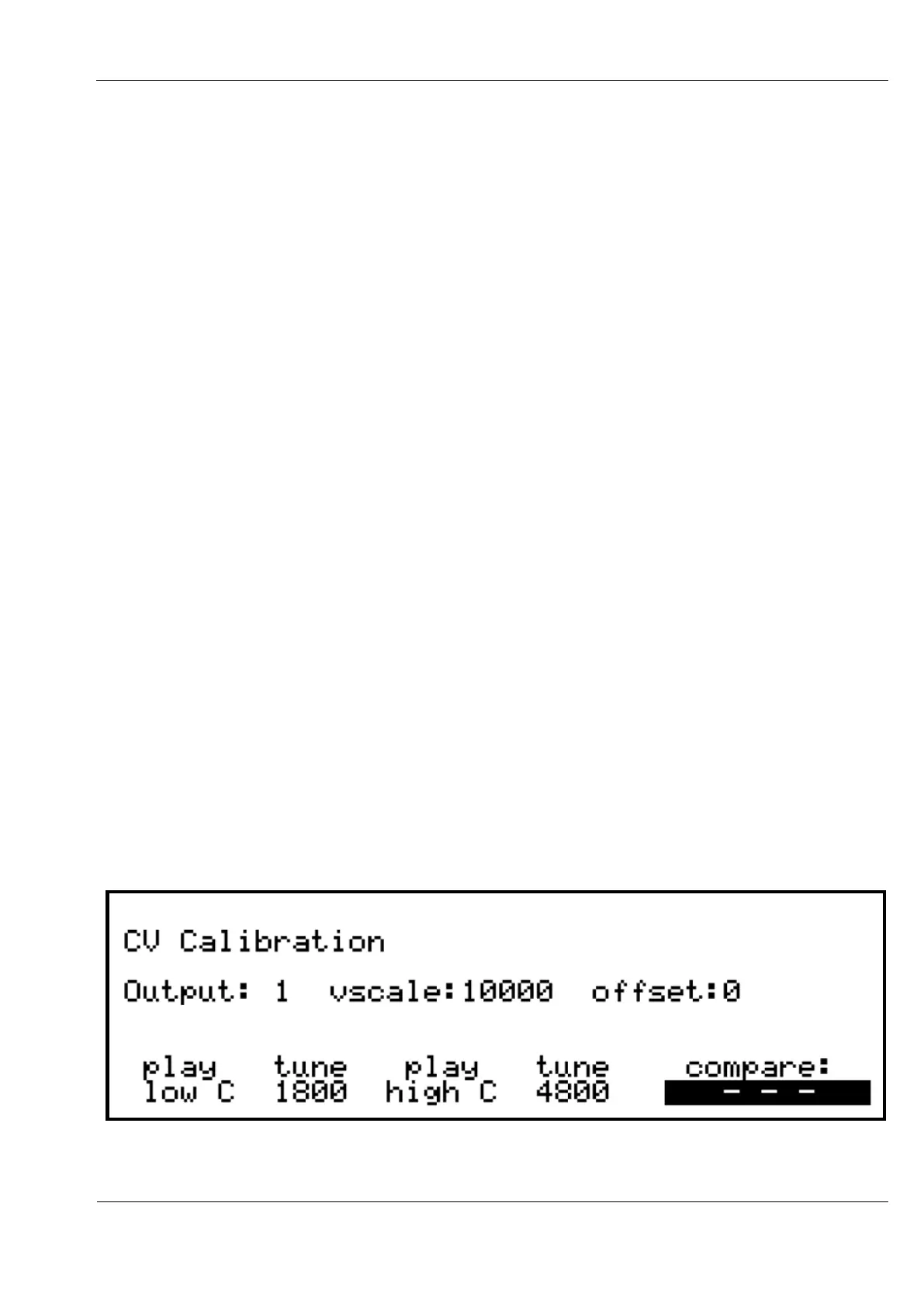
If you press the encoder, you will enter the CV Calibration page:
On the calibration page, the encoders below the display have the following functions:



 To Next Page