SMARTRG INC. PROPRIETARY AND CONFIDENTIAL. ALL RIGHTS RESERVED. COPYRIGHT © 2018 100
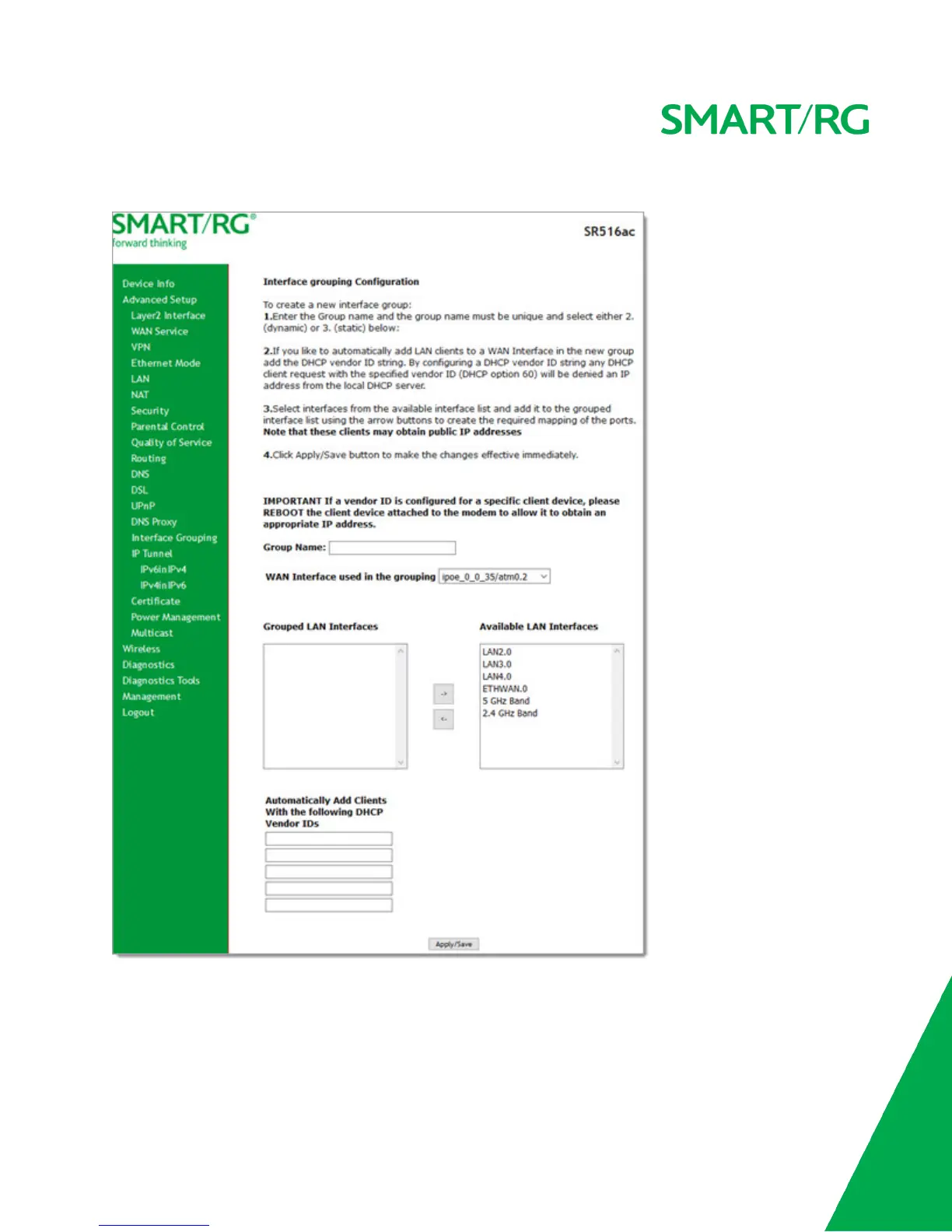
2. To add a new grouping, click Add. The following page appears.
3. Follow the on-screen instructions and then click Apply/Save.
4. To remove a grouping from the list, click the Remove checkbox next to the group name and then click the Remove but-
ton. You can only remove groupings that you create.



 To Next Page