SMARTRG INC. PROPRIETARY AND CONFIDENTIAL. ALL RIGHTS RESERVED. COPYRIGHT © 2018 18
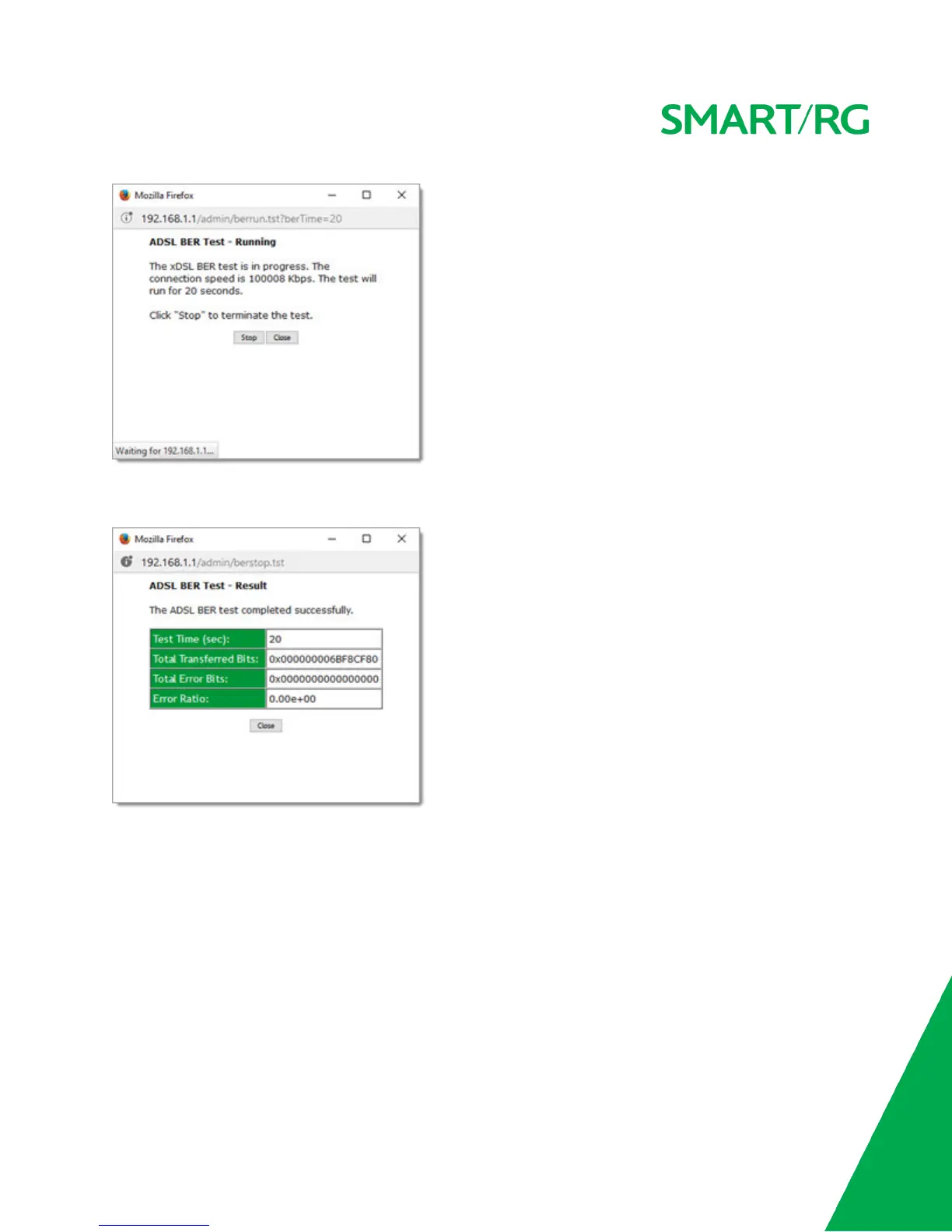
3. When the test completes, a success dialog box appears.
Note: If the Error Ratio reaches e-5, you cannot access the Internet.
Route
On this page, you can view the LAN and WAN route table information configured in your gateway for both IPv4 and IPv6 imple-
mentation.
In the left navigation bar, click Device Info > Route. The following page appears.



 To Next Page