SMARTRG INC. PROPRIETARY AND CONFIDENTIAL. ALL RIGHTS RESERVED. COPYRIGHT © 2018 138
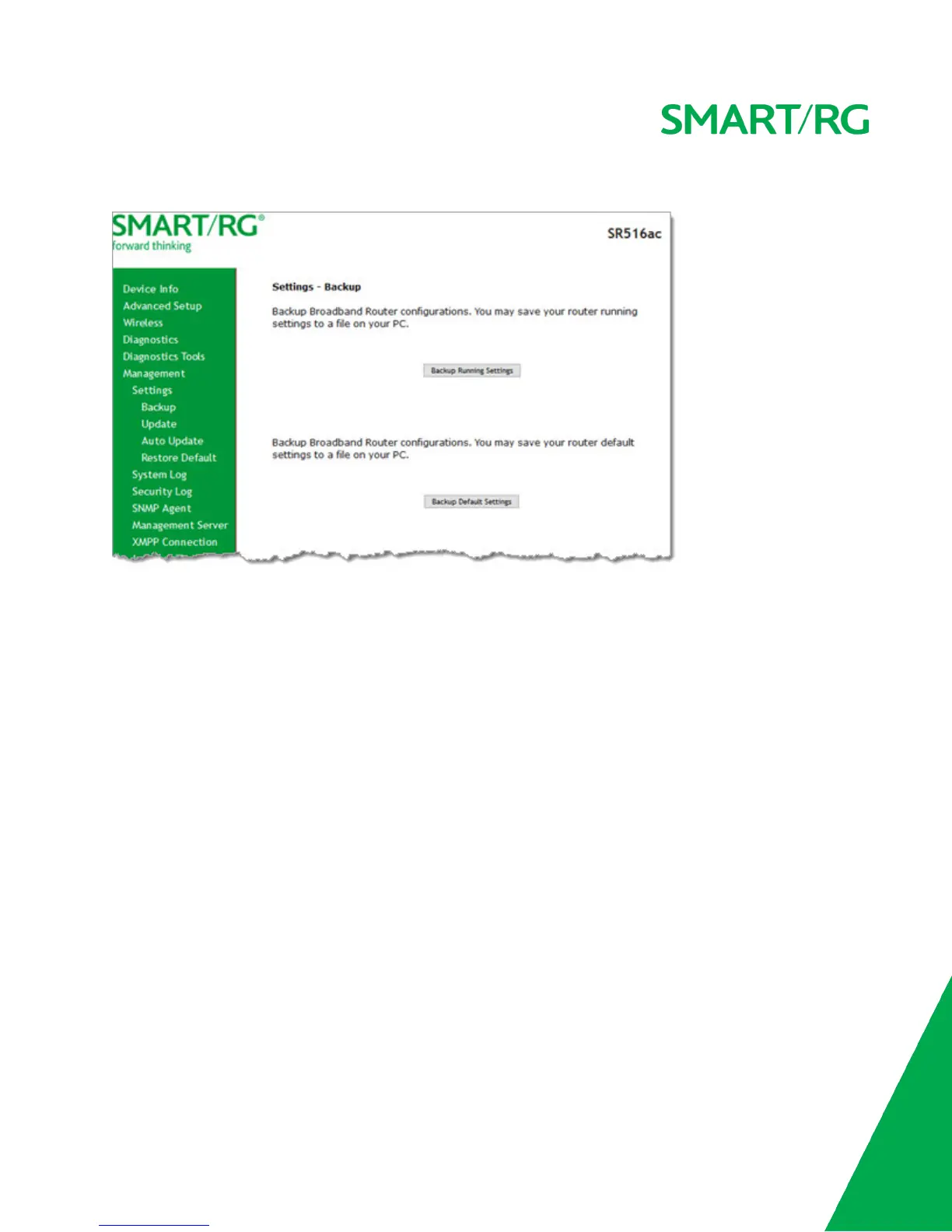
1. In the left navigation bar, click Management > Settings. The following page appears.
2. To back up the current running settings:
a. Click Backup Running Settings. The Opening file dialog box appears.
b. Click OK. The file is saved to your default download location and is named "backupsettings.conf".
3. To back up the current default settings:
a. Click Backup Default Settings. The Opening file dialog box appears.
b. Click OK. The file is saved to your default download location and is named "backupdefaultsettings.conf".
Update
On this page, you can restore previously backed-up gateway settings.



 To Next Page