SMARTRG INC. PROPRIETARY AND CONFIDENTIAL. ALL RIGHTS RESERVED. COPYRIGHT © 2018 139
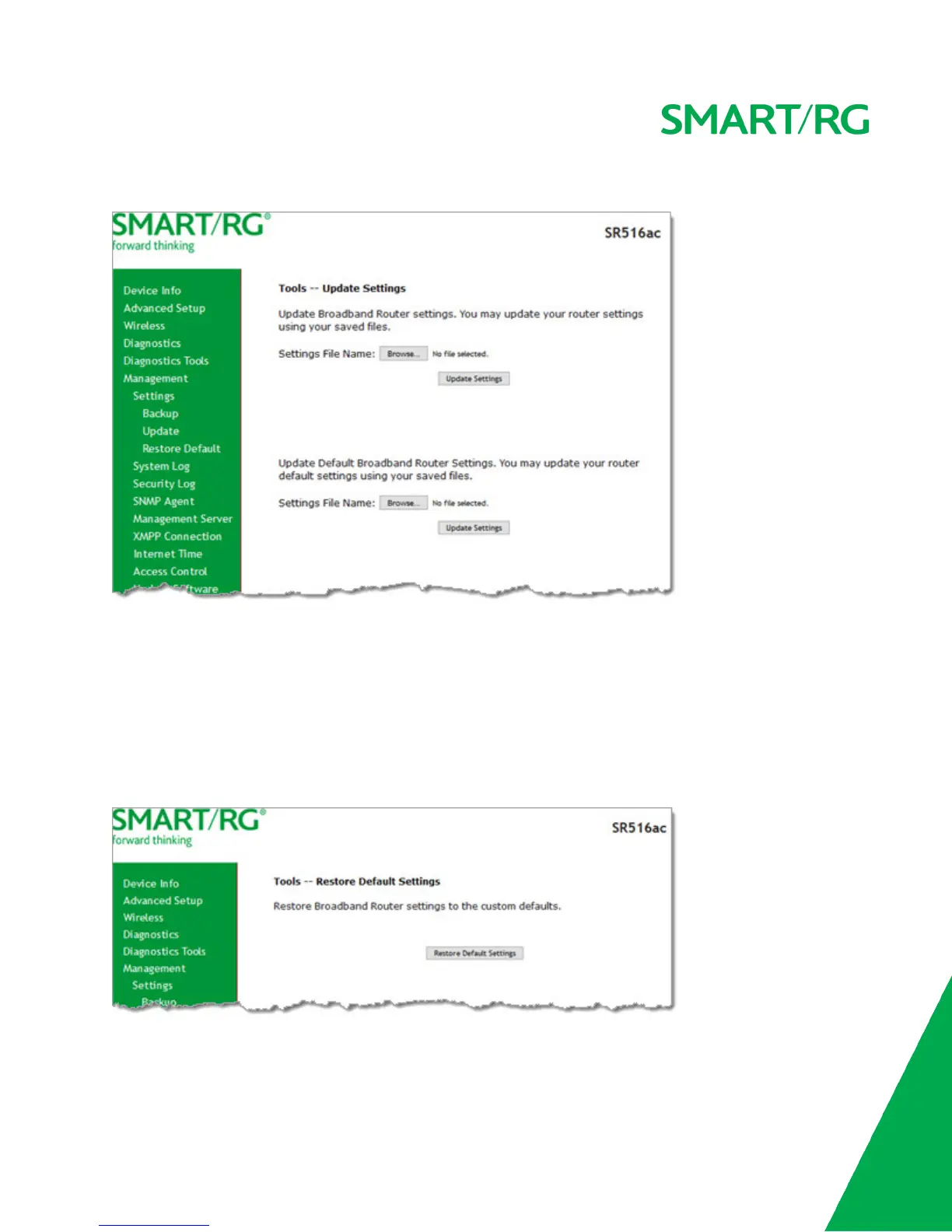
1. In the left navigation bar, click Management > Settings > Update. The following page appears.
2. To update settings from a file that you saved previously:
a. Click the Browse button to locate either a customized setting file or the default setting file (.conf file) on your
local system and click Open.
b. Click Update Settings. The gateway reboots when the update has completed.
Restore Default
On this page, you can restore the gateway to the factory default settings. If you think you might need to reload the current set-
tings, create a backup (on the Management > Settings > Backup page) before proceeding.
1. In the left navigation menu, click Management > Settings > Restore Default. The following page appears.
2. Click Restore Default Settings. The system returns to the default settings and reboots.



 To Next Page