SMARTRG INC. PROPRIETARY AND CONFIDENTIAL. ALL RIGHTS RESERVED. COPYRIGHT © 2018 97
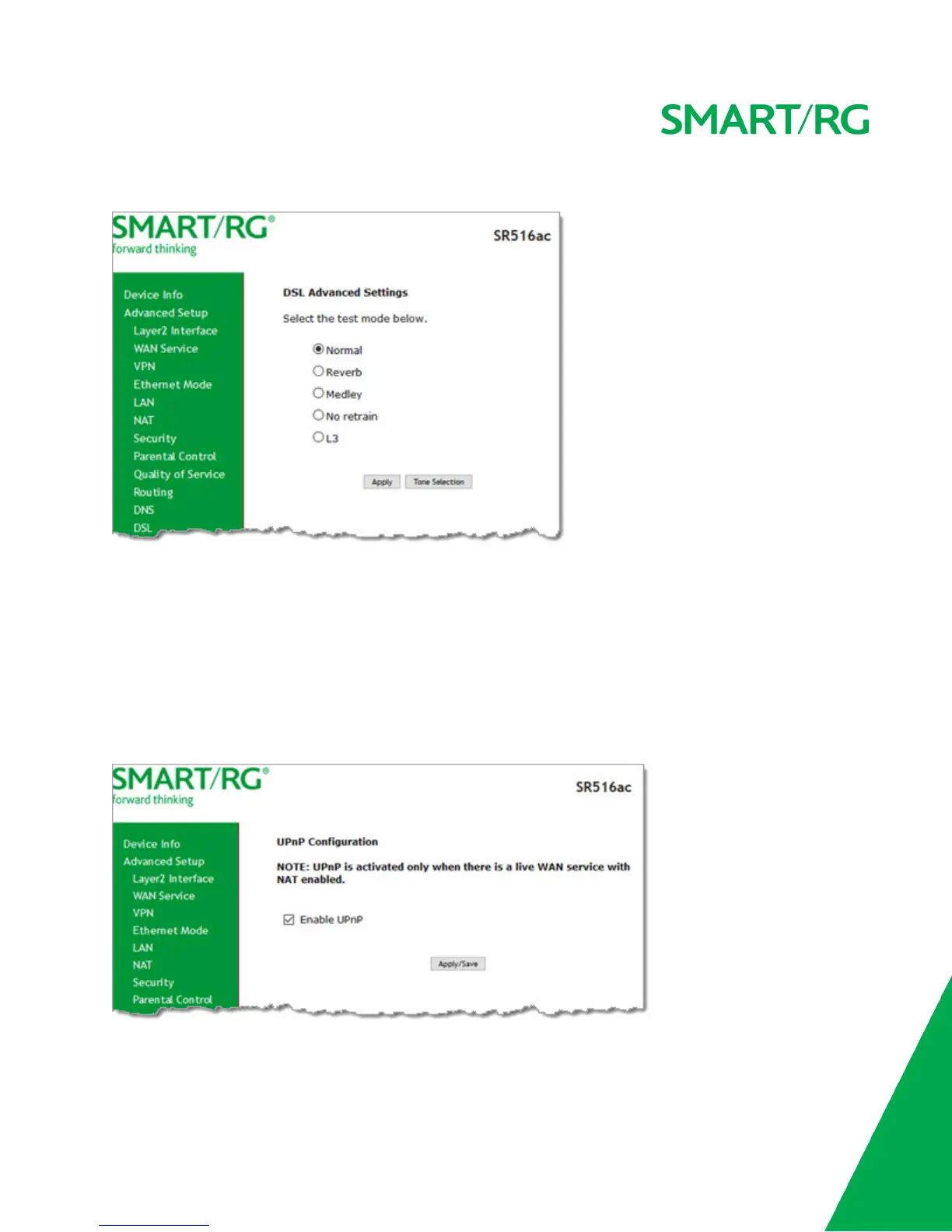
3. (Optional) To modify additional parameters, click Advanced Settings. The following page appears.
4. Select the test mode that you want to run.
5. To view the tone selection table, click Tone Selection. Changing these settings arbitrarily is not recommended. Close
the window to return to the DSL Advanced Settings page.
6. Click Apply and then click DSL in the left menu to return to the DSL page.
7. Click Apply/Save to save your changes.
UPnP
On this page, you can enable or disable the UPnP function.
1. In the left navigation menu, click Advanced Setup > UPnP. The following page appears.



 To Next Page