SMARTRG INC. PROPRIETARY AND CONFIDENTIAL. ALL RIGHTS RESERVED. COPYRIGHT © 2018 50
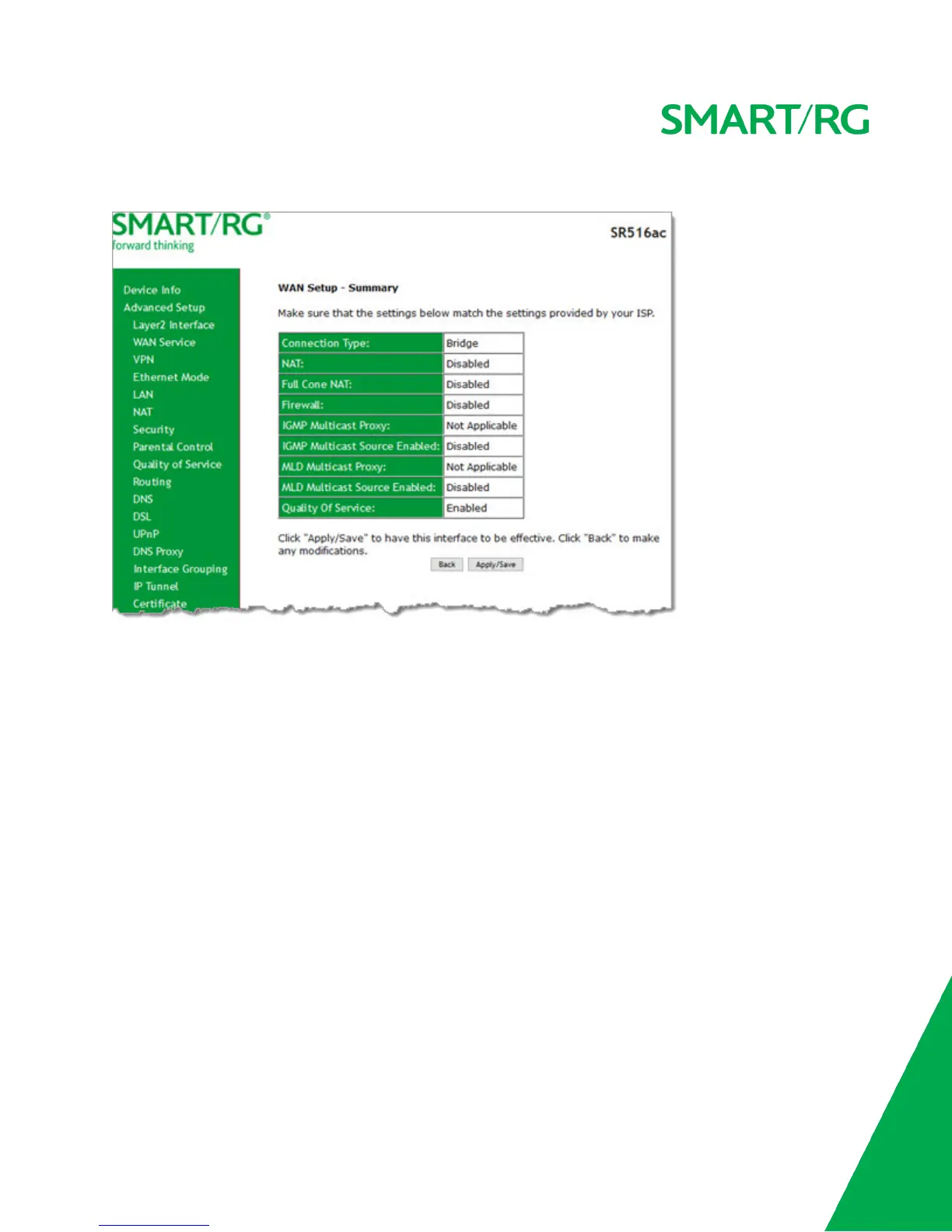
5. Click Next. The summary page appears indicating that your Bridging WAN setup is complete.
6. Review the summary and either click Apply/Save to commit your changes or click Back to step through the pages in
reverse order to make any necessary alterations.
VPN
In this section, you can configure tunneling protocols (L2TP or PPTPclients) for your network. The settings are usually specific to
a customer's ISP.
L2TP Client Configuration
On this page, you can configure the L2TP (Layer 2 Tunneling Protocol) client.



 To Next Page