SMARTRG INC. PROPRIETARY AND CONFIDENTIAL. ALL RIGHTS RESERVED. COPYRIGHT © 2018 88
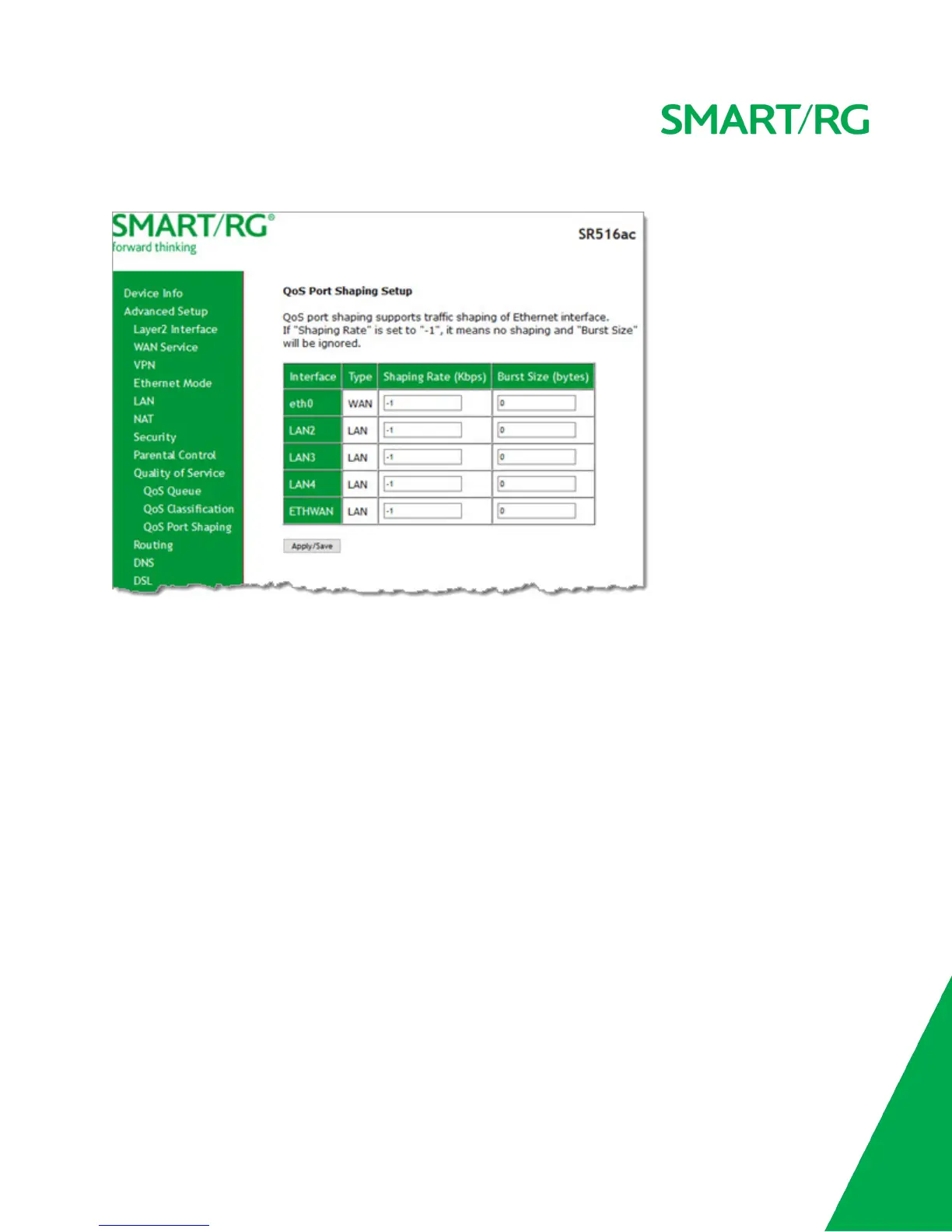
1. In the left navigation bar, click Advanced Setup > Quality Of Service > QoS Port Shaping. The following page appears.
2. (Optional) For each interface in the table, enter a Shaping Rate (in Kbps) and a Burst Size (in bytes). The default settings
work for most scenarios.
3. Click Apply/Save to commit your changes.
Routing
In this section, you can configure default gateway, static routing, policy routing and RIP settings.
Default Gateway
On this page, you can select the WAN interface for the default gateway.



 To Next Page