SMARTRG INC. PROPRIETARY AND CONFIDENTIAL. ALL RIGHTS RESERVED. COPYRIGHT © 2018 66
Virtual Servers
Firewall can prevent unexpected traffic on the Internet from your host on the LAN. The virtual server can create a channel that
can pass through the firewall. In that case, the host on the Internet can communicate with a host on your LAN within certain port
range.
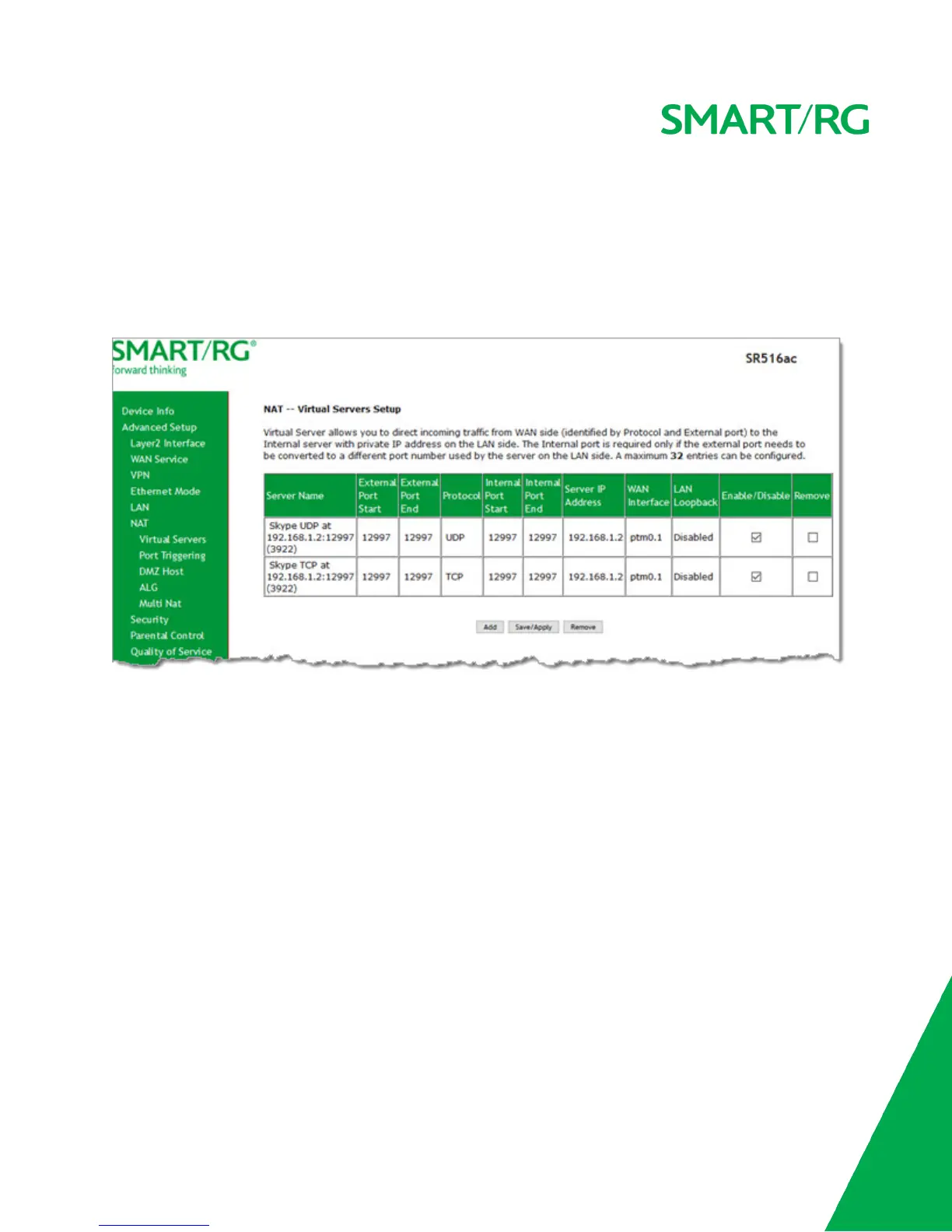
On this page, you can add or remove virtual server entries.
1. In the left navigation bar, click Advanced Setup > NAT > Virtual Servers. The following page appears.



 To Next Page