SMARTRG INC. PROPRIETARY AND CONFIDENTIAL. ALL RIGHTS RESERVED. COPYRIGHT © 2018 9
WAN
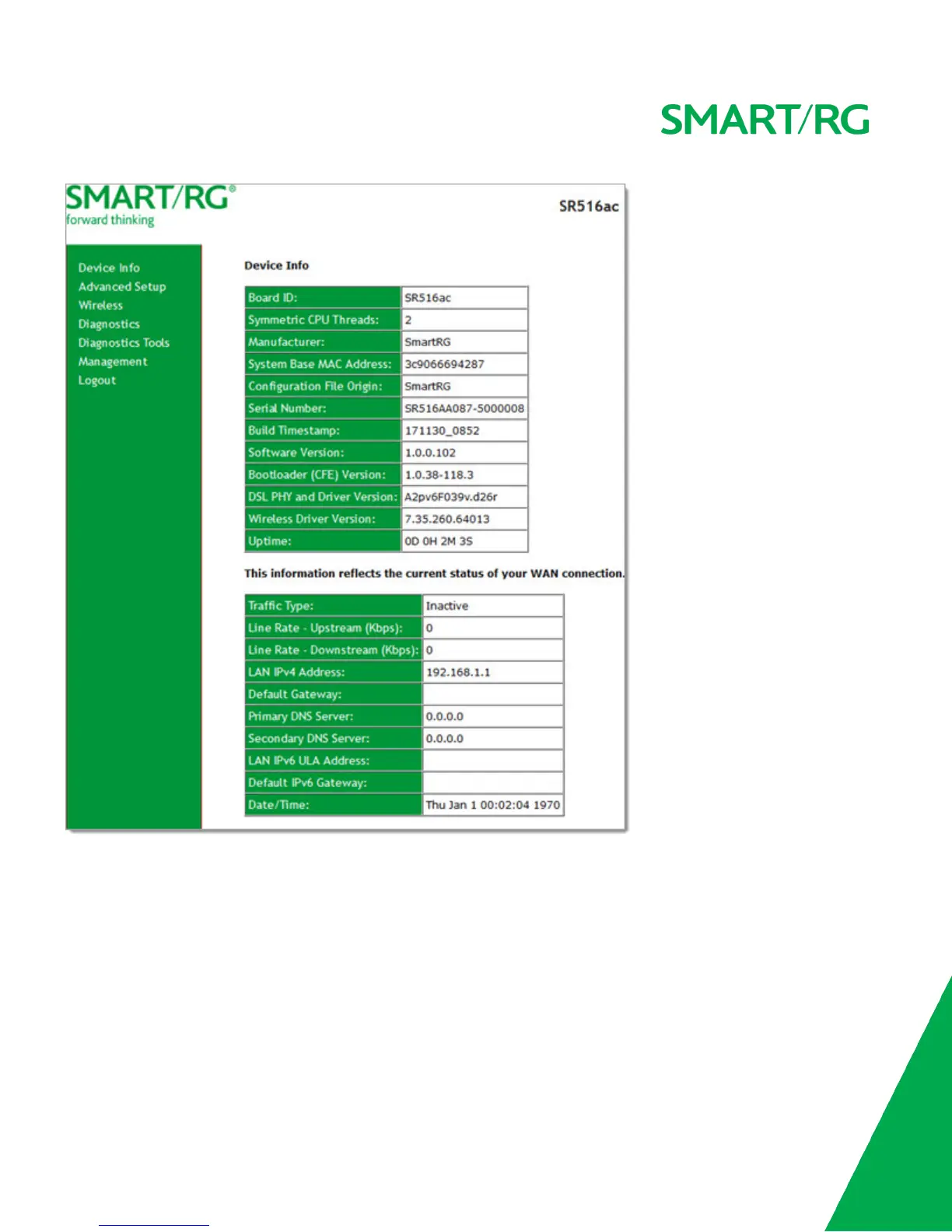
The WAN status screen provides a high level overview of the connection between your Internet Service Provider and your gate-
way device. The WAN interface can physically be DSL or Ethernet and supports a number of Layer 2 and later configuration
options covered later in this document.
In the left navigation bar, click Device Info > WAN. The following page appears.



 To Next Page