SMARTRG INC. PROPRIETARY AND CONFIDENTIAL. ALL RIGHTS RESERVED. COPYRIGHT © 2018 154
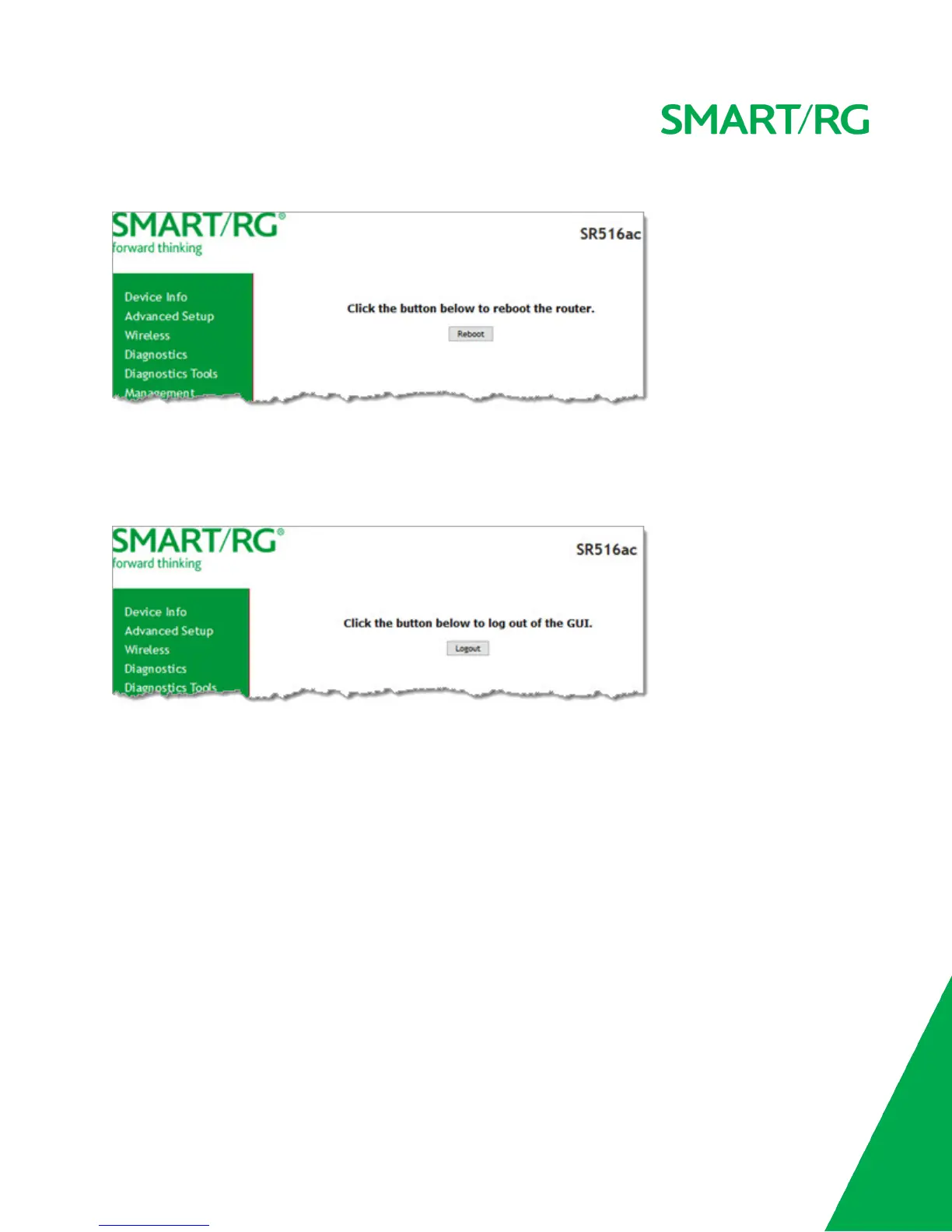
1. In the left navigation, click Management > Reboot. The following page appears.
2. Click Reboot. The gateway reboots and, after a few minutes, the Login dialog box appears.
Logout
1. To log out of your gateway, click Logout in the left navigation menu. The Logout page appears.
2. Click the Logout button. A success message appears.
Appendix: FCC Statements
FCC Interference Statement
This device complies with Part 15 of the Federal Communications Commission (FCC) Rules. Operation is subject to the following
two conditions:
l This device may not cause harmful interference.
l This device must accept any interference received, including interference that may cause undesired operation.
This equipment has been tested and found to comply with the limits for a Class B digital device, pursuant to part 15 of the FCC
Rules. These limits are designed to provide reasonable protection against harmful interference in a residential installation. This
equipment generates, uses and can radiate radio frequency energy and, if not installed and used in accordance with the instruc-
tions, may cause harmful interference to radio communications. However, there is no guarantee that interference will not occur
in a particular installation.



 To Next Page