SMARTRG INC. PROPRIETARY AND CONFIDENTIAL. ALL RIGHTS RESERVED. COPYRIGHT © 2018 47
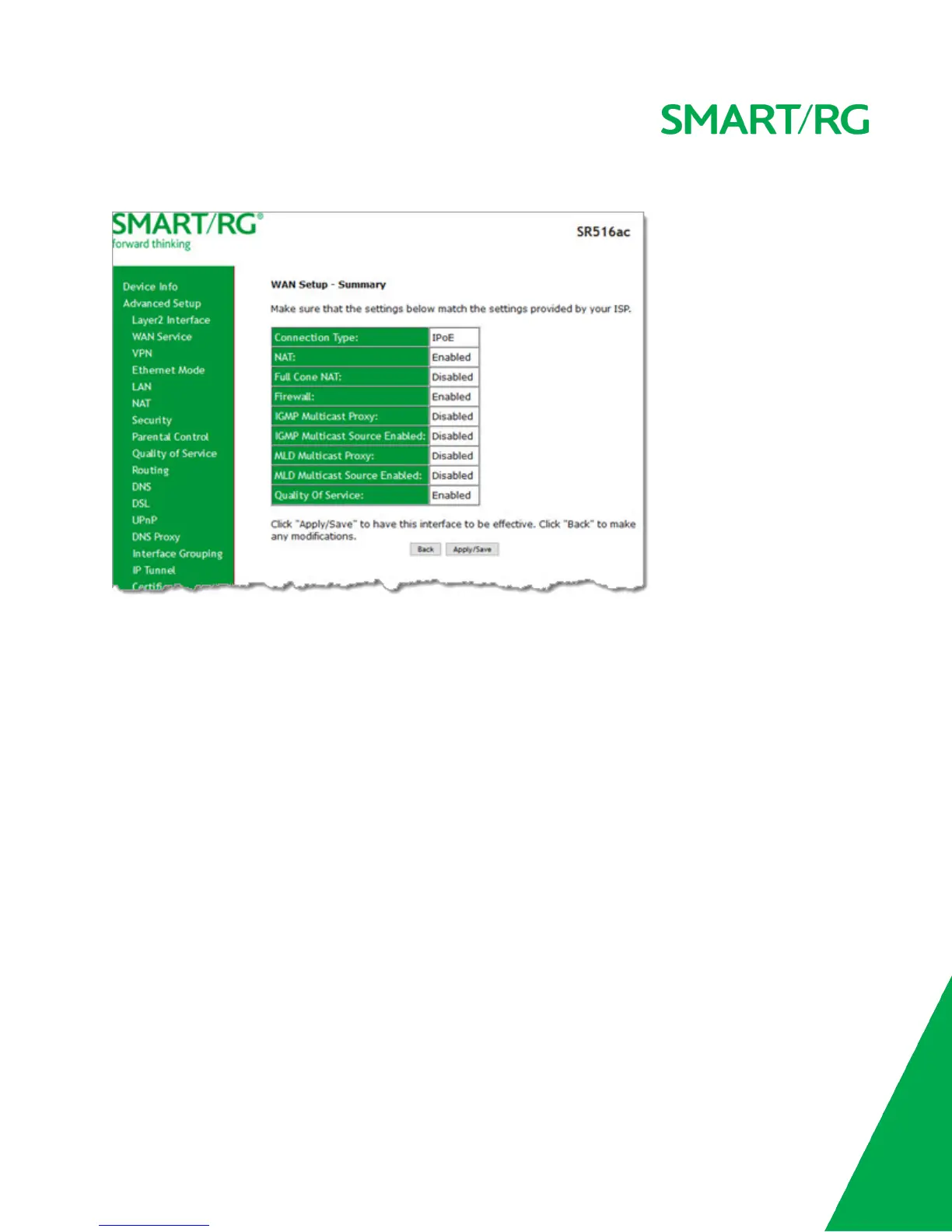
14. Click Next. The following page appears.
15. Review the IPoE settings. You can modify the settings by clicking the Back button.
16. Click Apply/Save to save and apply the settings.
Bridging
Before you can configure a bridge WAN service, you must create the related Layer2 ATM interface.



 To Next Page