SMARTRG INC. PROPRIETARY AND CONFIDENTIAL. ALL RIGHTS RESERVED. COPYRIGHT © 2018 135
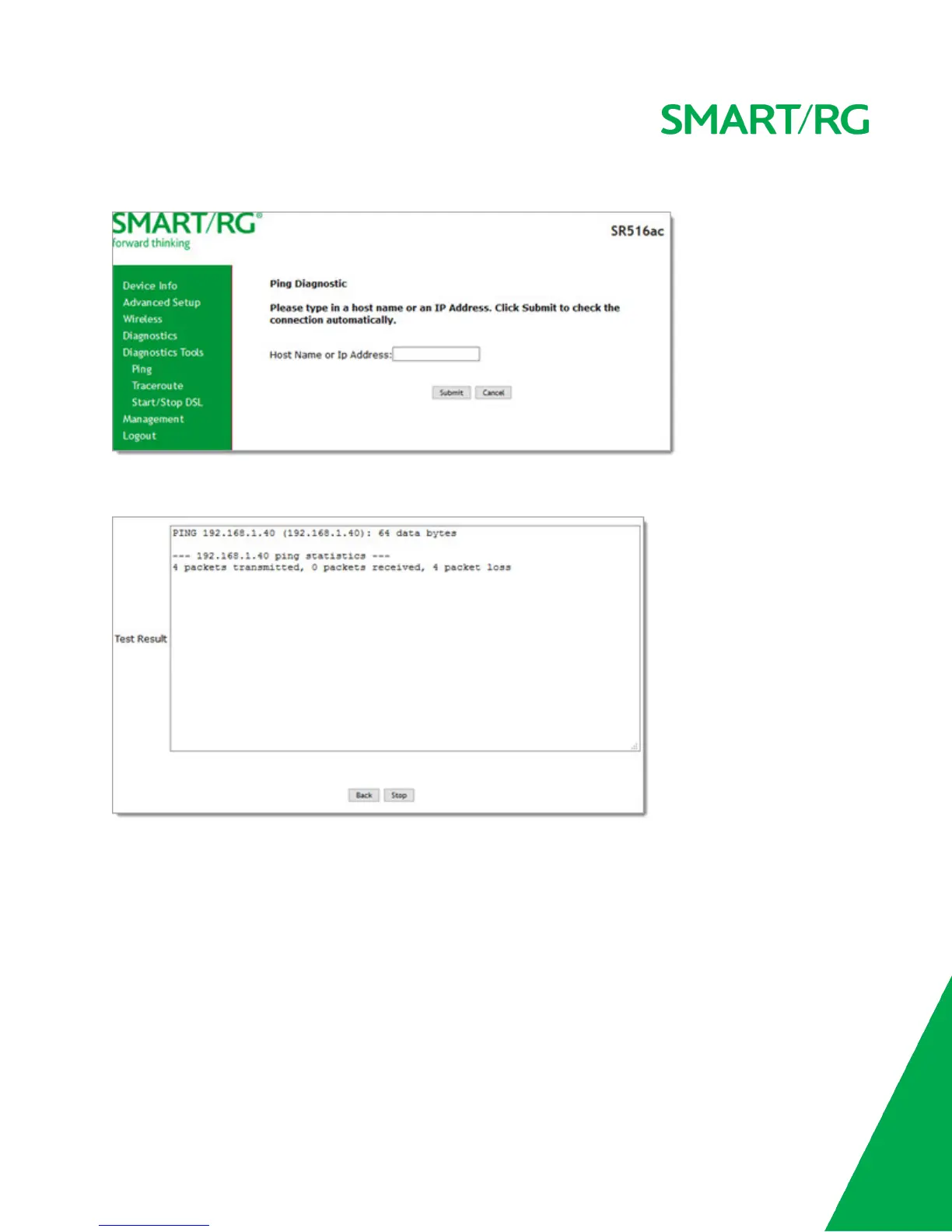
1. In the left navigation menu, click Diagnostics Tools > Ping. The following page appears.
2. Enter the host name or IP address.
3. Click Submit. The details of the ping appear on the page.
4. To return to the Ping Diagnostic page, click Back.
5. To stop a test, click Stop.
Traceroute
On this page, you can use the traceroute utility to trace a connection.



 To Next Page