SMARTRG INC. PROPRIETARY AND CONFIDENTIAL. ALL RIGHTS RESERVED. COPYRIGHT © 2018 140
System Log
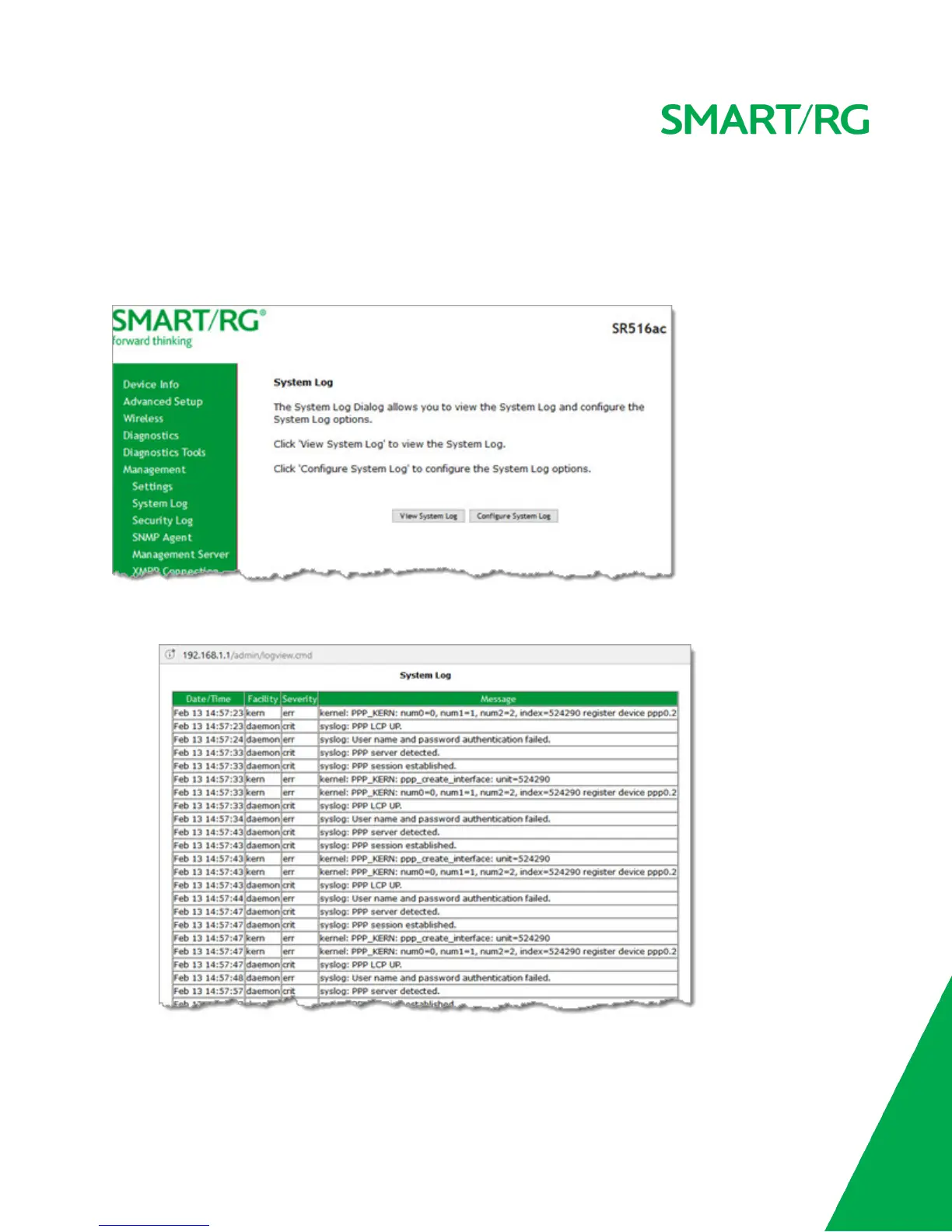
The System Log page displays a history of error conditions and other events encountered by your gateway. You can configure the
system log and view the security log.
1. In the left navigation bar, click Management > Settings > System Log. The following page appears.
2. To view the system log details:
a. Click View System Log. The log appears in a separate window.
b. To update the data, click Refresh.



 To Next Page