SMARTRG INC. PROPRIETARY AND CONFIDENTIAL. ALL RIGHTS RESERVED. COPYRIGHT © 2018 150
l "admin" has unrestricted access
l "support" has general access rights plus additional rights to perform maintenance tasks and run diagnostics.
l "user" can view settings and statistics and update the firmware.
Passwords
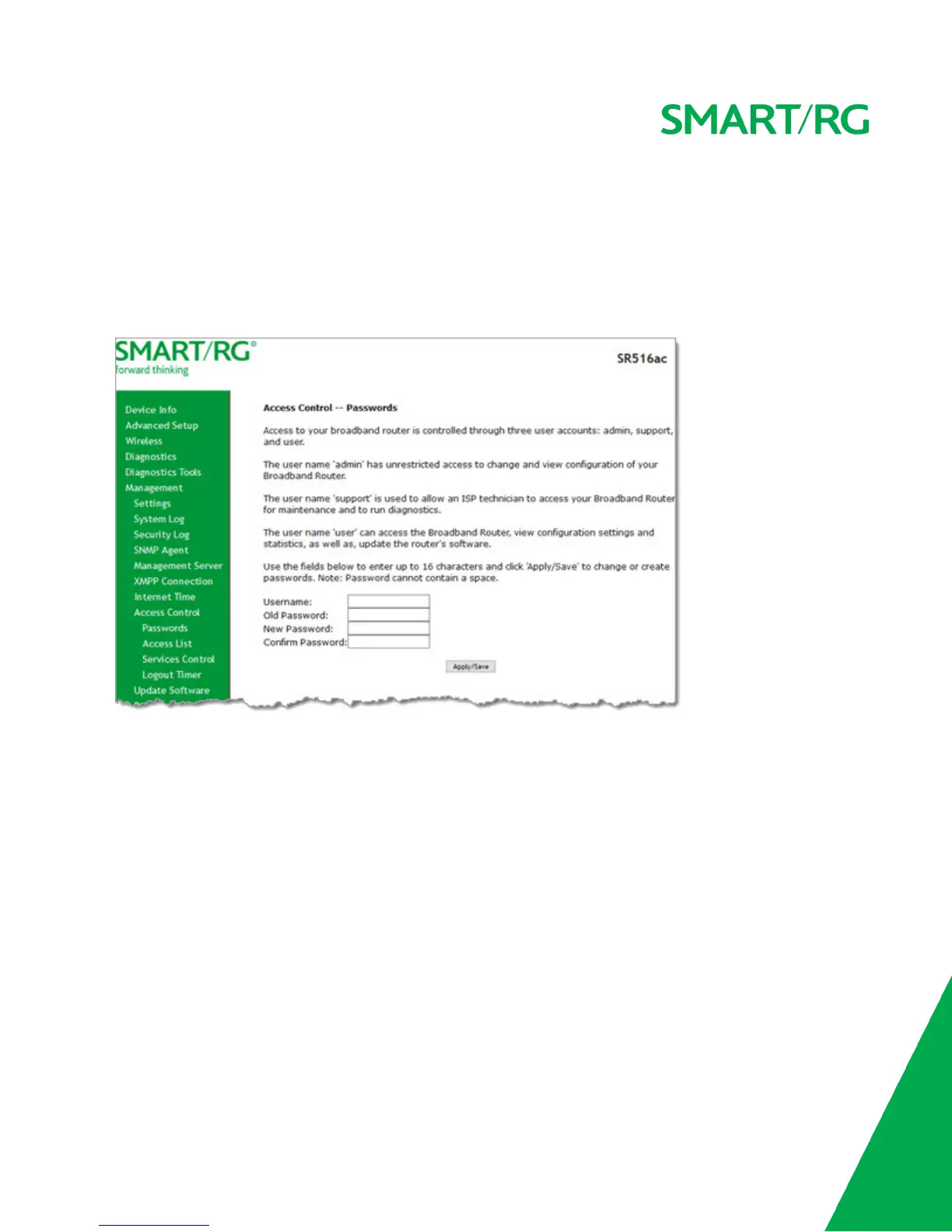
On this page, you can modify the username and password of your users.
1. In the left navigation bar, click Management > Access Control. The following page appears.
2. Enter the user name in the Username field.
3. Enter the current password in the Old Password field.
4. Enter the new password in the New Password and Confirm Password fields. Passwords cannot contain spaces.
5. Click Apply/Save to implement your changes.
Access List
On this page, you can create list of IP addresses that are allowed to access local management services (defined in the Services
Control list). When Access Control mode is disabled, IP addresses for incoming packets are not validated.



 To Next Page