SMARTRG INC. PROPRIETARY AND CONFIDENTIAL. ALL RIGHTS RESERVED. COPYRIGHT © 2018 124
Field Name Description
Airtime Fairness Select how the gateway will manage the receiving signal with other devices. Options are Disable and
Enable. The default is Enable.
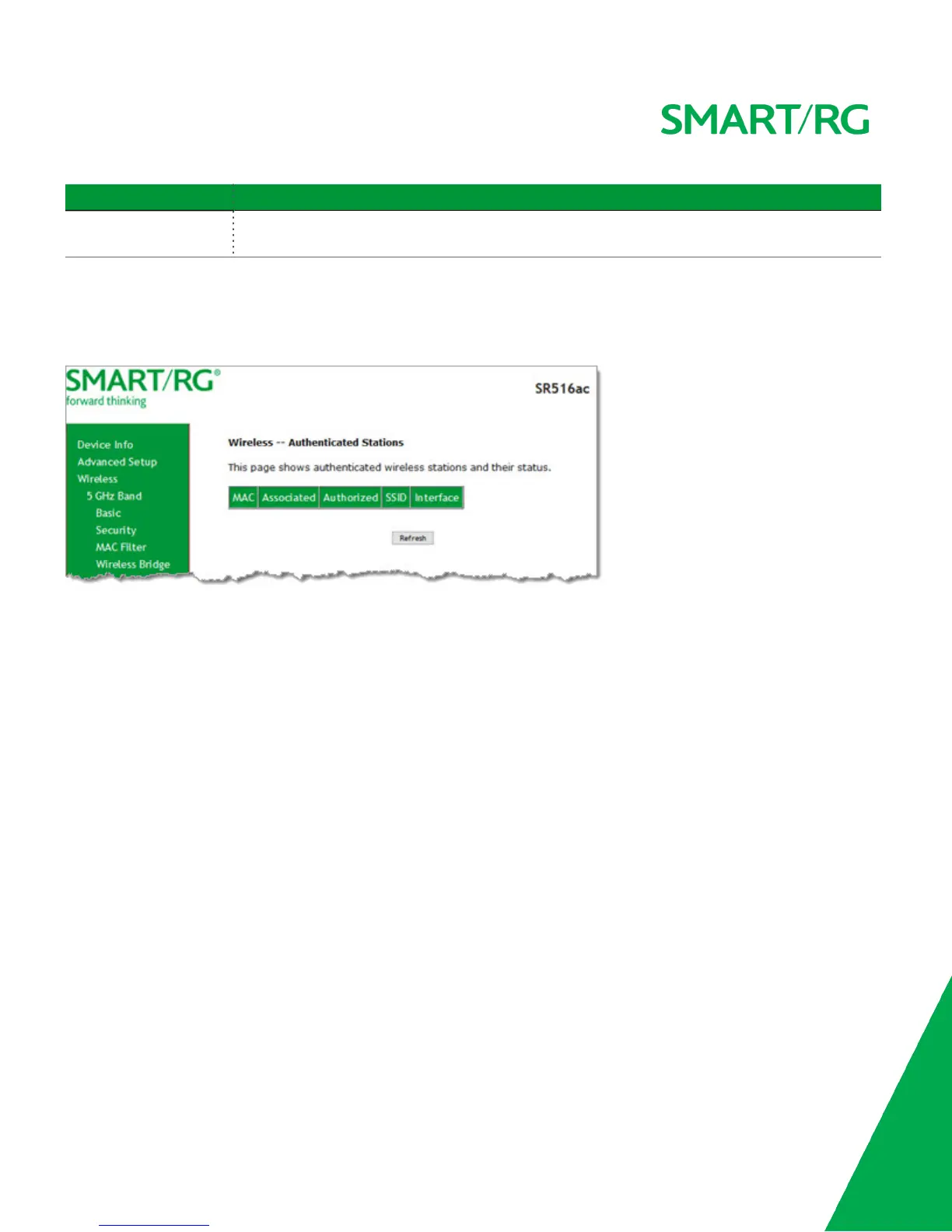
Station Info
On this page, you can view the authenticated wireless stations and their status.
In the left navigation menu, click Wireless > Station Info. The following page appears.
To update the data, click Refresh.
Wifi Insight
On this page, you can configure the WiFi Insight system.



 To Next Page