SMARTRG INC. PROPRIETARY AND CONFIDENTIAL. ALL RIGHTS RESERVED. COPYRIGHT © 2018 20
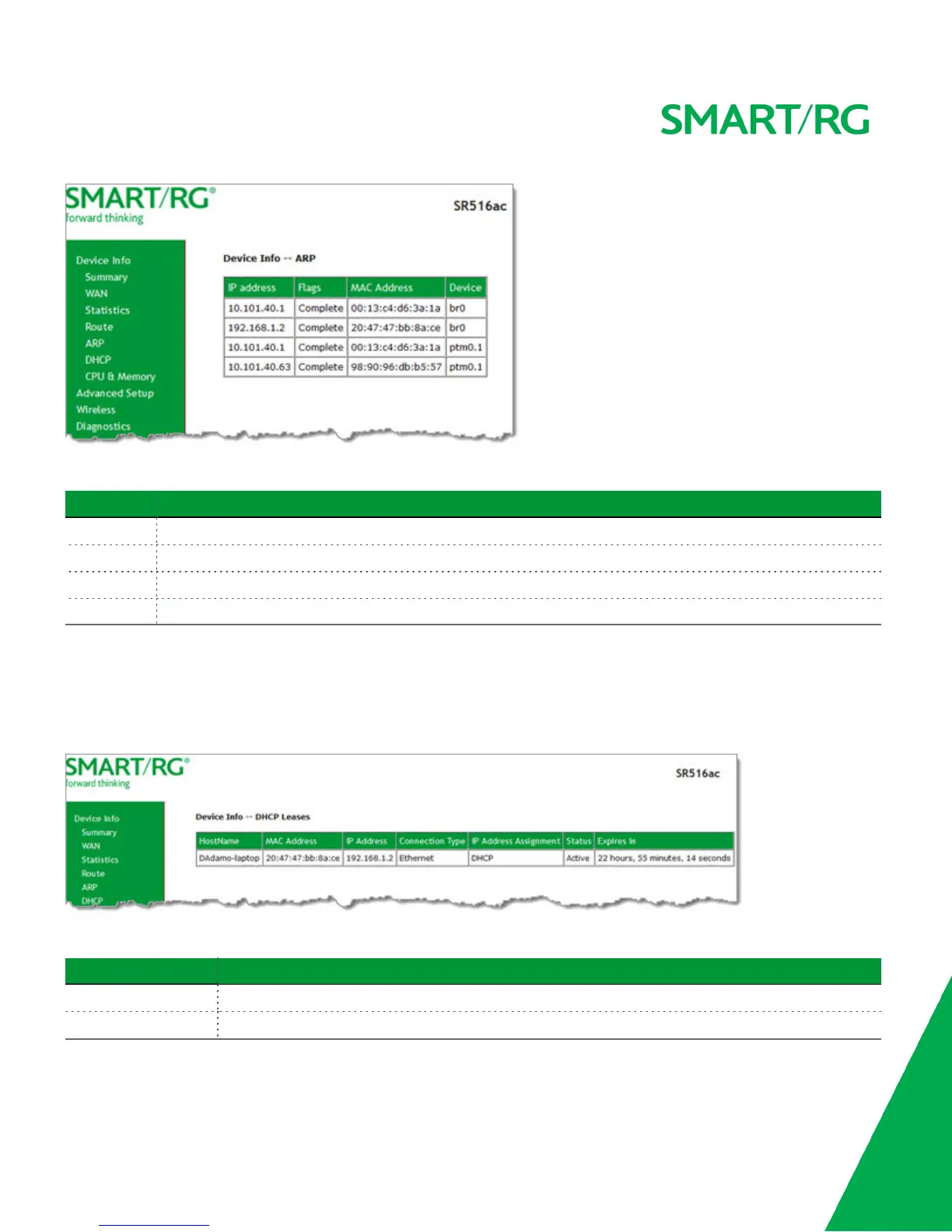
The fields on this page are defined below.
Field Name Description
IP address IP address of the host.
Flags Each entry in the ARP cache is marked with a status flag. Options are Complete, Permanent, and Published.
MAC Address MAC address of the host.
Device System level interface by which the host is connected. Options are: br(#), atm(#), eth(#), and ptm(#).
DHCP
On this page, you can view the host name, the IP address assigned by the DHCP server, the MAC address corresponding to the IP
address, and the DHCP lease time.
In the left navigation bar, select Device Info > DHCP. The following screen appears.
The fields on this page are defined below.
Field Name Description
Hostname Host name of each connected LAN device.
MAC Address MAC address for each connected LAN device.



 To Next Page