SMARTRG INC. PROPRIETARY AND CONFIDENTIAL. ALL RIGHTS RESERVED. COPYRIGHT © 2018 98
2. To disable UPnP, click the Enable UPnP check box to clear it.
3. Click Apply/Save to save and apply the settings.
DNS Proxy
On this page, you can enable or disable the DNS proxy function. This function is enabled by default.
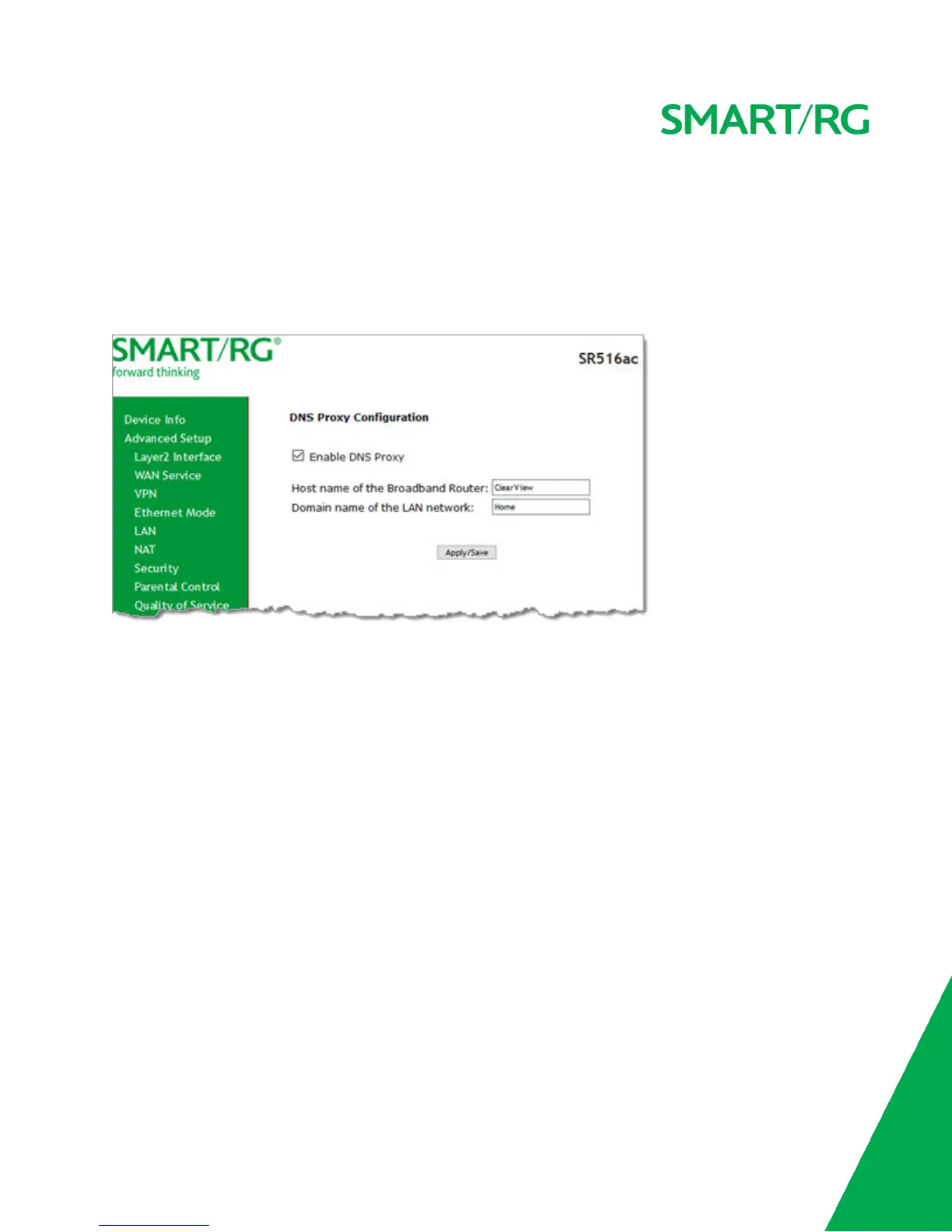
1. In the left navigation menu, click Advanced Setup > DNS Proxy. The following page appears.
2. To disable the DNS Proxy, click the Enable DNS Proxy checkbox to clear it.
3. To modify the host and domain, enter the host name of the new broadband gateway and the domain name of the LAN net-
work.
4. Click Apply/Save to implement the settings.
Interface Grouping
On this page, you can configure interface groupings. Interface grouping supports multiple ports to PVC and bridging groups. Each
group performs as an independent network. Only the default group has an IP interface. To support this feature, you must create
mapping groups with the appropriate LAN and WAN interfaces.



 To Next Page