SMARTRG INC. PROPRIETARY AND CONFIDENTIAL. ALL RIGHTS RESERVED. COPYRIGHT © 2018 131
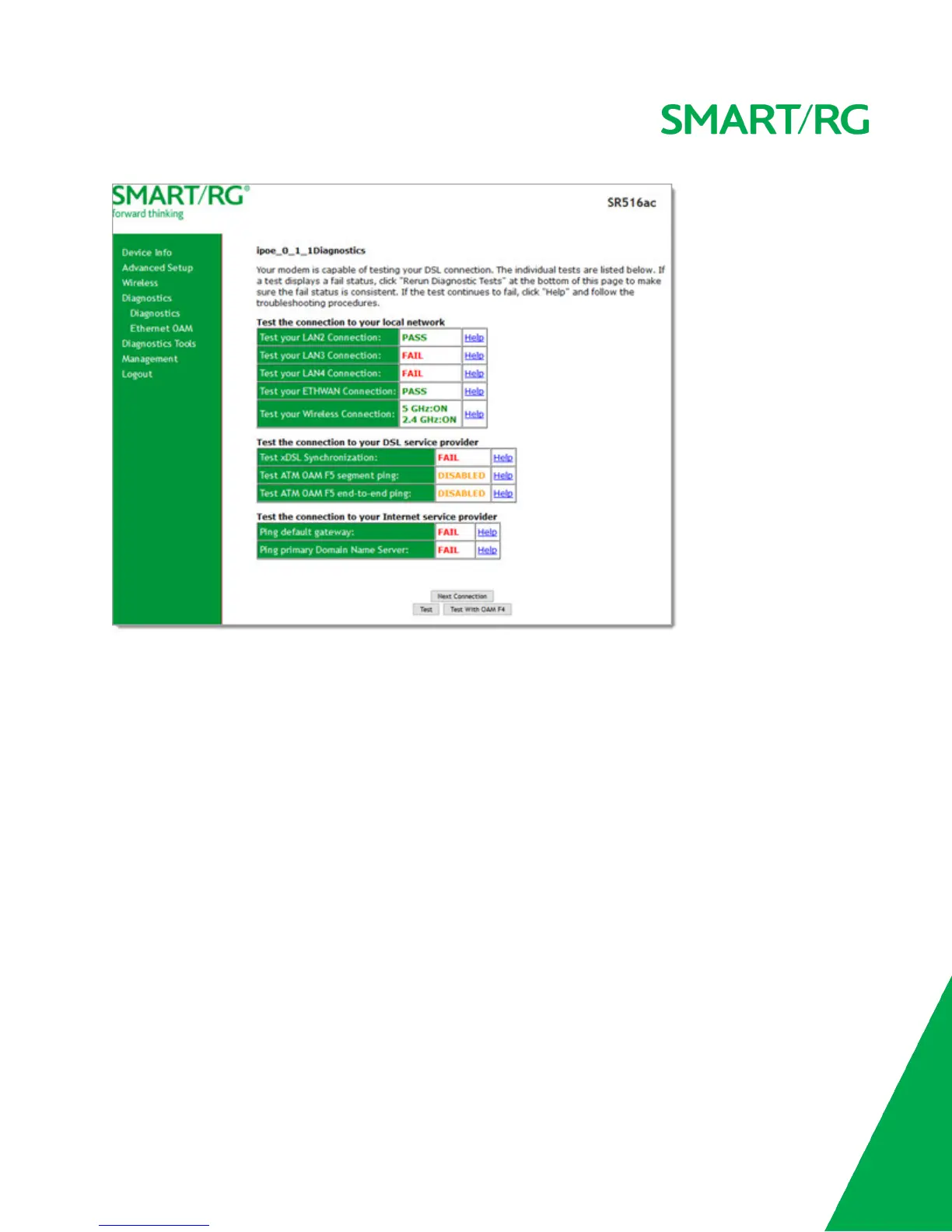
2. To run a test (and refresh the data), click the appropriate Test button.
The table is updated with fresh diagnostic information regarding connection integrity.
3. To test another connection, click Next Connection. The data refreshes and the Previous Connection button appears.
4. If a test fails, click the Help link located in the last column to learn more about what is being tested and what actions you
can take.
Ethernet OAM
On this page, you can view diagnostics regarding your VDSL PTM or Ethernet WAN connection. Fault Management is compliant
with IEEE 802.1ag for Connectivity Fault Management.



 To Next Page