SMARTRG INC. PROPRIETARY AND CONFIDENTIAL. ALL RIGHTS RESERVED. COPYRIGHT © 2018 89
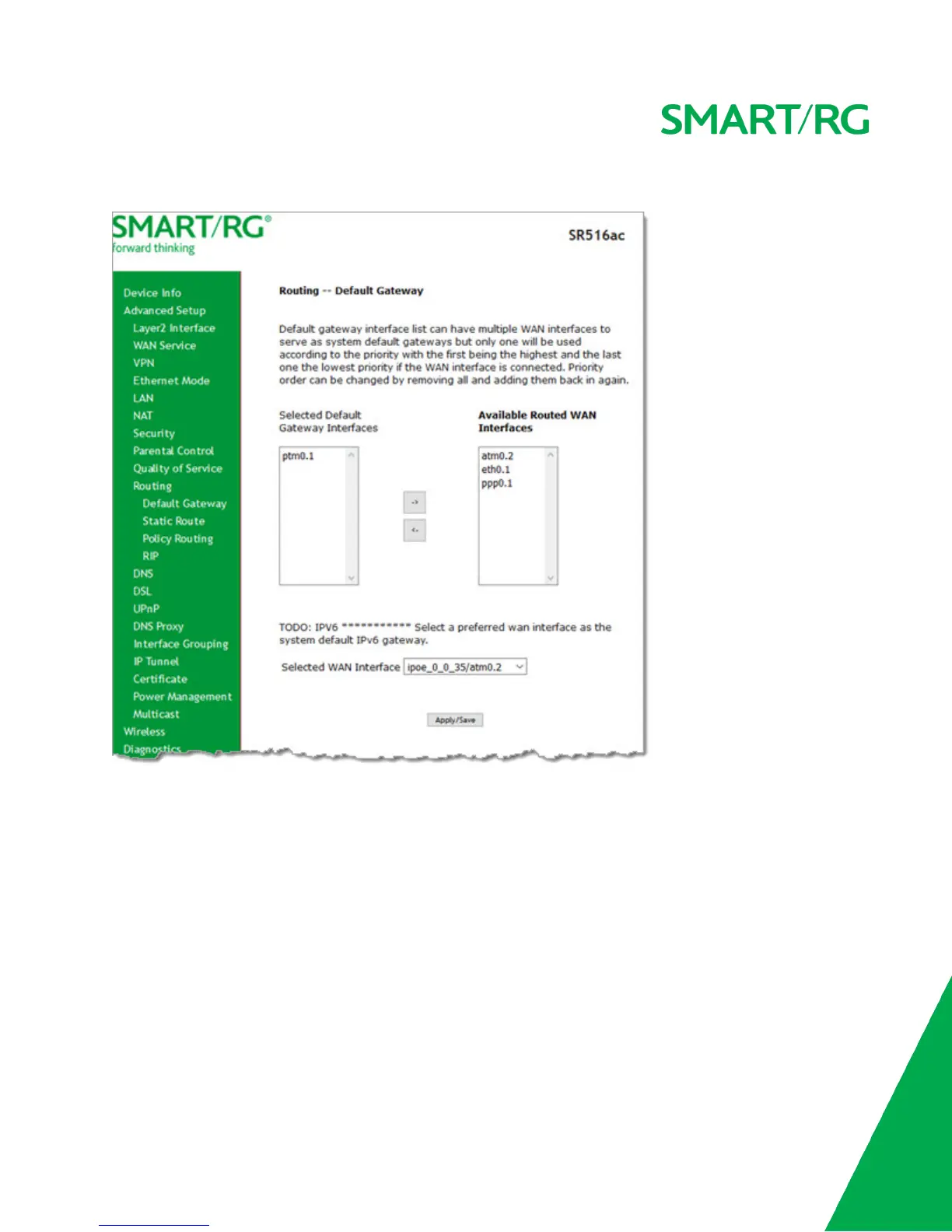
1. In the left navigation bar, click Advanced Setup > Routing. The following page appears.
2. (Optional) Select entries in the lists and click the arrows to move your selections from left to right or right to left.
3. (Optional) In the Selected WAN Interface field, select the appropriate interface.
4. Click Apply/Save to implement the settings.
Static Route
On this page, you can configure static routes for your network. Static route is a form of manually configured, fixed route for IP
data. You can enter a maximum of 32 entries.



 To Next Page